Can’t summon other players because multiplayer is not working in Elden Ring? You’re not alone – this is a common issue that’s frustrating players worldwide. If multiplayer is broken for you on PC, PS, and Xbox, here are a few troubleshooting tips that you can try to fix it.
Elden Ring Multiplayer Not Working Fix for PC, Xbox, PS
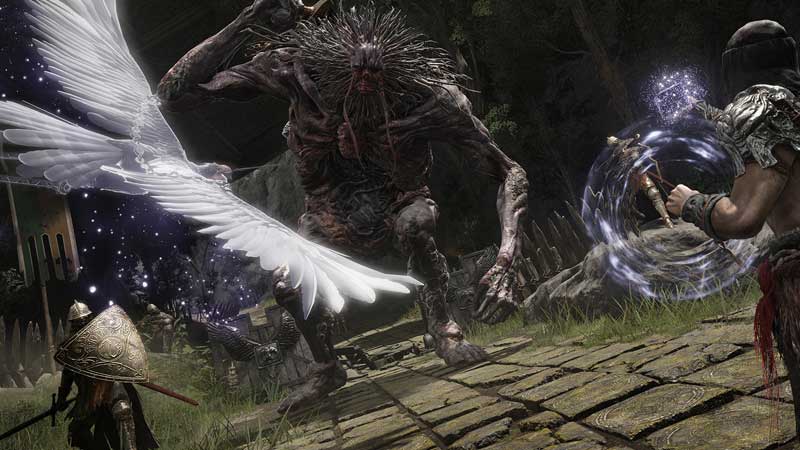
These are not guaranteed fixes, but worth an attempt since many players have reported that they have resolved the issues for them on PC, Xbox and PS.
- Make sure you have updated the game to the latest patch.
- PC players:
- Open the Steam library.
- Choose Elden Ring > Select Manage > Properties.
- Select the Updates tab and click on Automatic Updates.
- Xbox players:
- Manually update your Xbox Series X/S game by heading to the My Games and Apps section > Manage > Updates.
- PlayStation players:
- Open the library and choose the game > Press the Options button > choose Check for Update.
- PC players:
- Update your graphics drivers to the latest version.
- Head over to the official site of the manufacturer and download the latest files. You can also uninstall and do a fresh install of these drivers.
- Update your Windows OS to the latest version.
- Select Start > Settings > Update & Security > Windows Update > Select Check for updates.
- Check if Elden Ring servers are down at that moment. Also, find out if Xbox Live and PSN servers are down or not.
- Verify integrity of Steam files.
- Open the Steam client.
- Find Elden Ring in the Library.
- Right-click on the name and click on Properties.
- On the left side, there’s a Local Files tab that you need to click on.
- Click on Verify Integrity of Game Files.
- After the verification process is over, start the game again and see if it still crashes midway or at startup.
- Restart your console or PC.
- Reset your router in case you think it’s an internet connection-related issue.
- Use a wired connection to check if you’re able to connect to multiplayer mode.
- Unplug the network cable that’s connected to your console and check it. Make sure the socket is also free of dust and dirt particles. Once that is done, plug the wire back in.
If you are also getting other issues where you can’t see summon signs, are unable to summon cooperator or getting the Inappropriate activity detected issue, we’ve got some steps you can follow to potentially fix them. And for more, stick with Elden Ring guides.