Getting party issues while trying to join a game with crossplay friends in Modern Warfare? You are not alone. This problem has been reported by players on and off for several years. COD Modern Warfare is available with cross-platform support so your friends on Xbox, PlayStation and PC can join together. But what should you do when there are crossplay and party issues and it’s not working? Here’s everything you can do.
How to Fix COD Modern Warfare Party & Crossplay Not Working Issues
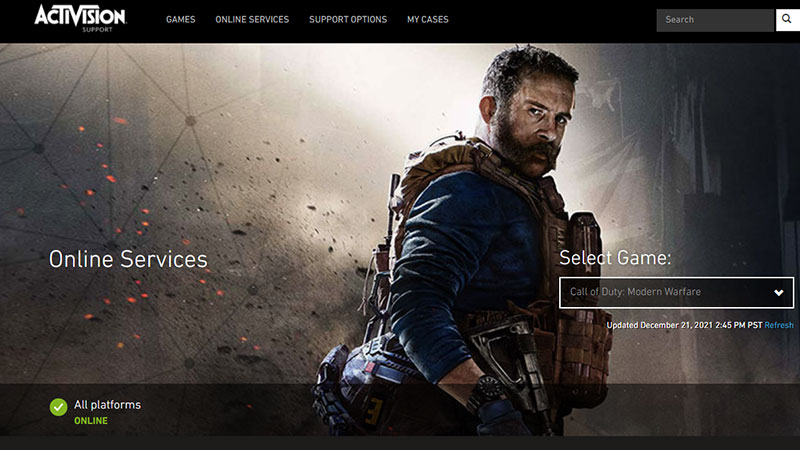
Players who are facing the error Failed to Join Party or Unable to join Party, here’s how to fix the Modern Warfare crossplay bug.
Check if COD servers are down
First, check if Call of Duty MW servers are down. Sometimes, due to an outage, or server downtime, players won’t be able to play with friends, especially on other platforms.
Turn Crossplay Off and then On
Secondly, turn the option of crossplay off and then turn it on again.
- Go to the Options menu.
- Head to the Account tab.
- Toggle the Crossplay option and change it to Disabled.
- Then turn it on and try joining a game again.
Remove and Re-add Friends
If that’s not the case, try to remove the friends and add them again. There are two types of friends you will see – Activision friends and friends on the platform you are using.
Here’s how to add friends from other platforms.
- Select Social from the game’s main menu.
- Click on Invite Friends from the Friends tab.
- Select Enter Activision Account to send an invite to the friend.
- Enter your friend’s Activision ID (For example: PlayerName#1234567).
How to be a Party Leader?
- Go to the Party tab in the Social menu.
- Select Manage Party.
- Head to the Invite Players tab.
- Choose the players/friends you want to invite from your friend list.
- Go back to the Party tab in the Social menu. Click on Party Settings to edit your Party’s privacy settings.
Hopefully, this solves any bug related to Activision account ID or COD Modern Warfare crossplay. But if it doesn’t work, try a couple more times. In case that fails too, all we can do is wait until the devs release a patch that solves this problem.
That’s everything you can do from your end to fix the COD Modern Warfare Party & Crossplay not working issues. If you need more help with COD games, be sure to explore our guides on Gamer Tweak.