
Online multiplayer games often face server issues, lag or connection problems. Today, Destiny 2 players are encountering problems where matchmaking is not working. Many have reported that they are queuing for competitive matchmaking but get thrown into Nightfall solo or Scarlet Keep. There are a few things you can do to fix the error from your end, but if it’s related to servers, then here’s how to check the current status.
Destiny 2 Competitive Matchmaking Not Working Fix
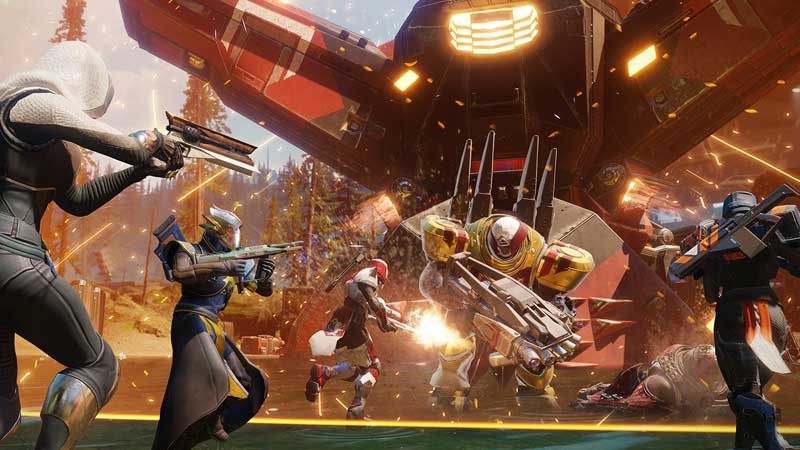
Try these troubleshooting tips to resolve the problem if it’s from your end:
Reset your router and check your internet connection.
Connectivity issues mostly occur due to a slow internet connection or one that’s intermittent. Reset your router and find out if it fixes the problem or contact your ISP for further assistance. You might have to replace the router if that’s the real underlying problem.
Check for Viruses
Make sure to scan your computer and check if there are any viruses that are interfering with your connection to the game servers.
Find out if Destiny 2 servers are Down
Here’s how to check the current server status of Destiny 2. If the servers are down, players can only access the game when the developers fix the issues. There’s also a chance that the platform is down, so here’s how to know if Xbox Live and PSN is having server outages.
Check the UPnP Settings, NAT Types and Port Forwarding
If you have never heard of these three terms, it’s best to avoid changing the numbers associated with them because things can go terribly wrong if there’s a mess up. But if you know about these advanced troubleshooting steps, Bungie has a dedicated page about them detailing every step. Go ahead and check it out here.
Wait for a Fix by Bungie
If all else fails and there’s no fix in sight, it’s something the devs might already be working on. Head over to the Bungie forums and check if they have responded to a thread. For example, here’s what they have said about the matchmaking errors in Destiny 2.

So, they are aware of the issue and are investigating it. Make sure to follow the forum for updates or the social media channels of the devs for more information.











