Marvel Rivals players are currently facing the error code 270 and while there isn’t a one-size-fits-all solution for it, there is something that has worked for many. This typically indicates a failure to connect to the game’s server and here’s everything you need to know about it and how to potentially solve it.
Also Read | Free Marvel Rivals Skins
How to Fix the Error Code 270 in Marvel Rivals
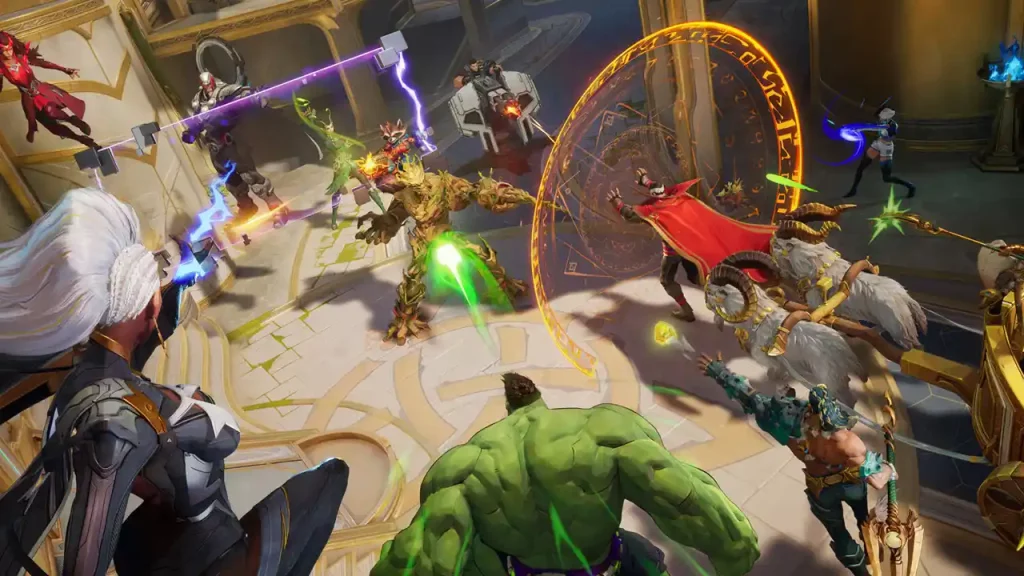
For most players, simply trying over and over again worked out—the error went away on its own after a few minutes. But if it doesn’t, here’s everything you can try.
Verify Server Status
First, ensure that Marvel Rivals’ servers are operational. Visit the official Marvel Rivals social media channels for any announcements regarding server maintenance or outages. You can also check DownDetector, or forums for discussions within the community. If the servers are down, you’ll need to wait until they’re back online.
Check Firewall and Antivirus Settings
Firewalls or antivirus programs might block the game’s connection to its servers, so you need to allow the game by whitelisting it.
- Press the Windows key and type “Control Panel.”
- Navigate to “System and Security” > “Windows Defender Firewall.”
- Click on “Allow an app or feature through Windows Defender Firewall.”
- Find Marvel Rivals in the list and ensure both “Private” and “Public” boxes are checked. If it’s not listed, add it manually by clicking “Allow another app.”
Temporarily Disable Antivirus
- Open your antivirus software.
- Disable real-time protection temporarily.
- Launch Marvel Rivals to see if the error persists. Remember to re-enable your antivirus afterward.
Restart the Game and your Console
First, restart the game and check if you’re able to log in. If not, do a full restart of your console and you should be able to get into a game.
Apart from these troubleshooting tips, make sure your graphics drivers are up-to-date because if they are outdated, it can lead to various game errors.