
Injustice 2 is a super engaging game developed by NetherRealm Studios and is truly one of my favorites. Which is why it can be frustrating if the game is crashing and you are not able to progress further. So, if Injustice 2 is not working on PC, Xbox one, PS4, Android and iOS, here’s everything you need to know.
Injustice 2 Not Working & Crashing on Xbox One, PS4, PC and Mobile
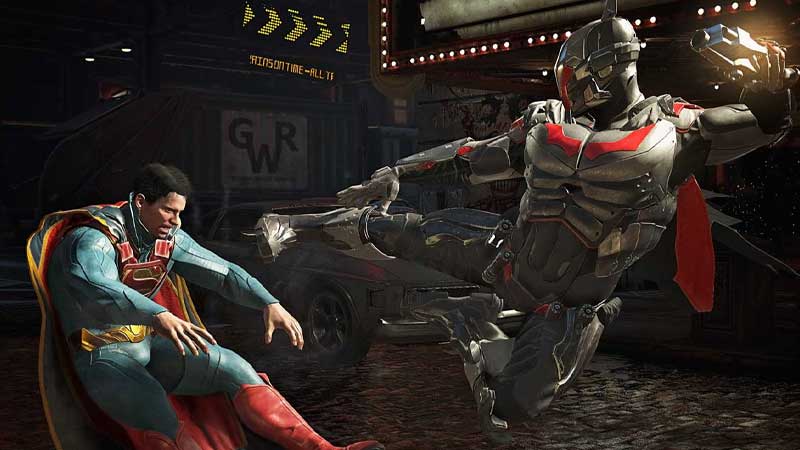
Players on PC and Consoles are facing problems loading the game and are encountering game crashes just as the logos of DC comics, Warner Bros and NRS show up on the screen. For some, the game brings the player back to the home screen with no specific error code. The problem is coming up in the game pass version as well as the disc and as mentioned before, it has made the game unplayable on PC, PS, Xbox and even Mobile.
Is there a Fix?
This is what players have tried to do:
- Verifying the game files.
- Restarting your device.
- Updating your drivers.
But unfortunately, none of it has worked. That’s because the problem is from the developer’s side so there is nothing you can do from your end. All we can do is wait until NetherRealm Studios patch it out.
WB Games Support’s twitter account has sent out a workaround to potentially solve the Injustice 2 crashing issue. Here are the steps for it:
PlayStation Users
- Find the game in the Games Hub and highlight it.
- Press the Options button on your controller.
- Choose Delete.
- Reinstall the game by downloading it again or reinserting the game disc.
Xbox Users
- Press the Xbox button on the controller.
- Choose My Games and Apps.
- Select See All.
- Choose the Games tab.
- Highlight the game.
- Press the Menu button (3 lines icon) on your controller.
- Choose the Uninstall button.
- After the game gets uninstalled, reinstall it again.
But despite trying this, players are reporting that the issue is not solved. Let’s wait until the developers provide a fix or patch to resolve the problem.
So, that’s all about this Injustice 2 Crashing on startup error. If you want to check out our Injustice 2 tier list, we’ve got you covered.











