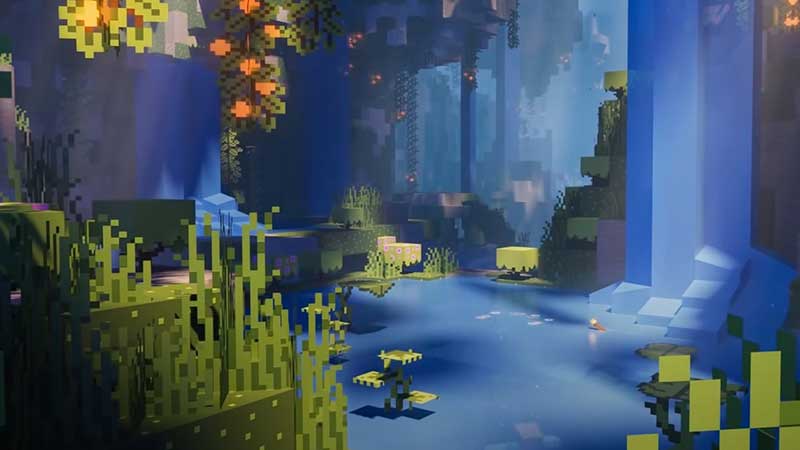
It’s that time of the year where the newest update of Minecraft is finally available – yes, it’s the 1.18 Caves and Cliffs part 2 update. There’s a lot of new stuff in this massive update (check out the full patch notes and changelog here). Now, if you are not sure how to update Minecraft to 1.18 on your Windows PC, Console and Mobile Phone (Android and iOS), this guide will help you out.
How to Update Minecraft 1.18?
Here are the steps to update Minecraft to the latest version which is 1.18.
How to Update Minecraft Java Edition on Windows PC
- To update to 1.18, open up your Minecraft launcher.
- Find the version at the bottom left of the screen, next to the green PLAY button.
- Click on Latest release (1.18).
- Click on the PLAY button.
- As you see the Preparing button, the latest version of the game will get downloaded.
- Wait for some time and that’s it, you will have successfully updated Minecraft to 1.18 on your PC.
- Start the game and you will see that the game will have all the features that have been newly added.
Also Read | Best Minecraft 1.18 Shaders
How to Get Minecraft 1.18 on Consoles (Xbox One, Xbox Series X|S, PS4, PS5, Nintendo Switch)
Xbox One & Xbox Series X|S
- Press the Xbox button on your controller.
- Select My Apps and Games.
- Find Minecraft.
- Click on More Options.
- Choose Manage Game and Add ons.
- Head to Updates.
- This is how you can update Minecraft to 1.18.
PS4 & PS5
Now, Minecraft for PS4 and PS5 ideally should update automatically. But in case you have set it to update manually, then you need to do these steps:
- Find the Game.
- Select the Options button.
- Choose Check for updates.
Nintendo Switch
- From the Home menu, choose the icon of Minecraft without starting the game.
- Press the + or – button.
- Choose Software Update.
- Select Via the Internet.
- You will then be able to download the latest version of the game.
Android and iOS Mobile Phones
- First, find Minecraft in your Google Play Store/App Store via the Search bar.
- Head to the page by tapping on the name.
- Tap on Update.
- Wait for the update to finish and that’s it.
- If you don’t see the Update button yet, wait for some time and check again. Sometimes, it takes time for the update to roll out completely.
That’s everything about how to update Minecraft to the Caves and Cliffs part 2 update. Check out our other latest Minecraft guides right here on Gamer Tweak!