
In 99 Nights in the Forest, wolves are among the most aggressive creatures you’ll encounter but they’re also some of the most useful when tamed. If you’re looking for a good combat companion, as well as a pet that guards you while you’re out and about, here’s how you can get started with taming. This guide will help you understand the process, be prepared and complete the task effortlessly.
Also Read | Steps to Tame a Mammoth
How to Tame a Wolf in 99 Nights in the Forest
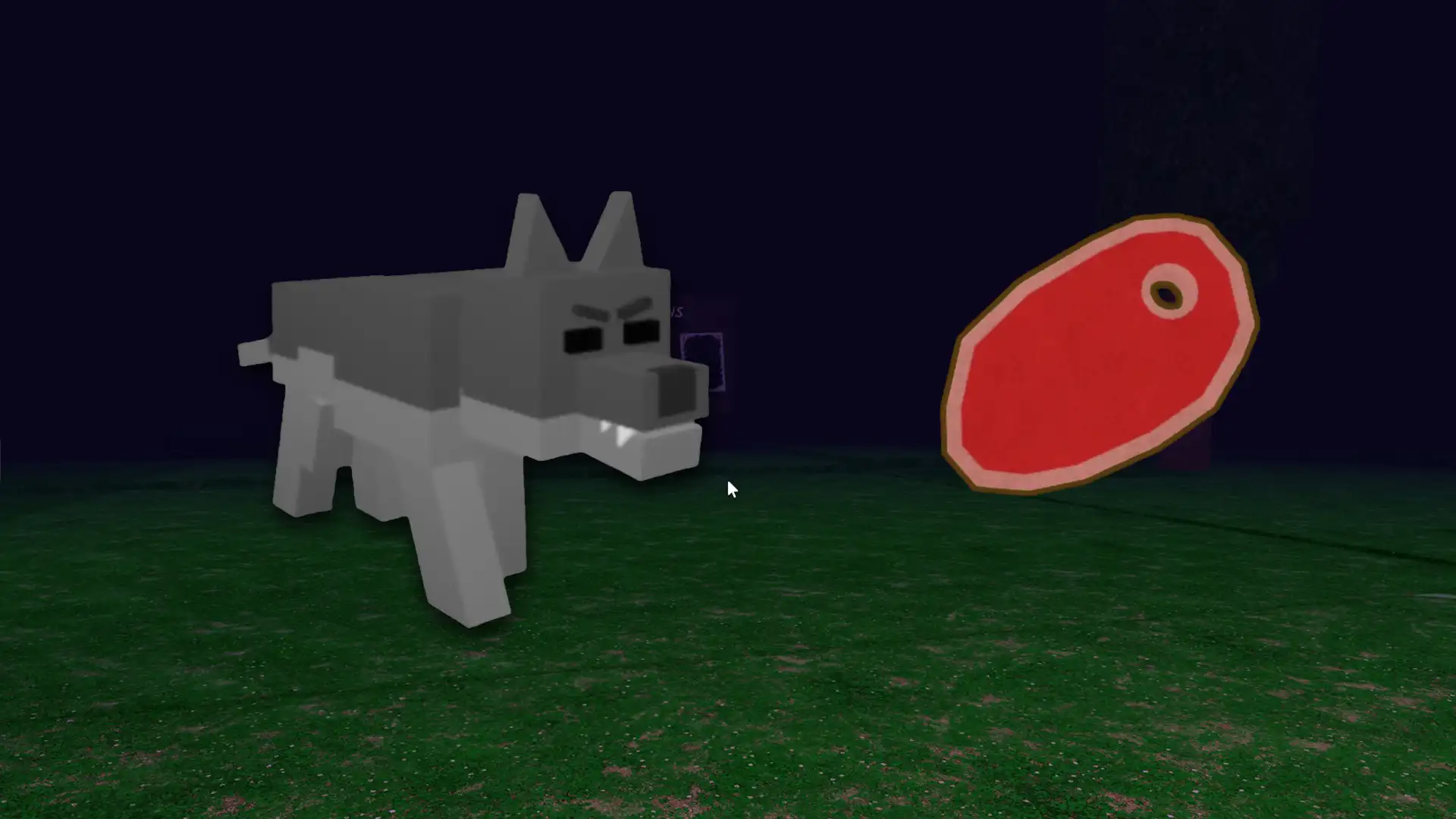
To start the taming process, ensure you have a Taming Flute ready and a good stock of Steak which this is the Wolf’s favorite food. You’ll need a total of 6 Steaks to complete the taming but always keep some extra just in case.
Wolves are hostile creatures, so make sure you approach carefully. They are most commonly found at night in the forest, snow, and volcanic biomes. You might find them roaming near open areas or abandoned structures.
Once you spot a Wolf, make sure it hasn’t noticed you yet. If you get too close, it may attack and make taming more difficult. When you’re in range, use your Taming Flute to start the taming minigame. If you’re targeting an Alpha Wolf, then you need a Good Taming Flute (tier 2).
The minigame is basically a balancing challenge: a red bar moves up and down, and you need to keep it inside the green zone by pressing and releasing the button at the right time. Wolves have 3 taming stages, so you’ll need to complete this process three times successfully.
Related | Favorite Food Items of Tameable Creatures in 99 Nights
After each successful round, feed the Wolf 2 Steaks before continuing to the next stage. The Wolf will begin to calm down after each round, showing that you’re slowly gaining its trust. Once all three stages are complete, hearts will appear above its head – it’s a sign that the taming has succeeded.
Your Wolf will now become a friendly companion that follows you, fights for you, and can be commanded using pet options. You can use pet commands like “follow,” “sit,” or “release” to manage your new companion effectively.











