
Sprinting in LEGO Fortnite will help you run faster and save you some time while traveling on foot around the different biomes. While you can take some time strolling around the main grassland areas at the start, you will have to hurry things up and build yourself a village of your own to increase your chances of survival. And since you might not get your hands on the vehicles just yet, you will have to cover up most of the traveling on foot.
If you are in a rush you can always enable the Auto Run in LEGO Fortnite to sprint across everything. As you progress through your crafting and building stages, time becomes more and more crucial to explore and build. And considering that the map is insanely big, you will need to do things accordingly. So if you are just exploring the different biomes and lava caves or are trying to escape from the enemy mobs, then here is how to run faster in the game.
How to Run Faster in LEGO Fortnite
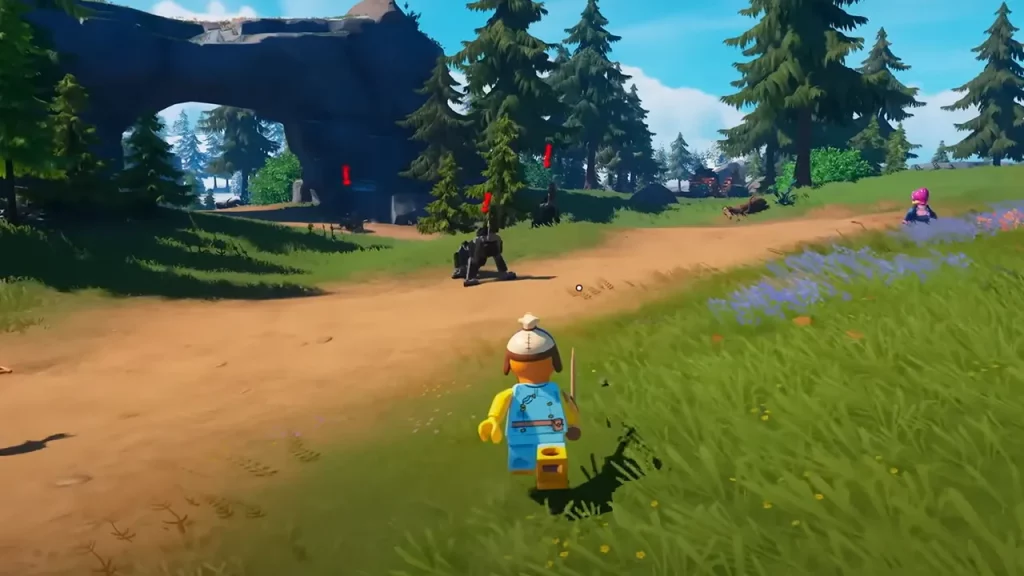
To sprint in LEGO Fortnite, players will need to press the SHIFT key on their keyboard or hold the left analog stick on controllers. Once you do, your character will start running faster and you will be able to sprint across the lands. However, players will need to keep a tab on the stamina bar at the bottom.
Once the stamina bar is depleted, players will have to wait for it to get refilled to sprint again in the game. Players can have the Slap Juice to temporarily increase their stamina regeneration in LEGO Fortnite. It is worth mentioning that you can also utilize the dash mechanic while exploring the lands. Here are the controls for each platform to perform a dash roll:
- Windows: Press the CTRL Key on the keyboard.
- PlayStation: Press the Triangle button on the controller.
- Xbox: Press the Y Button on the controller.
How to Enable Auto Run in LEGO Fortnite
LEGO Fortnite offers Auto Run feature that you will be able to utilize whenever you want. Fortunately, the option is already toggled on when you first come across the brick world. To use the auto run feature and sprint across the lands, players will have to press the W key or their left analog stick twice to activate it. Once done, your character will be able to run faster in the game.
It is worth mentioning that this does deplete your Stamina Bar. However, you will find it more convenient to use the option rather than just running faster. This way you will be able to navigate your character pretty quickly making things easier to maneuver around the biomes.
That’s everything covered in this guide. If you find this guide helpful, be sure to check out more interesting guides on the LEGO world in our dedicated Fortnite section, right here on Gamer Tweak.










