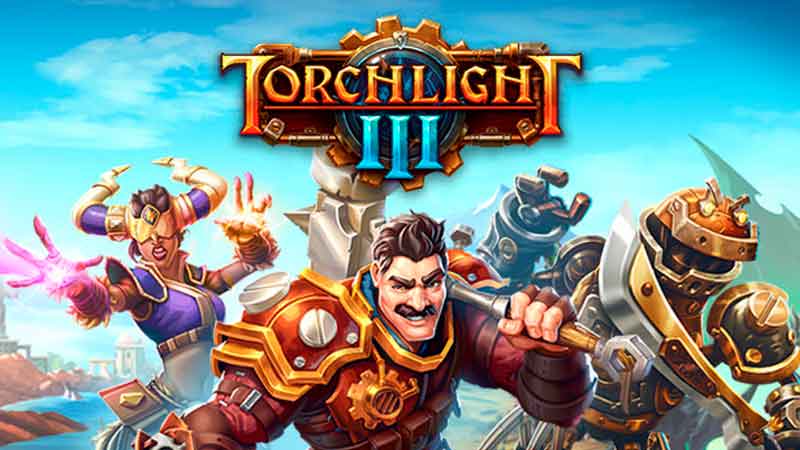
Torchlight 3 is greatly enjoyed when played with friends when you team up to save Novastraia, you can team up and play with up to 3 friends at the same time in Torchlight 3. If you want to know how to play with friends in Torchlight 3, read until the end of this guide.
How To Play With Friends In Torchlight 3
Torchlight 3 is the third installment of the series and once again you’re tasked with saving Novastraia. It becomes easier and even more fun if you bring your friends along, you can team up and complete more objectives this way and the time flies by without even you noticing it.
Playing with friends isn’t difficult in Torchlight 3 and you can even begin right from the start if you wish to do so.
Once you start Torchlight 3, press “P” on your keyboard to bring up the Social Menu of the game, this will allow you to see all your friends and even check out the tabs in the menu. You can check out things like Inventory, Skills, Social, and Map from this page.
Select the Social Tab and another page will show you three options, the first option is that of Invite and here you can invite friends by entering their username. Enter the username and you can invite them directly to your party.
The second button on this screen will show you all your Steam friends that are online currently, select from the person that you would like to share in the adventure of Torchlight 3. This list will show you all active Steam friends, even those who do not have Torchlight 3.
Finally, the third option will show you people that are Nearby to your Party in Torchlight 3. You can select from any of the players lingering around your party.
If you wish to add random strangers from the internet to your party, this is a great option to do so. There is another way where you can invite friends to your party by clicking their name in the Area chat at the bottom left corner.
You can add them as friends, send a whisper, or report abuse if you need to do that. This basically sums up Torchlight 3 and how to play with friends.
If you loved this guide, make sure to check out what are the best indie games that you can right now that even surpass the quality of many AAA games.