Split-screen multiplayer in Stardew Valley is finally available and now you can jump in with your friends and share the same experience. If you’re wondering about how to play split-screen multiplayer in Stardew Valley, you’ve come to the right place.
How To Play Split Screen In Stardew Valley
Split-screen in Stardew Valley allows friends to play together, to play with friends all you have to do is update to 1.5. Once you have that you will need to create a cabin for each player from Robin. If you’re starting a new game altogether, you can choose to have the cabins build beforehand saving you some time. After that simply, go to the game menu, find the multiplayer section, and select “Start Local Co-Op“. Now, your friends will need to press start on their controllers and you can play together.
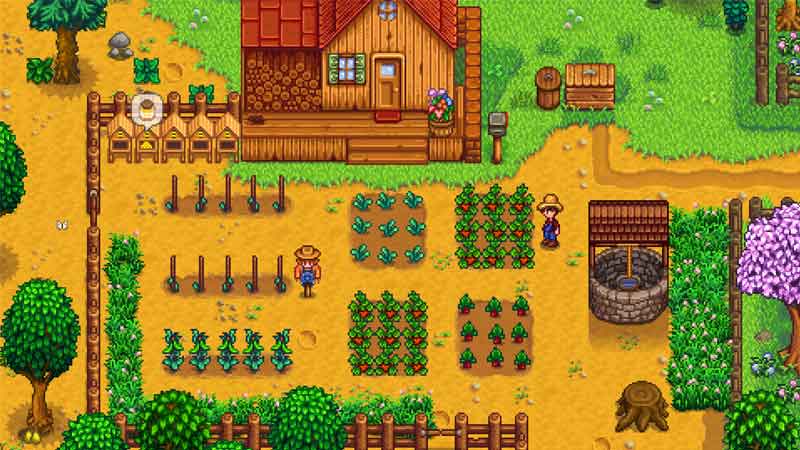
Stardew Valley has generated a lot of interest ever since it was released all the way back in 2016. Since then players have been asking for a split-screen feature and the developers have finally delivered.
Stardew Valley starts with a small story about you inheriting your grandfather’s farm with basic tools and next to no money. You will have to use the tools that you have at your disposal to make sure that this farm works and generates enough income to keep things working.
Also Read: How To Get To Ginger Island In Stardew Valley
Stardew Valley gives players an escape from the daily hustle of other games you can calmly carry out your farm tasks but as you get into the crux of the gameplay you will be getting challenges that keep you attached to the game for a long time.
Split-screen in Stardew Valley will enable a couple of players to share in their farming experience and build a farm together from scratch. The split-screen co-op will give players the same experience as online multiplayer and all the same, rule set apply here as well.
Also Read: How To Create A Bridge In The Volcano In Stardew Valley
Stardew Valley’s update 1.5 was released recently and you can install it to play split-screen on PC only as of right now. Other platforms will get the update in 2021. This is all there is to know about how to play split-screen in Stardew Valley.
While you’re here make sure to check out the best indie games to play in 2020 right here on Gamer Tweak for a blast of all new innovative gaming.