
Monster Hunter Rise has released for Nintendo Switch, and it the what we all were waiting for. The world map is amazing, and it really enjoyable to ride on your Palamute to cover the world. The addition of wirebugs to move vertically is one of the best game mechanisms we’ve received in MHR. So keeping all this in mind there PC gamers are eager to play the game. But unfortunately, the game is only going to come to Microsoft Windows by early or mid-2022. But don’t worry we have a workaround for you. So today let us look at how to play Monster Hunter Rise on PC using an emulator.
How to Play Monster Hunter Rise on PC Right Now via Emulator?
To play Monster Hunter Rise on PC in 2021, you need to download the Ryujinx emulator and load the MH Rise game file. The PC version has few bugs right now but it is totally playable. Here’s the tweet from the official Ryujinx account:
https://twitter.com/RyujinxEmu/status/1375270302305882114
As of now the known issues in the Monster Hunter Rise emulated PC version are:
- Navigating to the in-game album crashes the game (hopefully fixed soon!)
- If you are using game update version 1.1.1, you must disable shader cache; version 1.0.0 works fine with shader cache enabled (this too will be fixed)
- Performance optimizations are on the way!
How to Run MH Rise on PC 2021
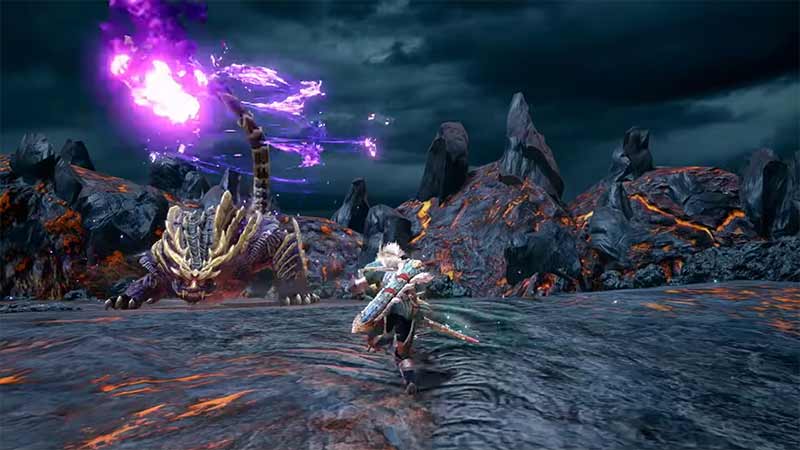
To run Monster Hunter Rise on PC you need to follow few simple steps. Here’s how:
- Download the Ryujinx emulator from here to your PC.
- Unzip the emulator to the desired location.
- The unzipped file will be named “ryujinx-1.0.6801-win_x64”
- Run the Ryujinx.exe in \ryujinx-1.0.6801-win_x64\publish
- You need to have the XCI or Zip file of the game ready with you.
- If you already have the game in Switch or not, a simple googling will guide you on how to get this.
- Go to Tools>Install Firmware>(select the option according to version you have with you)
- Refer to this guide from Ryujinx to learn how to start running the game
That’s everything you need to know about how to play Monster Hunter Rise on PC right now. While you are here, check out more of our latest Monster Hunter Rise Guides











