
Do you want to get more FPS in Valheim, are you not satisfied with your PC’s current settings and wish to get more frames as well as better performance for you to enjoy the experience. Then you’re at the right place as we’ve got the best settings for you to not only get more FPS but also boost performance.
How To Get More FPS In Valheim
The major issues in Vaheim regarded more FPS ranges from the graphic settings that you have on your PC. You will need to lower the details of things that aren’t that pivotal to the gaming experience so that you get a smoother and better gameplay. To get more FPS in Valheim, here are few things that you should do.
- Draw Distance/Level of Detail
- SSAO
- Vegetation Quality
- Particle Lights
- Resolution
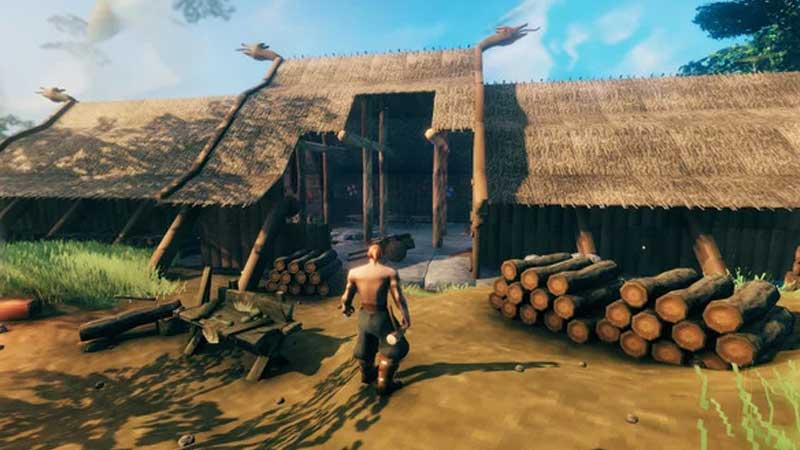
The level of detail does not matter as much in Valheim, things aren’t as refined as you would get from a AAA title but that does not rob you out of enjoying the game as you should. It is okay to sacrifice some of the details in the game to earn a bit more FPS.
Vegetation quality isn’t artistic nor is it something that will take your breath away, so why waste your GFX card and CPU’s output on it. You should dial down the vegetation quality and it will certainly help to get more FPS.
Also Read: How To Get Started In Valheim
Particle Lights is another field that does not need much focus, turn it down so that your CPU can focus on delivering your better performance with more FPS in Valheim.
Resolution is only to be tweaked when you’ve exhausted every other option. While you should not have any problems getting 60 FPS on 1080 resolution, going anything above that will while not having a beast of a PC will result in you not getting the frames that you wish.
The game looks surprisingly great at 60 frames on 1080 resolution and there’s not much that you gain by pushing more. This is all there is to know about how to get more FPS in Valheim. While you’re here make sure to check out our Valheim Wiki Guide right here on Gamer Tweak.











