Home > Call of Duty > How To Fix Firebase Z Matchmaking Issue

How To Easily Fix Broken Black Ops Cold War Firebase Z Cross-Play Matchmaking Issues

Updated Date :

Are you having Firebase Z Crossplay Matchmaking Issues? Want to know how to fix broken Black Ops Cold War Firebase Z cross-play matchmaking issues, a lot of players have been voicing their opinions about the brand new map crashing and causing issues. Well, the fix is easier than you might think, if you want to know How to fix broken Black Ops Cold War Firebase Z cross-play matches, check what you need to do.

How To Fix Broken Black Ops Cold War Firebase Z Cross-Play Matchmaking Issues

To fix the Black Ops Cold War Firebase Z Cross-Play Matchmaking Issues all you need to do is wait for Treyarch studios to send a fix, the issue occurs whenever you have a PlayStation player in your party and since they get the Zombie game mode for free, a few issues have been arising in the game.
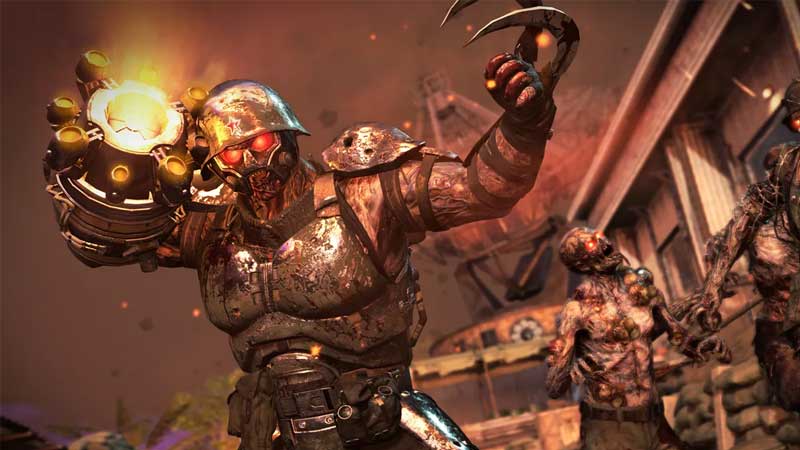
how to fix firebase z cross play matchmaking issues in call of duty black ops cold war

What you can do until then is Play Firebase Z in a Public match, or you can have a PlayStation user host the party. If you’re in a private match you can even have PlayStation players in your party. This is the only fix that can solve Firebase Z Crossplay Matchmaking Issues.

Also Read: COD Black Ops Cold War Redeem Codes (February 2021)

This issue has been affecting a lot of PC and Xbox players and while as of right now, there’s no fix available from the developers of the game. All you’re left with is to make friends with a PlayStation user and join their games. We’ve seen that having the PlayStation user be the host results in far fewer crashes and issues.

Also Read: How To Fix Call Of Duty High Server Waiting Time Issue

This is a temporary fix that we can suggest, rest assured as and when a fix is announced we will be writing about it. Until then what you can do is keep checking for any updates or you can even check out Treyarch’s official Trello board for constant updates.

They’ve marked the issue as “Fix Scheduled” as of now, which tends to mean that a fix is scheduled to be released in the near future. This is all there is to know about how to fix Firebase Z Crossplay Matchmaking Issues.
  • +1 Speed Evolve Codes (July 2026)

    +1 Speed Evolve Codes (July 2026)

    Published Date :

    Speed-based games on Roblox will always stay popular, and this particular experience is quite addictive! Here, you play as an animal and your goal is to evolve into stronger animals, unlock new worlds, and be the fastest player on the server! +1 Speed Evolve codes offer free Speed and Win Boosts that can make your… Read More

  • Yeet a Brainrot Codes (July 2026)

    Yeet a Brainrot Codes (July 2026)

    Published Date :

    If you’re annoyed at the Brainrot trend, this is your opportunity to “yeet” them into the distance! To launch Brainrots farther, you need better pets, potions, and more rewards, and thankfully, these Yeet a Brainrot codes will come to the rescue. You can easily unlock various Divine Relic Chests, Primeval Relic Chests, Coin/Luck/Power potions, exclusive… Read More

  • Build A Soccer Squad Codes (July 2026)

    Build A Soccer Squad Codes (July 2026)

    Published Date :

    To build your dream team, you’ll need plenty of rerolls and shop refreshes, which is how you can get better cards and complete your collection. Build A Soccer Squad codes can help with exactly that, giving you various freebies so you get more chances to improve your lineup without waiting. Here’s the complete list of… Read More

  • Aura Monster Simulator Codes (July 2026)

    Aura Monster Simulator Codes (July 2026)

    Published Date :

    Climbing an endless staircase might sound simple at first, but the higher you go, the more Aura you’ll need to keep progressing and unlock stronger upgrades. Thankfully, Aura Monster Simulator codes provide free Gems and Aura Boosts, helping you strengthen your character and reach new heights. More specifically, you can use these Gems to unlock… Read More