One of the many ways to damage your opponent is by hitting a finisher on Announcer’s Table in WWE 2K24. You can use other weapons like Steel Chairs, Ladders, and Trash Cans, but the amount of damage this will do is insane. Not only that, slamming opponents through the announcer’s (or commentary) table will also give you a highlight reel-worthy moment. So, in this guide, we will explain how you can perform finishers like Rock Bottom and Attitude Adjustment on the Announcer’s Table in WWE 2K24.
How to Perform Finisher on Announcer’s Table in WWE 2K24
You must first Irish Whip your opponent out of the ring to perform a finisher on the Announcer’s Table in WWE 2K24. This is done by pressing the grab button (Circle, B, and L) and then holding the grab button. After that, you can use the direction keys to throw them out of the ring. Remember, if you double-tab the grab button, the opponent will rebound on the ropes and return. So, holding the grab button after grabbing the opponent is necessary to send them to the announcer’s area.
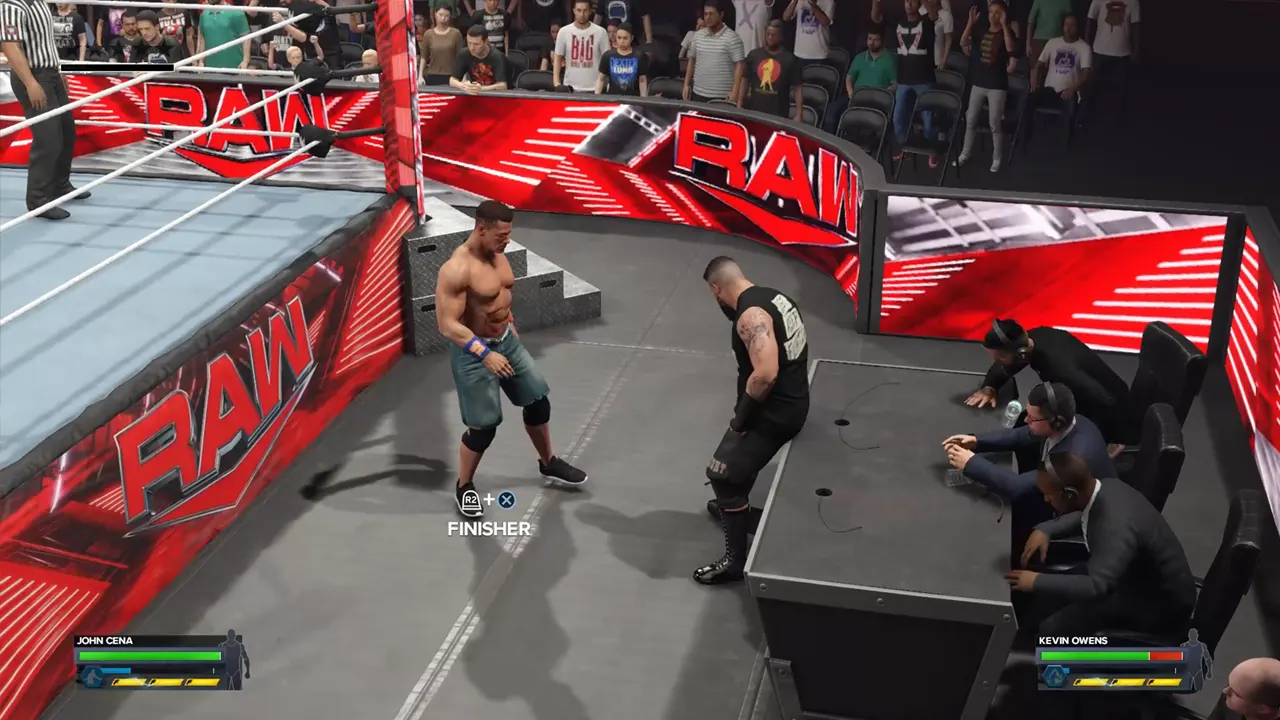
Once your opponent is out of the ring, drag them toward the Announcer’s Table and position them on it. If you store a finisher, you will get a prompt to perform it. Do as directed, and you can hit a finisher on Announcer’s Table in WWE 2K24.
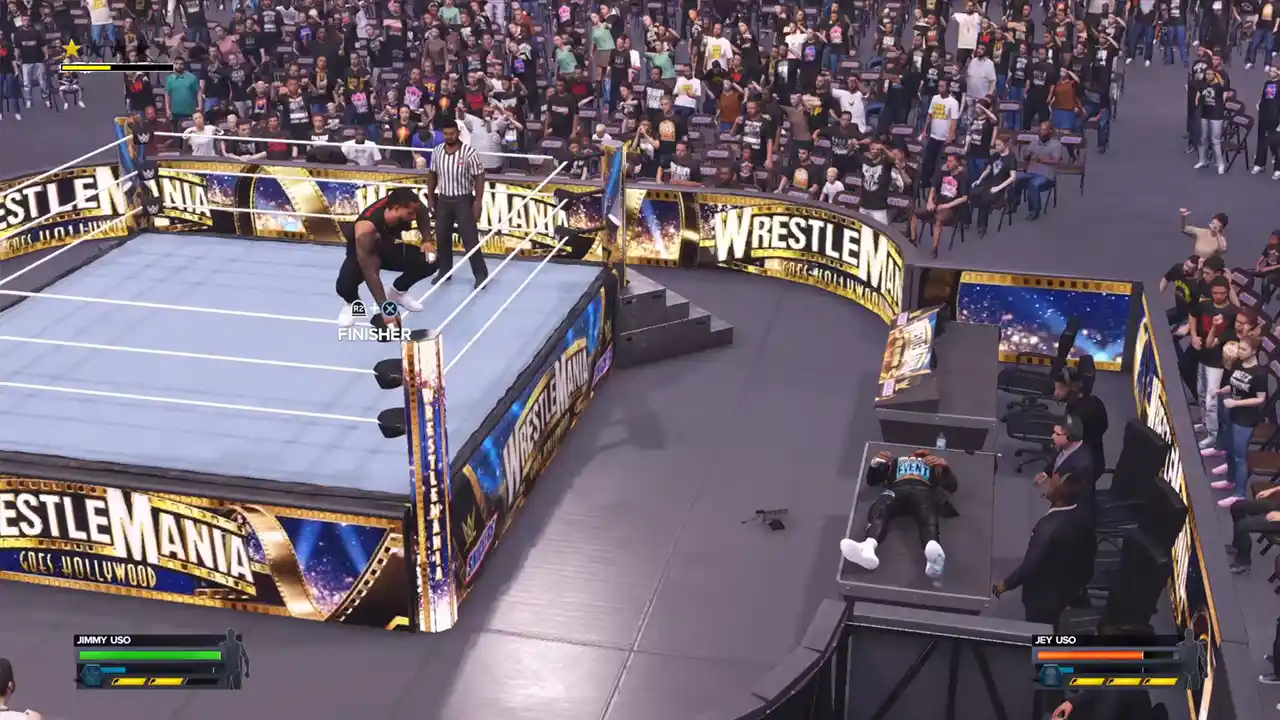
Some superstars like Jimmy and Jey Uso have finishers who require them to go on top of the turnbuckle. So, to hit their finishers on the Announcer’s Table, you must make them lay on the table. You can do this by moving the right stick up when the opponent rests its back on the table. PC players can press LCTRL + I to do this. Once the opponent is lying on the table, enter the ring and climb on the turnbuckle. From there, you can press the finisher button to break the Announcer’s table with a finisher in WWE 2K24.
With this move, you can easily damage your opponent’s torso and head. You can also target other specific body parts, but there’s a catch. So make sure to check out our guide to learn about it.