The release of Overmatch 2, marks an end to all the working servers of its predecessor. There’s a wide range of heroes that you can play and unlock as you progress. While players that have logged in to their OW 1 account unlock all the characters right away, newbies need to complete different challenges to unlock them. However, players are facing an issue when they head to the Hero challenges section. The page goes blank making it unable for players to track their character’s unlock progress. Not to worry, check out our guide to find out everything about the Hero challenges not appearing in Overwatch 2.
How to Fix Hero Challenges not Appearing in Overwatch 2
Unfortunately, there’s no guaranteed workaround or fix to make the page of hero challenges appear. That’s because it is a technical issue from the developer’s end as it is a server issue. Along with this issue, Blizzard has acknowledged and confirmed this issue in a blog post (link). Furthermore, they also stated that players have not lost any items or progress despite missing elements or sections. So, don’t need to worry about losing your unlock progress.
You can check out our guide to find out if the OW 2 servers are down. Once the servers are back on track, you would see the Hero challenges page appear. While there is no conventional way to fix this issue, some players have suggested restarting and logging back. It can work out as it would refresh your server connection. It did work out for some players in the community but it is not a guaranteed workaround.
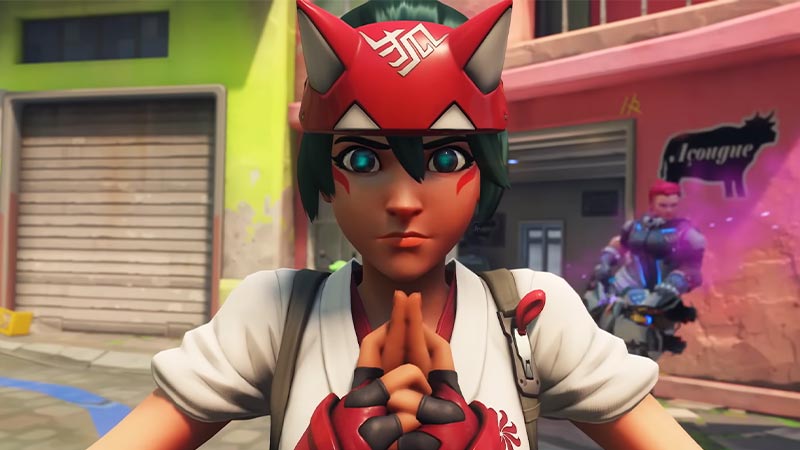
In such cases, there’s nothing you can do except wait until the devs resolve the issue. We hope Blizzard resolves this issue with the upcoming patch or updates.
That’s everything covered about the Hero Challenges not appearing in Overwatch 2. If this guide helped you, check out our guides on how to fix can’t invite friends, fix the stats not appearing issue, and fix the crashing at startup or launch issue in Overwatch 2 right here on Gamer Tweak.