Marvel’s Guardians Of The Galaxy Ultrawide is a game for PC, PlayStation and Xbox developed by Eidos-Montréal. If you are a Marvel fan then you should definitely play this game. And while the game might be fun to play, unfortunately, doesn’t allow Ultrawide cutscenes. But there is a workaround for you to fix this issue. So in this guide learn how to fix Marvel’s Guardians of the Galaxy ultrawide cutscene.
How to Fix Ultrawide cutscene for Marvel’s Guardians of the Galaxy
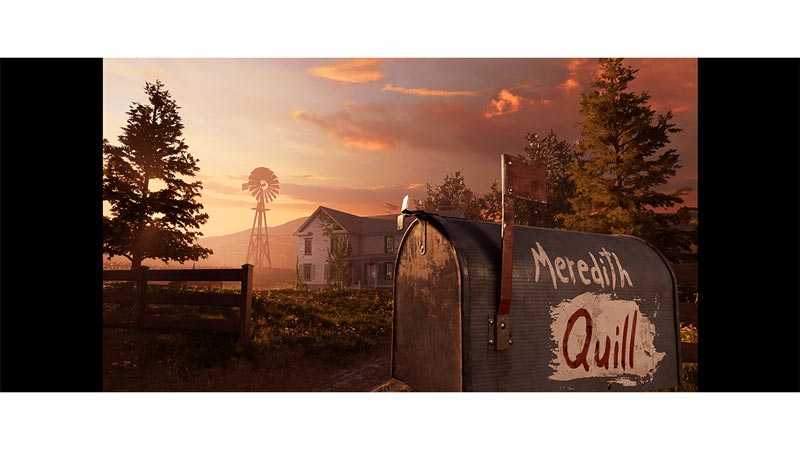
Image Credit: u/OnkelJupp on Reddit
Before we get into the steps for the fix, you will need to install a third-party app known as HexEditor also known as HxD. Once you install HxD follow these steps to fix the Ultrawide Cutscene issue. Thanks to u/OnkelJupp on Reddit for this fix.
- Launch HexEditor and press Ctrl-Key + O.
- Next Open the Guardians of the Galaxy folder and select the GOTG.exe file.
- You can find the folder location through steam.
- Launch Steam.
- In your games library right-click on Guardians of the Galaxy.
- Then click on manage and choose Browse Local Files.
- Here open the bin folder and you can find the GOTG executable. In order to be safe be sure to make a copy of this executable file in case something goes wrong so you can try again.
- You can find the folder location through steam.
- Once you have opened the GOTG.exe in HxD press Ctrl + R.
- On top select Hex Values.
- Search for 39 8E E3 3F and enter the resolution of your display.
- These are the values that you should replace for a 21:9 resolution.
- 6880×2880: 8E E3 18 40
- 5120×2160: 26 B4 17 40
- 3840×1620: 26 B4 17 40
- 3840×1600: 9A 99 19 40
- 3840×1440: AB AA 2A 40
- 3440×1440: 8E E3 18 40
- 2560×1080: 26 B4 17 40
- These are the values that you should replace for a 32:9 resolution.
- 39 8E 63 40
- These are the values that you should replace for a 21:9 resolution.
- Replace all values with the respective codes. Be sure to set “Search Direction” to All.
- Click change everything on the bottom middle and save the changes.
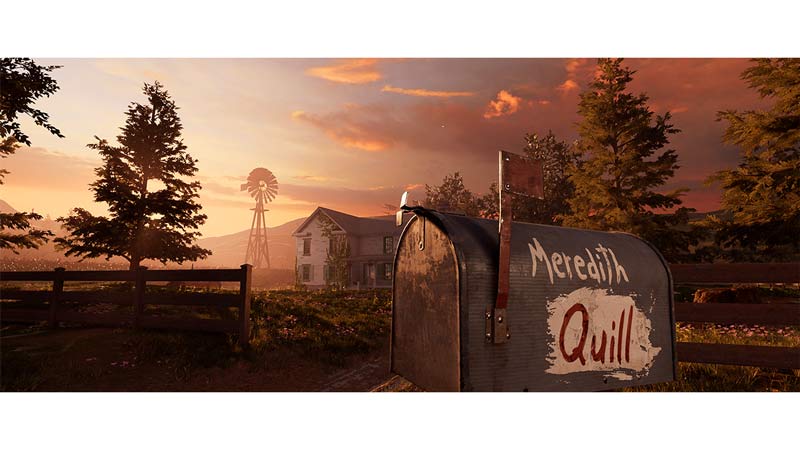
Image Credit: u/OnkelJupp on Reddit
That covers everything you need to know on how to fix Marvel’s GOTG Ultrawide Cutscene. If you like playing this game then be sure to check out our other guide on how to fix crash, lag and stuttering in Marvel’s Guardians of the Galaxy.