
While collecting Scraps and filling your quota in Lethal Company, you will encounter strange entities. These creatures are rather dangerously harmful and will hunt you down if spotted. Luckily, you have access to certain tools and equipment that make your life as a contracted worker easy.
A Radar Booster is one such tool that you should get to help out your teammates in Lethal Company, making use of this equipment can be tricky at first.
How to Get Radar Booster in Lethal Company
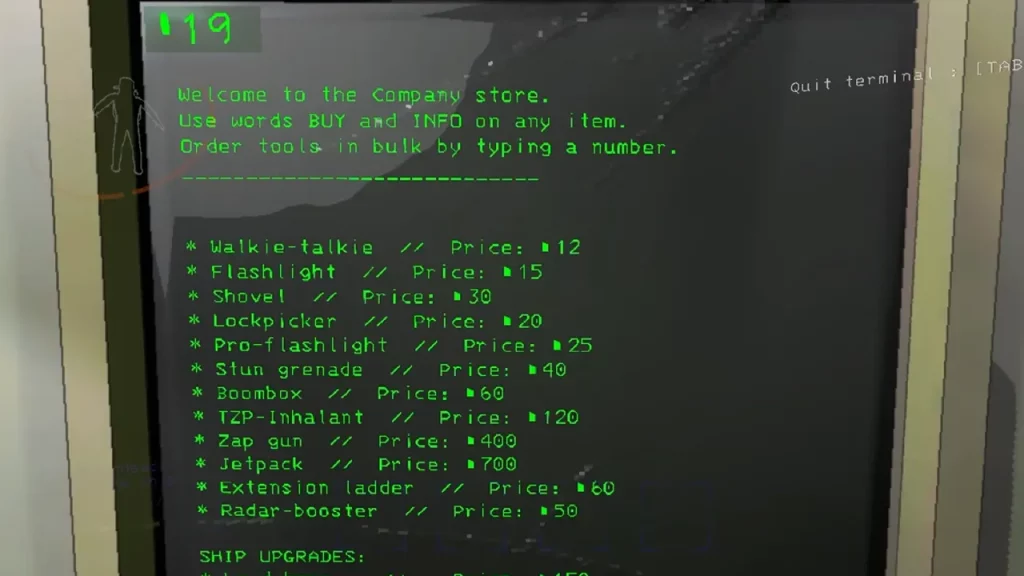
Much like all other items, you can get the Radar Booster by interacting with the Terminal on your Ship. All you need to do is access the Terminal > Store and type in Radar Booster. You can now purchase it by spending 50 in-game Credits. The Radar Booster will then be delivered to your current Moon.
How to Use the Radar Booster
To make use of a Radar Booster in Lethal Company, you first need to place it somewhere. It can be placed in an indoor or outdoor surroundings. Once you have properly placed it, it becomes functional and can be monitored from the Ship Terminal. From this point onwards, whoever stays on the Ship has to take control of it.
Note: Radar Booster has a name so that you can identify if you have installed multiple ones. The names are casual like Louie, Franklin, George, etc.
Radar Boosters are used as a spy camera to look out for all the potential threats nearby. Anyone who stays on the Ship can monitor and inform other players about the happenings. This method is super beneficial if the Radar Booster is kept near gates and fire exits. These are the areas with the most traffic comparatively so any movement therein can be tracked.
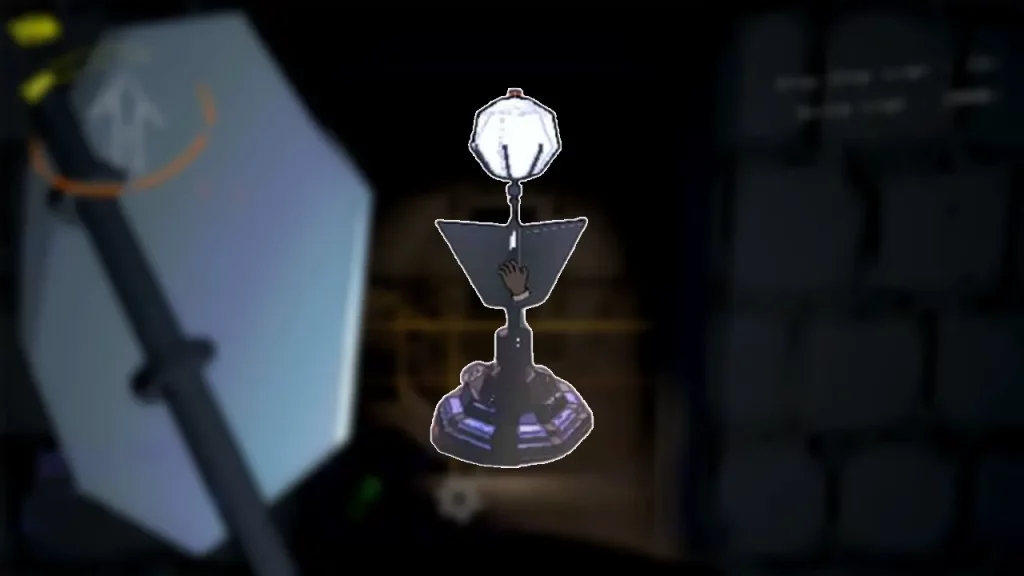
You can also use a Radar Booster to make a beep sound and lure the enemy. This is done by using the Ping feature on the equipment. To Ping, you simply need to enter the command: ping (Radar Booster Name), on the Terminal.
For some Radar Boosters is a heavenly equipment and for some, it is completely useless. But if you see it from a tactical point of view, then it is quite handy. You will only know about it if you use it in your daily gameplay sessions. So I suggest you try it out and form different strategies to master the equipment.
That’s everything covered about the Radar Boosters in Lethal Company. For more information on this horror game, be sure to check out our dedicated section for Lethal Company Guides on Gamer Tweak.











