Who doesn’t know one of the most played games Warframe. This MMORPG has been a player’s favorite since 2013, and the fan base is growing bigger day by day. However, many players are still facing some errors in the game. Such as the Update Failed error, which has been bothering the users. This error started occurring when the players were downloading the new updates. It appears with a message stating, Some content updates could not be downloaded from our servers. Or The content servers are temporarily unavailable. If you’re also facing the same issue then we’re here to your help. In this guide, we have mentioned all the ways to fix the Update Failed error in Warframe easily.
Fix for Update Failed Error in Warframe
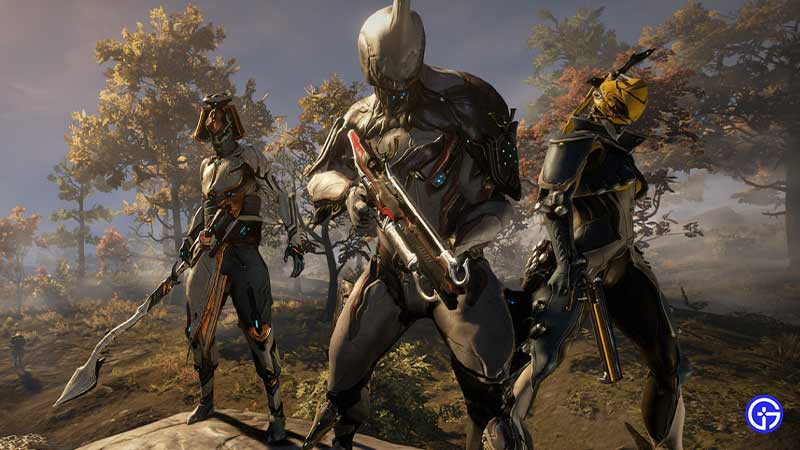
Check out all the methods mentioned below to fix the Update Failed error in Warframe.
- Restart Router
- Disable Anti-Virus
- Change Warframe Language
- Repair Windows C++ Redistributable
- Switch Launcher Settings
These are the fixes that you should try to resolve your issue. For a better understanding let’s take a look into the methods in detail.
Restart Router – Fix Warframe Update Failed Error
Before you start getting techy simply go ahead and restart your router or any internet connection you’re connected to. Once you pull out the plug, wait for a few minutes and then restart the game. Doing so might fix the bug easily.
Disable Anti-Virus
Another simple fix you can use to fix the Update Failed error in Warframe is by disabling the Anti-Virus. There are times when the anti-virus restricts the game to download new updates or even load the game. In this case, turn it off and then try downloading the update.
Change Warframe Language
If the error is still not fixed then many players have reported that changing the game language has worked for them. If you’re unaware of the process to do so, then follow the steps mentioned below.
- First, launch the Warframe game.
- Next, click on the language dropdown option located in the top right corner of your screen.
- After that, simply switch between some languages for a while.
- And then, change back to the default language and that might do the trick.
Repair Windows C++ Redistributable
Updating or repairing the Windows C++ Redistributable might just get the work done. So without any further ado, follow the steps mentioned below.
- First, close the game and head to your computer’s Control Panel.
- Next, look for the Programs & Features option.
- After that, under the Uninstall or Change program tab, you’ll see the Windows C++ Redistributable.
- Then, simply right-click on the folder and click on the Change option.
- And after that, a window will appear where you have to tap the Repair option and that’ll do the trick.
Switch Launcher Settings
There’s one launcher setting that can make this error go away, i.e. Bulk Download. Here you only have to disable the option and then restart the game. Players can find this setting by navigating, Settings > Bulk Download > Uncheck the check box.
This is how you can fix the Warframe Update Failed error easily. If you have removed the bug successfully, then check out the Weapon Tier list.