When it comes to Survival Action Adventure games, Conan Exiles is the first choice of many users over the globe. This game is developed by Funcom and is available on various platforms. It has gained a lot of popularity over time because of its character customization and gameplay mechanics. However, recently many players are getting pretty disappointed and annoyed because of some errors. One of the errors is not allowing the players to join any servers available in the game. This issue comes with a message stating Unique ID Not Valid. If you are running into the same bug then we are here to help you out. In this guide, we’ll walk you through all the possible methods to fix the Unique ID Not Valid Error in Conan Exiles.
Fix for Unique ID Not Valid Error in Conan Exiles
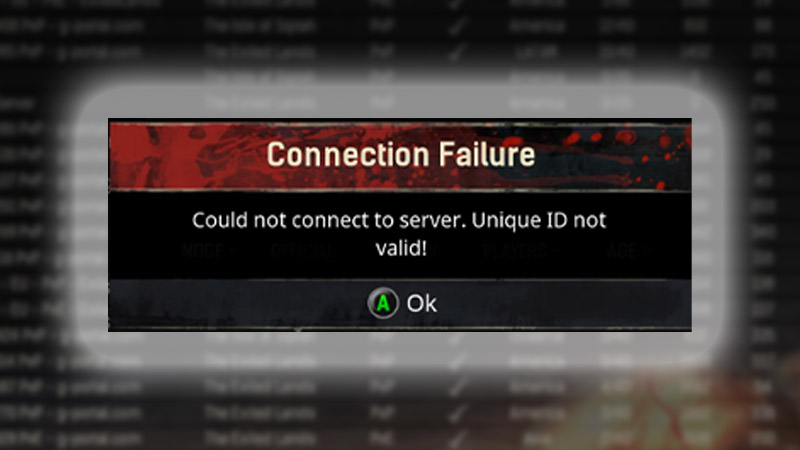
Unfortunately, as of now, there’s nothing you can do to fix the Conan Exiles Unique ID Not Valid error. This issue has occurred from the developer’s end and has been affecting many users globally. The error is not allowing the players to join any server, whether it is an Official one or a Private one. If players are trying to join the Siptah map, they are again running into another DLC requirement error. So in this case we recommend you wait until the developers remove the bug.
According to some speculations, the error will be fixed in the upcoming update. On the other hand, you can always try reinstalling the game and that might do the trick. Many players have done the same and the Unique ID Not Valid issue has been resolved for them. However, also note, doing so can risk your in-game data and there’s a possibility that you might lose your progression. That’s why we recommend you wait patiently, and leave the rest to the devs.
That covers everything about how you can fix the Unique ID Not Valid error in Conan Exiles. We will update this article as soon as any fixes arrive. So don’t forget to Bookmark this guide by pressing CTRL+D. While you are here check out other Video game guides for more tips & tricks.