
Starfield players have encountered a strange bug where their ship has gone missing or just disappeared and they cannot find it. While there has been no permanent fix rolled out by Bethesda, there have been a few working workarounds that should help you fix this issue. If you have tried some generic troubleshooting, you would already know that restarting the game does not fix this issue and no one would want to lose progress and start the game again. In this guide, we will provide you with some potentially working solutions that will get your ship back to you.
Starfield Ship Missing Or Disappeared Troubleshooting Tips
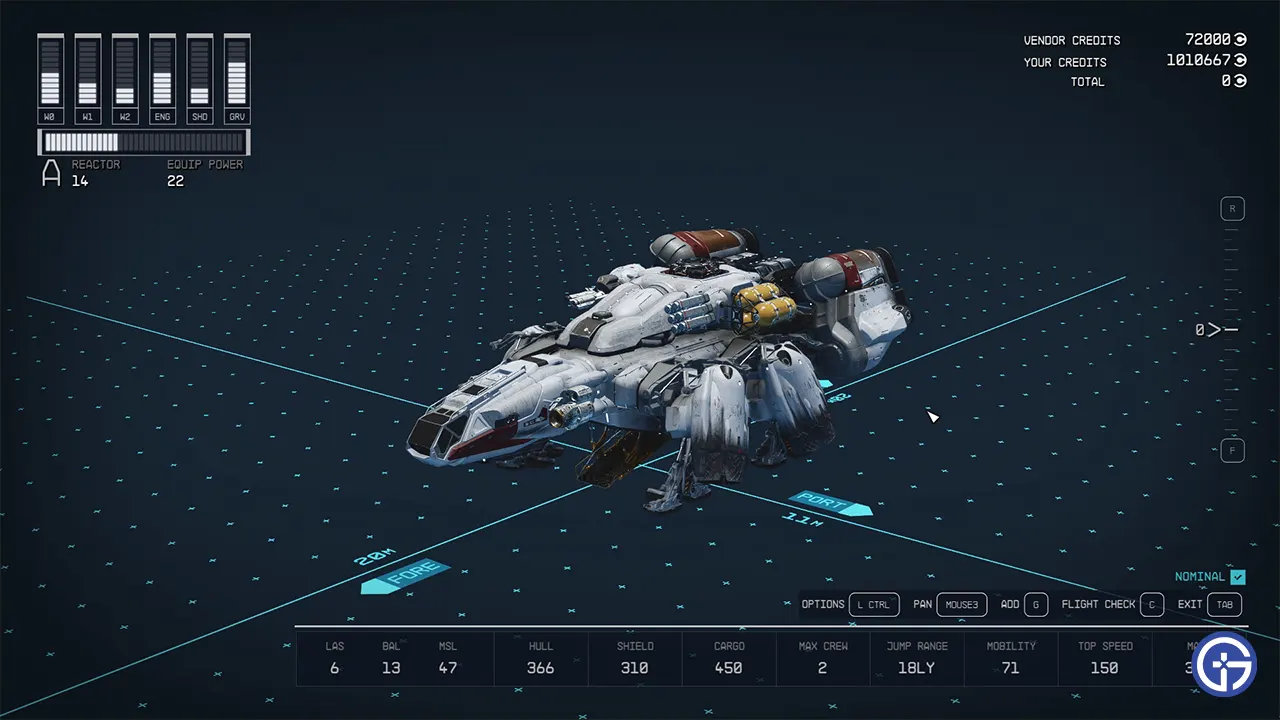
Due to this strange bug where the ship goes missing or disappears, players are stuck on planets since there is no way to find their ships. Fast travel does not work since you land right where you started and by trying fast travel, most players cannot save or load any saved game file. Although you can simply try to steal enemy ships, that does not really solve the issue since you might have valuable items in the ship’s cargo hold. As mentioned, there is no permanent fix but you can try out the troubleshooting tips below and hopefully get rid of the Starfield Ship Missing Or Disappeared bug.
Change Starfield Ship Name & Parts
Players need to head to a Technician and change the name and some of the parts on their ships. While it will cost you a little, you will have the ship back and will save hours of time in the game. Do note that players need to change the cosmetic parts and not proper parts. Since only a few of them work, you may have to spend some time if you are to fix this issue.
Change Starfield Ship Landing Zone
If you change the Landing Zone on the planet you are on and then fast travel, it should fix the Starfield ship missing or disappeared bug. While this method has worked for a few, the credibility for this troubleshooting to work is a little low. Nevertheless, you should give it a try and if it does not work, you should contact Starfield Support. They are best placed professionally to get you out of this situation and avoid losing hours worth of progress.
That’s all we have on how to fix the Starfield ship missing or disappeared bug. If you found our guide helpful, do check out our other Starfield guides for more such content while you are here at Gamer Tweak.











