Recently, a lot of users have been experiencing issues with the Sonic app. Due to some unknown problem, users are unable to access the order food or make payments. While the actual reason for this issue is still unknown. In this guide, we have completed a few troubleshooting methods that you can perform to fix the Sonic App not working problem on your device.
How to Fix the Sonic App Not Working Issue?
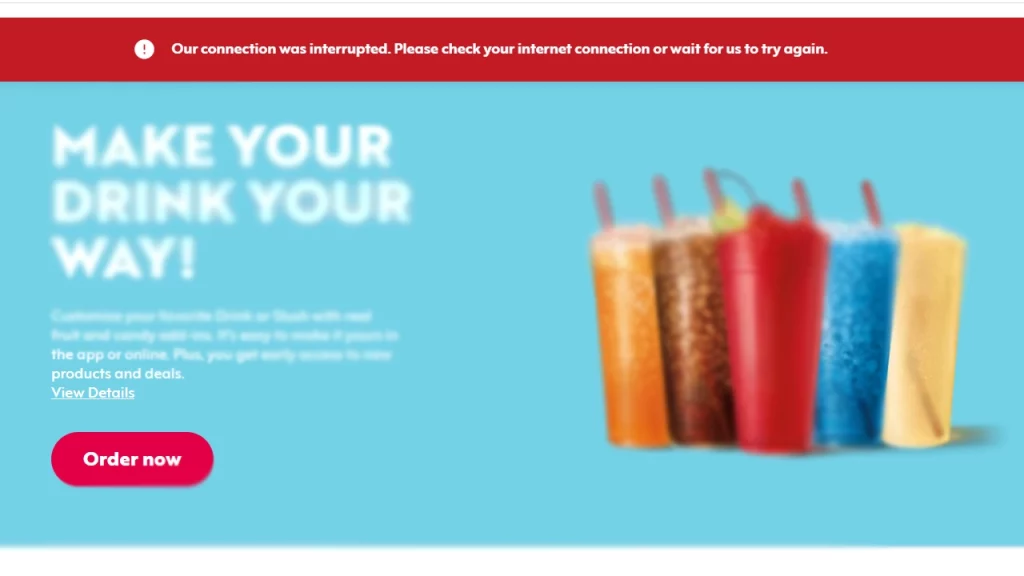
These are some of the workarounds and troubleshooting methods that you can use to fix the Sonic app not working problem.
Check Internet Connection
The Sonic App requires a proper internet connection to work without interruptions. Make sure your internet connection is stable with decent speed. If you try connecting to another network and check if the problem is solved.
Check Server Status
There might be a chance of server outage, or it is under maintenance due to which users are experiencing this issue. The only way to find information about their server as of now is through the Twitter handle. You can check their profile to get notifications regarding such an issue. In case there is a problem with the server, you need to wait until developers fix it.
Update Sonic App
Make sure the Sonic app on your device is the latest version installed. Having an older version of the app might cause it to misbehave and not work properly. You can head to the Play Store or App Store depending on your device and check if there’s any new update available. Once updated, check if the problem still persists.
Contact Sonic Support team
If none of the above-mentioned solutions work for you, the last resort you have is to contact the support team for further assistance on this matter. Fortunately, they provide 24×7 customer service, hence you can get help quickly. You can head to their Support page or Twitter account for assistance.
That’s everything you need to know about how to fix the Sonic app not working. If you find this guide helpful, check out more such content from our Tech section right here on Gamer Tweak.