The most recent open beta of COD Modern Warfare II has the entire community excited about checking it out. But that being said, there are a handful of glitches and errors in the Beta version. Recently, several players are prompted with a network-related error. This error states, ” A Required Network Service has Failed”. Check out our guide on how to fix the “Required Network service has failed error” in COD Modern Warfare 2.
How to Fix the Required Network Service has Failed Error in COD MW2
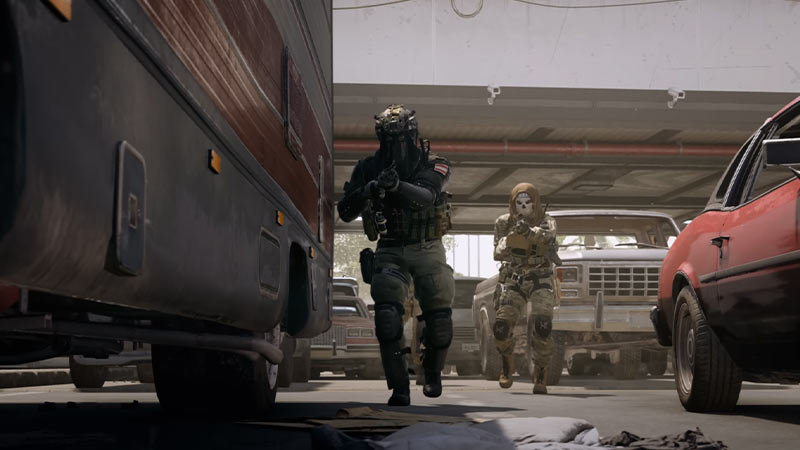
While there can be several reasons for this technical hitch, here are some potential fixes:
Restart Call of Duty Modern Warfare 2
- This method works for most cases. It worked out for some players in the COD community.
- So, exit the game, and launch it again.
- If you are still facing the error, restart your device and launch the game.
But if the error persists, we suggest trying out our next method.
Check Internet Connection
- As it is a network-related error, we suggest checking your internet connection.
- We suggest using a wired Ethernet rather than a wireless connection for a seamless connection.
- If you are using a wireless connection and facing network issues, we suggest restarting your router.
Check Servers Status
- If it is an issue from the developer’s end, there’s no other option rather than to wait. These issues can be server-related.
- The servers can be down due to downtime maintenance or other technical issues.
- So, head over to Activision Online Services (link) to check the server’s status.
- If the servers are down, wait for some time until the devs resolve the issue.
But if the servers are up and running, check out our next method.
Reinstalling Call of Duty Modern Warfare II
- You might need to reinstall the game if none of the options work out.
- So, uninstall the game and then, install it back.
- Launch the COD MW 2 to check if you are still facing this error.
This method should hopefully resolve this issue.
That’s everything covered about how to fix the “Required network service has failed error” in COD Modern Warfare 2. If you are facing similar errors, check out our guide on how to fix the Crashing issues in Call of Duty MW 2 right here on Gamer Tweak.