
Even in its early access, Palworld has seemed to cause a lot of stir amongst the community and has garnered immense popularity in a short tenure. However, with early access releases, occasional hiccups might hamper the gameplay experience for players early on. The Failed to Host Multiplayer Session error has plagued players making them unable to create and host an online session with their friends.
Because of its immense popularity and with so many players trying to host a session with their friends to explore, survive, and catch the different monsters available, there has been some load on the servers of Palworld. Since the error has emerged due to the servers being overloaded by all the players trying to join in at the same time and some capacity issues, it is likely to be fixed by the developers. Till then, there are some workarounds that players can try out to see if they resolve their multiplayer not working issue in the game.
Can You Fix Multiplayer Not Working in Palworld?
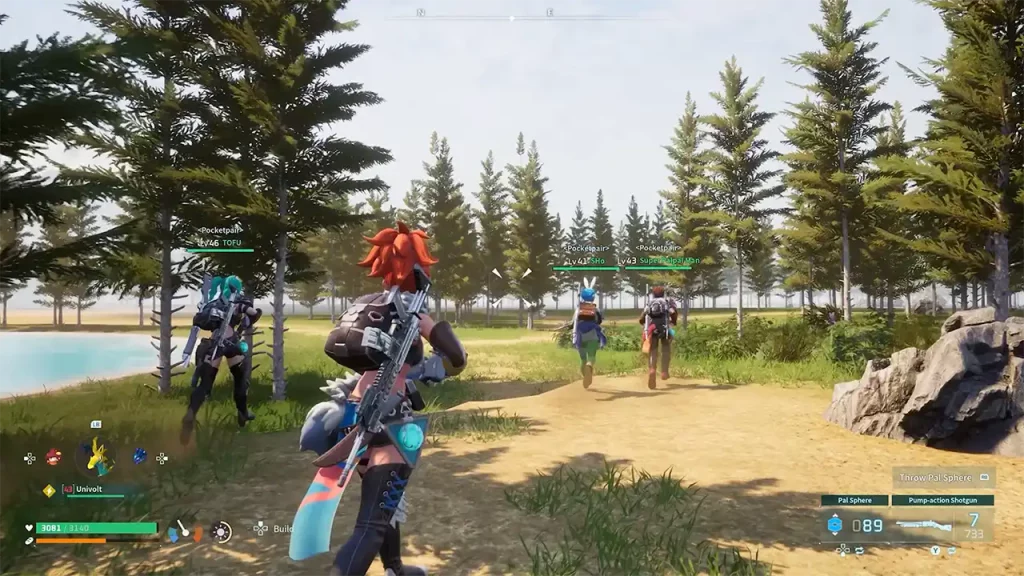
Unfortunately, there is no dedicated fix available for the Failed to Host Multiplayer Session error in Palword. However, the developers have acknowledged the issue and have stated that due to the large number of concurrent players joining in, the servers are more unstable.
This has led to many players not connecting to the servers due to capacity problems. That said, the devs at PocketPair are working to resolve the issue as soon as possible. In the meantime, here are some of the workarounds that might let you join in on the servers:
Retry Hosting Multiple Times
Many players have reported that trying to host multiple times has let them join in and connect to the servers in Palworld. You too can try it out to see if it lets you in on the multiplayer sessions in the game.
Check Server Status
Since it’s largely due to server issues, players can check the status of the ongoing outages and maintenance to see if they are working fine. You can check out the dedicated Palworld Server Status page to see if the server issues are still going on. Additionally, since the developers have addressed the issue, we would suggest that you follow the official X page (formerly known as Twitter) to get more updates about the issue.
Check for Updates
The developers might release a patch update soon to resolve the issue of the Failed to Host Multiplayer Session error in Palworld. Make sure you check for updates now and then to see if the issue has been resolved.
Restart the Game
As simple as it might sound, sometimes restarting the game can fix temporary issues and refresh it. This might allow you to enter the servers and join in on those multiplayer sessions.
Check Internet Connection
Sometimes, there might be some issues from your side such as an unstable internet connection. You will need to make sure you have good connectivity while trying to host a multiplayer session. You can try and switch up the networks to see if there’s any problem.
Players will need to wait for the right updates from the developers themselves patiently. Since there is no dedicated time the issue might get resolved, we suggest you join in on the Palworld official Discord server and keep track of all necessary updates.
That’s everything covered in this guide. We recommend you go through our Palworld Multiplayer Guide to know everything from how to host to how to join sessions properly. And if you find this guide helpful, be sure to go through our dedicated Palworld section, right here on Gamer Tweak.










