
Despite all the praise Helldivers 2 is receiving for its gameplay, there’s no denying that it has several issues pending to get resolved. Players have reported a Crashing issue, Gameguard Error, and what not in less than a span of a week. Sadly, there is more on the plate as recently, players have reported an error called “Failed to Create Lobby” while trying to enter a match. There is certainly something wrong from the developer’s end but there are some workarounds that you can try to break the loop.
Check out below to learn some possible solutions to fix the “Failed to Create Lobby” error in Helldivers 2.
How to Fix Helldivers 2 Failed to Create Lobby Error
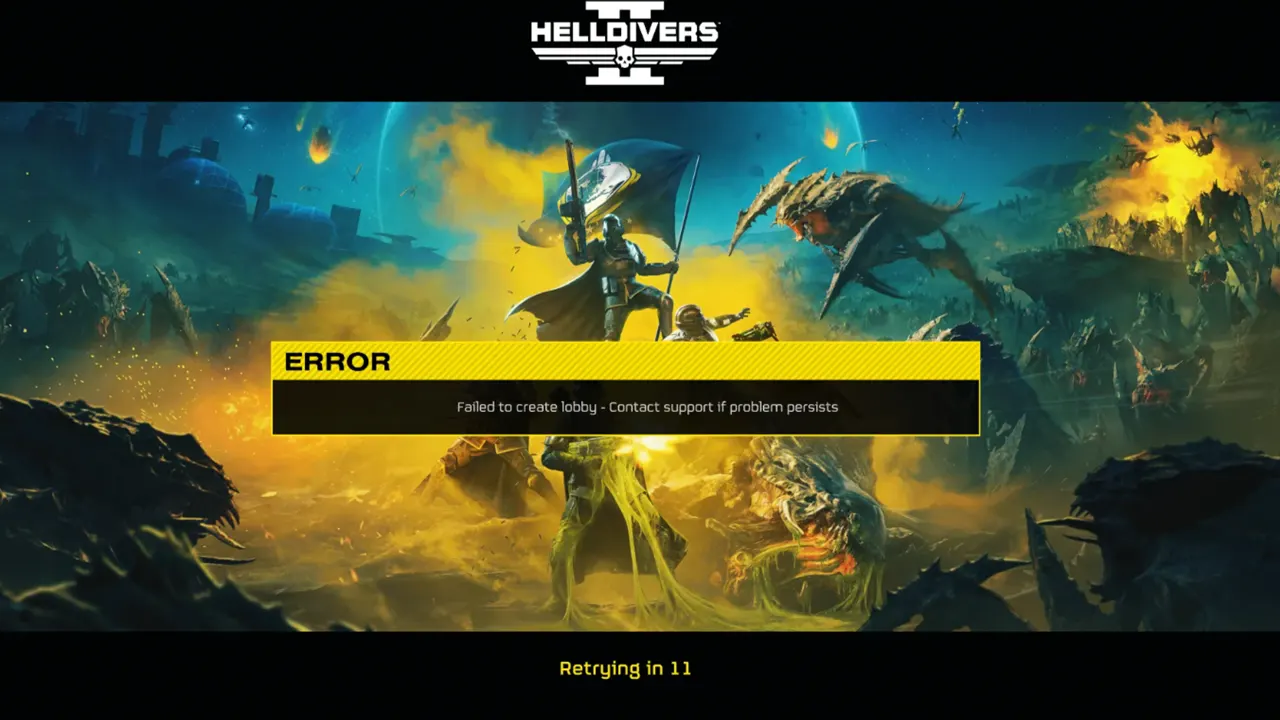
According to some Reddit Posts (1, 2), changing the DNS Server Settings fixed this issue. You can do the same on your respective devices and fix the “Failed to Create Lobby” error in Helldivers 2. Refer to the steps mentioned below if you are not sure about how to do this:
- Changing DNS Server Settings on PC
- Click on Start and search Control Panel
- From there, enter Network and Internet > Network and Sharing Center > Change Adapter Settings
- Now select your active Internet source setting and right-click on it
- Go to Properties and select Internet Protocol Version 4 (TCP/IPv4) from the list
- Select Properties and select the “Use the following DNS Server Addresses” button
- Now enter 8.8.8.8 in Preferred DNS Server and 8.8.4.4 in the Alternate DNS Server
- Changing DNS Server Settings on PS5
- Go to Settings > Network > Settings tab on your PS5
- From there enter the “Set Up Internet Connection” section
- Select your active Internet Connection and click on Options
- In the Advanced section, you will get the option to change the DNS Settings
- Set it to Manual and put 8.8.8.8 as the Primary DNS and 8.8.4.4 as the Secondary DNS
Once you have changed the DNS, simply restart the device for the changes to take effect. Then you can launch Helldivers 2 to see if the Failed to Create Lobby error is fixed or not. If it hasn’t been fixed, then you should head over to the Helldivers 2 Support Website for help. The developer’s team is pretty active and should get back to you with a solution soon.
Read Next | How To Fix Helldivers 2 “Failed To Join Game Lobby” Error
For now, that’s all you can do to deal with the Failed to Create Lobby error in Helldivers 2. If this guide helped you, then we will be more than eager to introduce more such content to you. Simply check out our dedicated section for Helldivers 2 Guides for more information.











