
Many players are reporting issues while playing HoloCure where the game freezes and after a while shows the “Error In Action Number 1” before crashing. While the fanmade game has been recently made available on Steam, many players have found it interesting. Such issues and bugs are most of the time temporary and can be fixed with a simple restart. Encountering an error that doesn’t let you start and play the game itself can be frustrating, which is the case with Error In Action Number 1. In situations like these, you don’t want to lose out on progress in the game. So if you are looking for something to resolve the issue, here is our guide with a list of possible workarounds you can try.
How to Fix Error in Action Number 1 Issue in HoloCure
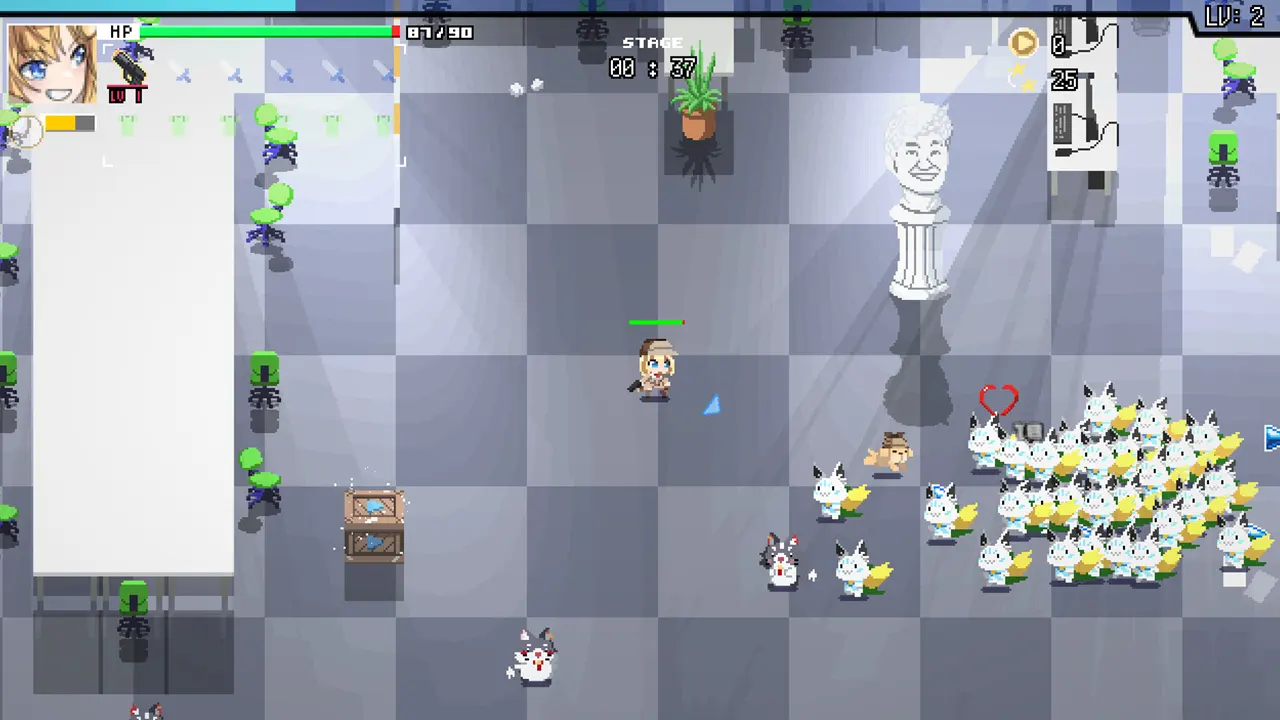
Unfortunately, as of now, there is no definite solution available for the Error in Action Number 1 issue in HoloCure. Although many players have encountered the bug while playing the game so the devs might take note of the issue soon. You can keep track of the hotfixes and patches on HoloCure’s Steam page. Before going through the list of workaround we would recommend you update your game to the latest version and see if the issue has been resolved with any recent hotfix. With that being said, here are some workarounds you can try out the resolve the Error in Action Number 1 issue:
Verify the Integrity of Game Files
You can check for any corrupted files in the directory with the help of the Verify Integrity of Game Files option in Steam. The issue can occur due to any corrupted files or even save files.
- Head toward your steam library.
- Right-click on HoloCure and select Properties.
- Head over to the Installed Files tab.
- Click on Verify Integrity of Game Files option
Check for Updates
As mentioned earlier, there can always be a patch released by the devs to fix bugs and issues. Since the game is now on Steam, players all across will find many bugs and errors in the game. And the devs might come across them and fix them with hotfix updates. So keep track of them regularly.
Restart the Game
Sometimes the issue is temporary and the bug might just be resolved by closing and relaunching HoloCure on your system. This will help you quickly resolve the Error In Action Number 1 issue. And also fix crashing which helps you start playing the game.
That’s everything covered on how to fix Error In Action Number 1 Issue in HoloCure. If you find this guide useful, check out our dedicated HoloCure section, right here on Gamer Tweak.











