
If you play Call of Duty Warzone, you may have come across the error code 6 or DIVER error code. This error can be quite frustrating. In this article, we will show you the possible fixes. These fixes have been suggested by players.
What are the Fixes for Error Code 6 or DIVER in Call of Duty Warzone
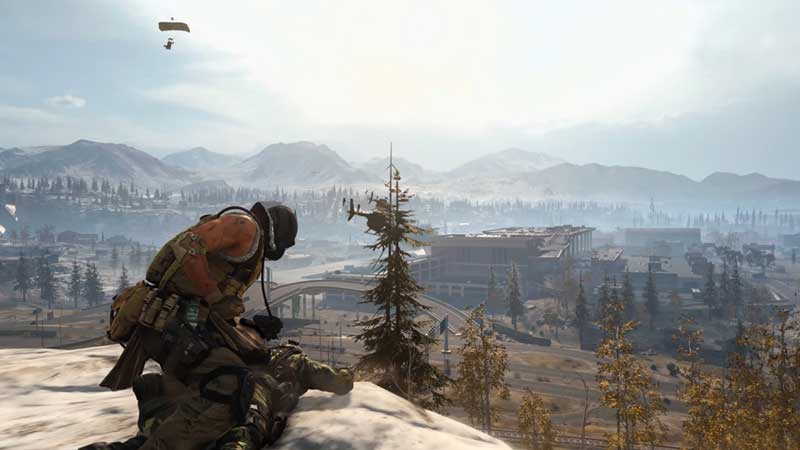
Check out the possible reasons and how you can fix the DIVER or error code 6 in Call of Duty Warzone.
Switch Off Windows Firewall
There is a good chance that Windows Firewall may be causing the error code 6 or DIVER.
If this is the case, you should try to disable Firewall.
This might possibly solve the error, meaning you should be able to play Warzone without any errors.
Some players have noticed that switching off the Firewall has worked.
Download the Update via Mobile Data Instead of Wi-Fi
Try to download the Call of Duty update over mobile data instead of Wi-Fi.
This is because the error has been known to occur during updates.
You can experiment with networks to see if downloading over mobile data will solve the error.
Once the game updates, you can switch networks back to Wi-Fi.
Router Restart
The error code 6 or DIVER may be caused by a faulty internet connection.
This may be because of a router issue.
You can try to restart your router to prevent this error from occurring.
Delete Call of Duty Warzone and Re-install it
This step should be a last-resort option.
If all the methods mentioned above fail to rectify the error code 6 or DIVER in Call of Duty Warzone, you will be left with no other option but to uninstall the game and then install it all over again.
As the game is more than 170GB in size, you will need to make absolutely sure you need to uninstall the game.
We recommend you first try each of the steps mentioned earlier in the article so that you do not find the need to delete the game in the first place.
This brings us to the end of this article on the possible fixes for error code 6 or DIVER in Call of Duty Warzone. We hope that these solutions work for you, ensuring a smooth gameplay experience.
If you liked this article, check out how to get the combat bow in Call of Duty Warzone.











