For many players, Borderlands 3 is crashing on PC and this can be pretty disappointing if you were planning to get a quick gaming session in for the day. But don’t worry, there are a few troubleshooting tips that can potentially fix the problem. Let’s take a look at each of them.
Borderlands 3 Crashing Fix on PC
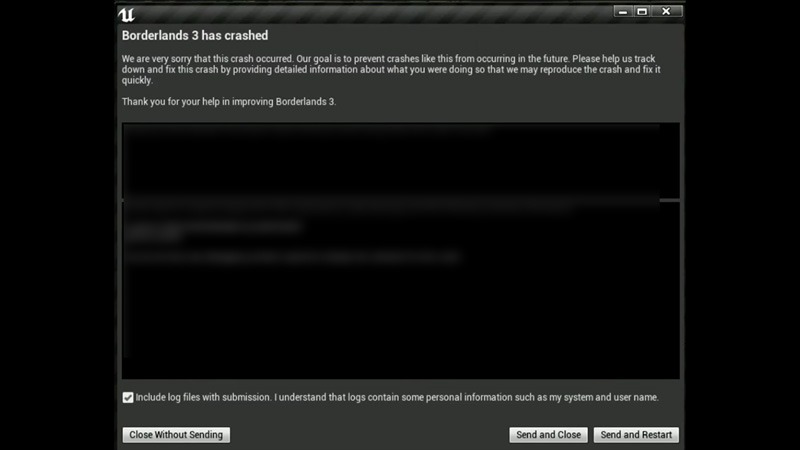
If you are here that means you have been annoyed by the constant crashing of Borderlands 3. So check out this list of potential fix for Borderlands 3 crashing on PC. Try them and see which one works for you –
- The most common fix for players is to update your Graphic Drivers.
- The next thing you can try is to check for any Windows Update.
- If that doesn’t work then disable your firewall and antivirus.
- Verify game files from Epic Games Launcher.
- Try running the game as administrator.
- Perform a Clean Boot from your Task Manager.
You can try these in-game fixes as well –
- You can turn on Vertical Sync from the Settings.
- Switch the game to full-screen mode.
- Turn down the preset Graphics.
- Limit the Frame-Rate to the level that suits your PC.
DirectX 12 Loading Error Borderlands 3
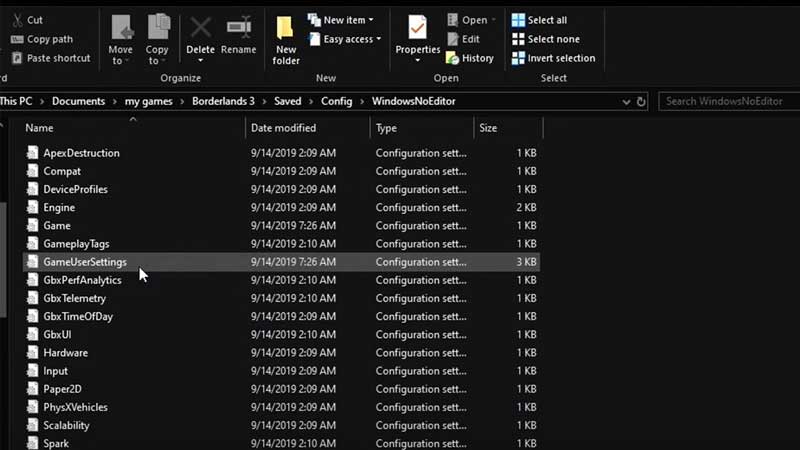
Some users have also reported that after selecting DirectX12 their games have been stuck on the loading screen forever and they had to reinstall the game. You can try this simple method if this is the reason for your troubles –
- Open Documents folder on your PC.
- Select My Games.
- Click on Borderlands 3.
- Select Saved.
- You will find a Config folder.
- Open Config and open WindowsNoEditor.
- Look for a file GameUserSettings.ini and open it.
- Scroll down and look for PreferredGraphicsAPI.
- Switch it from DX12 to DX11 and save the file.
Once you launch your game after this it will have fixed the issue and saved you a re-install.
We haven’t mentioned it specifically but make sure the System Requirements of your PC match that which the game requires. If none of the above work you may have to re-install the game after all.
That’s it on how to fix Borderlands 3 crashing, make sure you check out Borderlands 3 and other video game guides with us on Gamer Tweak.