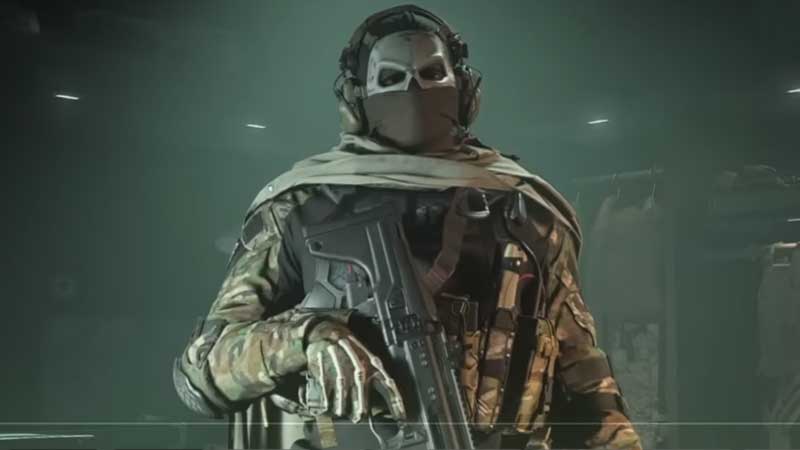
COD MW2 has a bug that does not let players switch classes in Multiplayer matches. Many players have also reported they are not able to the editor or create a class in COD MW2. This is an in-game glitch not related to the hardware or system you are playing on. Make sure you are having all the latest patches installed in MW2, and then follow up on the troubleshooting steps below.
COD MW2 Cannot Change, Edit, or Create Class Fix Bug Solution
A simple game restart can fix this issue. Sometimes the game is unable to sync to the server data which can lead to such bugs or glitches. It can be resolved once the connection is restored to normal. Your MW2 profile update data remains incomplete. But if this does not help then try out the following fixes.
- Install the latest MW2 patches.
- Check your internet connection. See if it’s stable and if there is no high ping.
- If you are on Wifi, switch to a LAN connection and test.
- Reboot your PC or Console once.
- Run the game as Administrator on PC.
- If nothing helps re-install the game.
Whatever class you create will be stored in your profile. You can create more than one class and modify its loadouts as you rank up. MW2 class system unlocks after Level 4. By default, this is the basic requirement throughout the globe. If you are under Level 4 progress to the same and then check the game menu. You can create Custom Class in MW2 from the Loadout screen. If there is no + button or it’s grayed out then the game needs an update.
One more thing you can do is verify your game files. This can be via a launcher. MW2 is available on PS Store, Xbox Store, Battle.net, and on Steam. If you had purchased this from Steam right click on the game and then go to Properties. Go to local files and click on Verify file integrity. This process also resolves other game errors like 0x887a0005, Dev Error 356, etc.
You might also be interested in checkout our guide on MW2 Store Not Working in case you face this error in the future. Also, check how to fix the MW2 Scan and Repair Error.