Home > Call of Duty: Modern Warfare II > What Is Error Code Diver & How To Fix It In Modern Warfare 2

What Is Error Code Diver & How To Fix It In COD Modern Warfare II?

Updated Date :

Developers have recently launched the Beta version for Call of Duty Modern Warfare 2. However, as of now, it is only available for PlayStation users. It will be available for the Xbox and PC on September 22nd. Moreover, while accessing COD Modern Warfare 2, there are some prerequisites that need to be downloaded. In high-performing games like COD, the downloadable files are usually large-sized. Therefore, a stable internet connection is required while installing such huge files. Recently, an Error Code Diver was encountered by players while attempting to download COD MW 2 files. Know about this Error Code Diver and how to fix it in Modern Warfare 2.

What is Error Code Diver & How to Fix it in Modern Warfare 2?
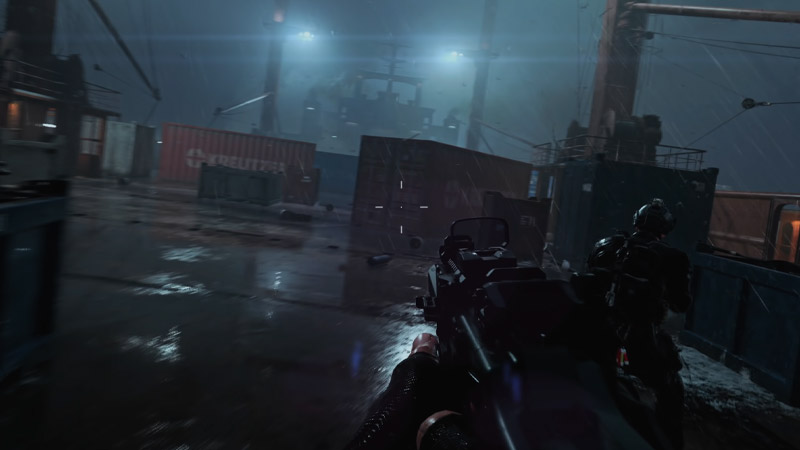
Error Code Diver in COD Modern Warfare 2

This error code has been encountered in several previous COD games like Modern Warfare and Warzone. This issue can be caused because of multiple reasons such as:

  • Firstly, there’s a possibility that it might be caused by a router setting restricting the game to fetch data from its source.
  • Further, another possibility is that the Windows Defender Firewall is causing interference. Due to this, the game servers are not able to link with the source and download the necessary files.
  • Thereafter, Error Code Diver also occurs when the installation files get corrupted.
  • Here are some fixes you can try to fix this Error Code Diver in Modern Warfare 2:
    • Reboot the device and restart the game.
    • Restart your router and reconnect again after a while.
    • Try Re-installing the game as it may replace the corrupted installation files of COD MW2.
    • Use a VPN after facing the Error Code Diver.
    • Change the DNS server address to 178.22.122.100 or 186.51.200.2 and reboot the game

That’s all you should know about the Error Code Diver in Modern Warfare 2. If you found this article helpful, then make sure to check out our other COD MW 2 guide on Detrick Guernsey Error.
  • Bending Grounds Codes (August 2026)

    Bending Grounds Codes (August 2026)

    Published Date :

    Bending Grounds is a Roblox fighting game where you use different elemental abilities, complete quests and take part in PvP battles. You can experiment with various bending styles, and improve your character as you keep playing. Spins are useful for getting new options, so redeeming the available codes can give you a few extra chances.… Read More

  • Sell Ores Codes (August 2026)

    Sell Ores Codes (August 2026)

    Published Date :

    Mining and processing ores is the main way to earn cash in Sell Ores. You can upgrade your setup, unlock new machines, and work toward getting better ores as your operation grows. Since progress can take time, free rewards from codes can help you move ahead a little faster and so, here are the latest… Read More

  • Build a Military Base Codes (August 2026)

    Build a Military Base Codes (August 2026)

    Published Date :

    Build a Military Base lets you create and upgrade your own military base while unlocking new tanks, helicopters, jets and more. As your base grows, you can prepare for battles against other players. Free Premium Crates and other rewards can help you unlock useful items without spending extra resources, so here are all the Build… Read More

  • Karinderya Codes (August 2026)

    Karinderya Codes (August 2026)

    Published Date :

    Running a busy karinderya (a Filipino Restaurant) means you have a lot to keep up with. You need to cook meals, serve customers, improve your kitchen, and make enough Cash to keep upgrading your small food stall. The good news is that a few free rewards can make the early grind easier, especially if you’re… Read More