Unable to Equip Custom Jerseys in MLB the Show 23? As The Show 23 is finally out, several steadfast baseball fans want to sport their custom-made uniforms. You can choose several existing uniforms from the section for Home and Away teams. But there are several players that have invested hours in making their custom jerseys and uniforms. While the process is pretty easy and similar to past games, many players are confused about equipping these custom uniforms. Not to worry, check out our guide to find out how to equip them.
How to Equip MLB The Show 23 Custom Jerseys
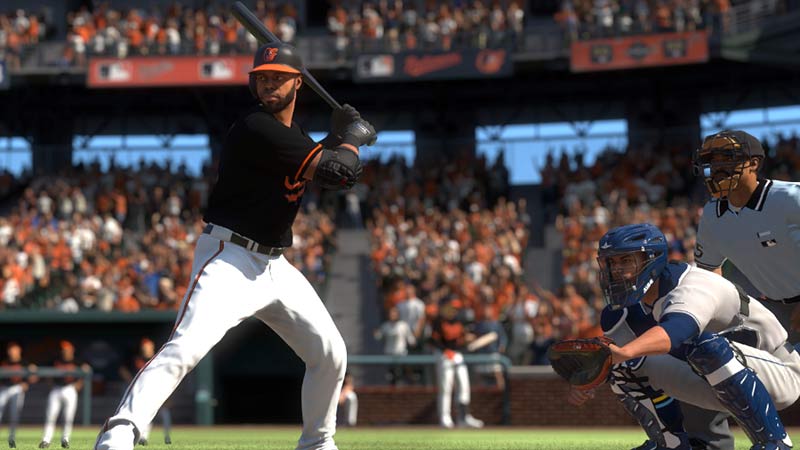
You can equip the Custom Jerseys in MLB the Show 23 by heading to the Edit Uniforms option in the Diamond Dynasty section. You can find this option under the Customize tab next to the Manage Squad in Diamond Dynasty.
So, here are the steps to equip the Custom Jerseys or Uniforms:
- First, head to the Diamond Dynasty from the Main Menu.
- Select the Customize tab.
- Then, select Edit Uniforms from the drag-down menu.
- As you select this option, it will bring Uniform options for Home and Away. These options are as follows:
- Custom Road or Custom Home
- MLB/MiLB Road or MLB / MiLB Home
- If you want to equip a custom jersey, head to the MLB/ MiLB option. Over there, you can find several team Jerseys along with your created custom jerseys.
- But if you want to customize that particular uniform, select the Custom option for Road and Home.
- You can edit and equip the Home as well as Away uniforms in more detail.
That being said, some Xbox and PS5 players are reportedly unable to equip their Custom Jerseys in The Show 23. Scroll till the end to find out more about it.
The Show 23 Custom Uniforms Not Working Fix
Currently, there is no fix or workaround to resolve the can’t equip Custom Jersey issue. While players can customize their existing Jerseys, many players are unable to equip their Custom created Jerseys. This was confirmed by several players from the MLB The Show 23 community on their official forums and Reddit.
As of now, neither MLB the Show nor San Diego Studios haven’t acknowledged this issue yet. But we will update this guide as soon as more information is revealed.
That’s everything covered about how to equip Custom Jerseys in MLB the Show 23. If you liked this guide, check out our guides on how to get called up in RTTS mode, the best Batting Stances, how to update the Rosters, and more MLB The Show 23 Guides right here on Gamer Tweak.