Chivalry 2 has some of the most highly customizable characters and can take on a variety of modifications making them look personal. The game has the option to customize all the character classes available and in this guide, we will show you the steps to customize in Chivalry 2.
How to Customize Characters in Chivalry 2?
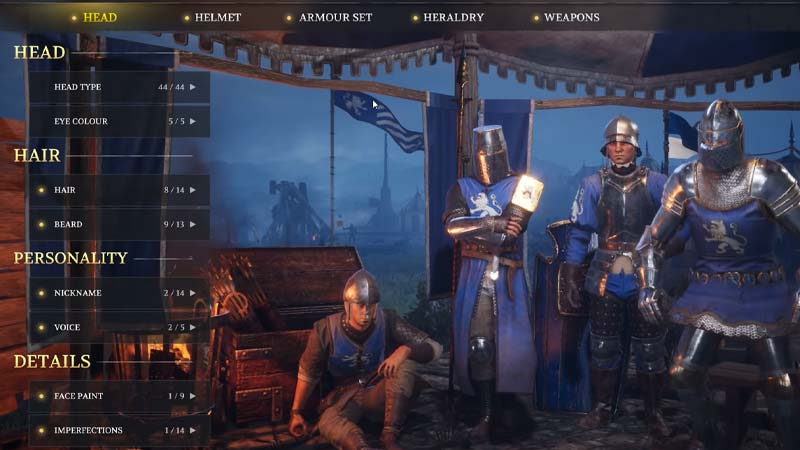
These are the steps you need to follow to customize your characters in Chivalry 2:
- Open your in-game menu.
- Go to the ‘Armoury‘ option.
- Under this option, select ‘Customization‘.
- Select the class that you want to customize.
- This will allow you to customize your character in Chivalry 2.
You have Archer, Vanguard, Footman, and Knight classes to customize from. When you select any one of these classes to customize, you will find the following customization options:
Head Customization
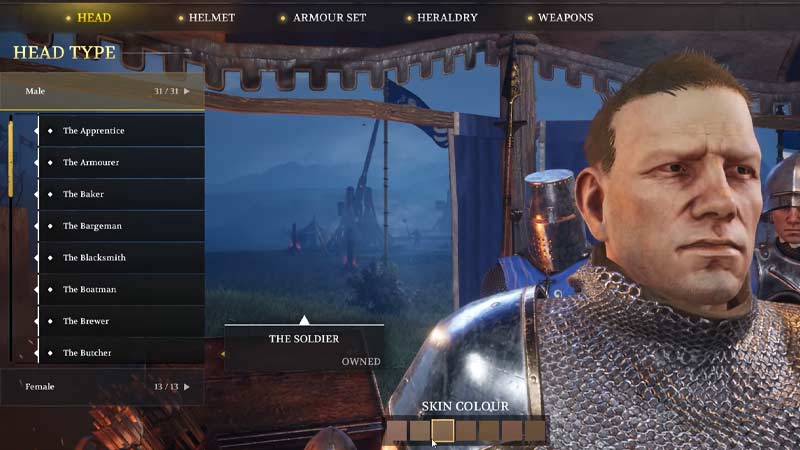
Head Type – The character head type will allow you to customize between a male and a female head. The male head has 31 options while the female one has 13. You also have the option to customize your skin color here.
Eye Colour – There are 5 types of eye colors to choose from to customize your character in Chivalry 2 which are Blue, Brown, Grey, Green, and Hazel.
Hair – Hair has a variety of options that you can choose from including, shaved, bowl cut, balding, etc. The color is also customizable.
Beard – Beards are the same as hair, variety of options, and colors to pick from.
Nickname – The nickname has three other synonyms for the character class that you have picked which will work as their name. For example, the archer has the Nickname options of The distant, The Hoplite, and The Ranger. It is under the Personality tab.
Voice – There are 5 voice options to choose from which are imposter, righteous knight, square boy, tough guy, and Agatha archer. It is also under the Personality tab.
Facepaint– There are 9 different options of facepaint to customize your character in Chivalry 2 and all of them are blue in color. There are options like crosses, stripes, terror, etc. It comes under the details tab.
Imperfections – For imperfections, you have various kinds of scars, piercings, and marks that you can add to your character’s face. This is also under the details tab.
Helmets
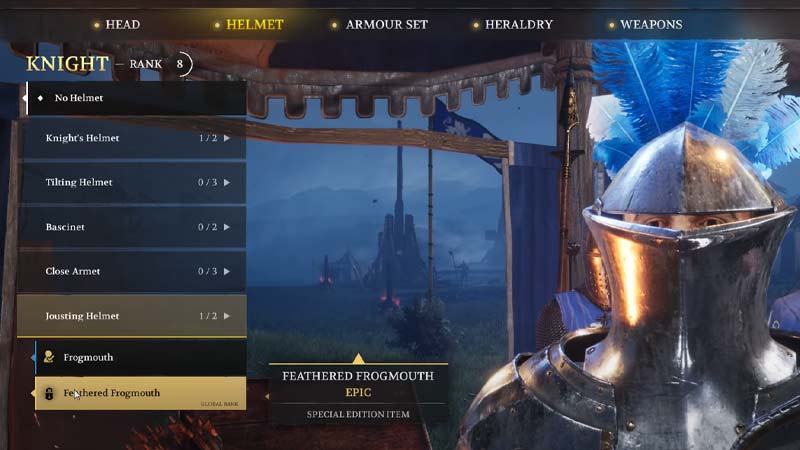
There are 5 types of helmets with sub choices in each one to choose from which will require a certain amount of gold to unlock.
Armor Set Customization in Chivalry 2
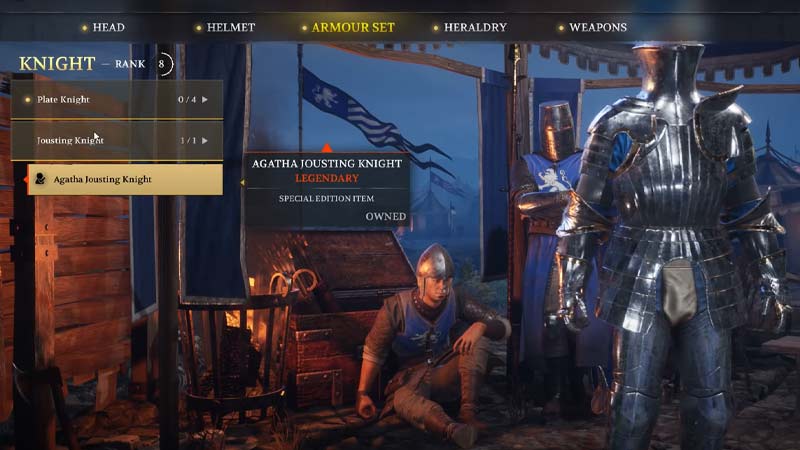
There are 2 kinds of armor sets with different sub choices, again requiring gold to unlock.
Heraldry
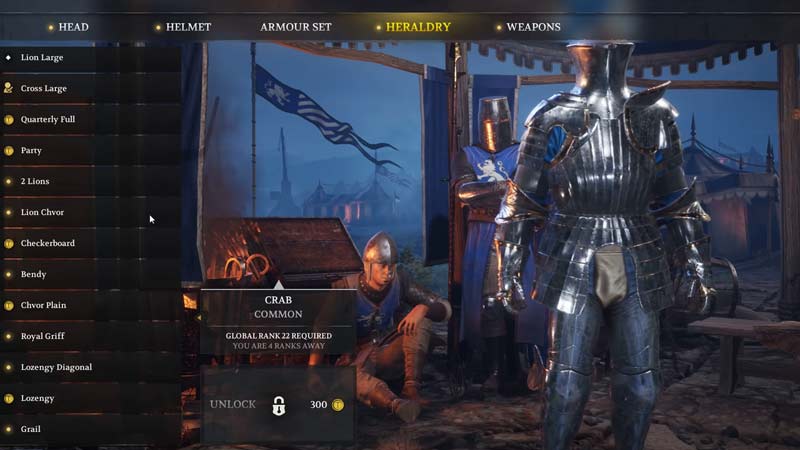
Heraldry will change the design of the clothing that your character has worn.
Customize Weapons in Chivalry 2
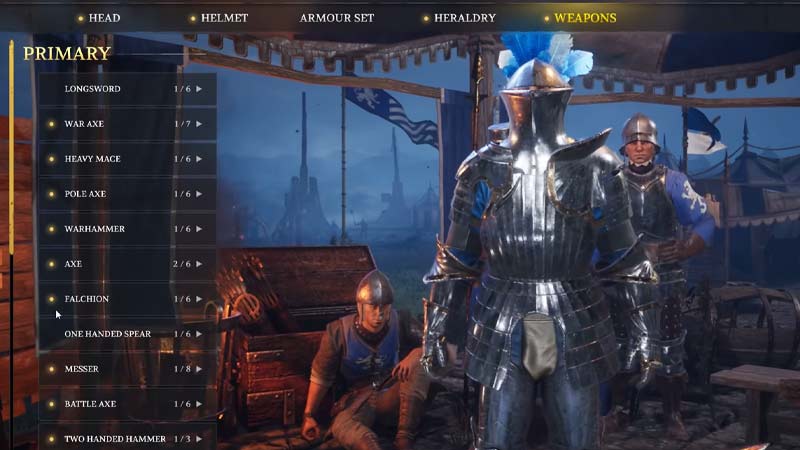
There are two types of weapons, primary and secondary and both have more choices under them that you can unlock by spending gold. There are also shields, novelties, and other items available.
So that is all for our guide on how to customize characters in Chivalry 2. If you would like to know how to invite friends and join parties in Chivalry 2, we have a guide on that too for you to check out.