GTA V has been around forever and yet we’re still not done with the game which never ceases to bring ouy the fun aspect of shooting, driving, crouching while taking cover, and launching missiles among other disturbingly fin aspects. In this guide, we’ll focus on the concept of crouching and taking cover which is crucial while one is engaged in combat. Follow the steps below to learn how you can do the same.
How to Crouch and Take Cover in GTA V
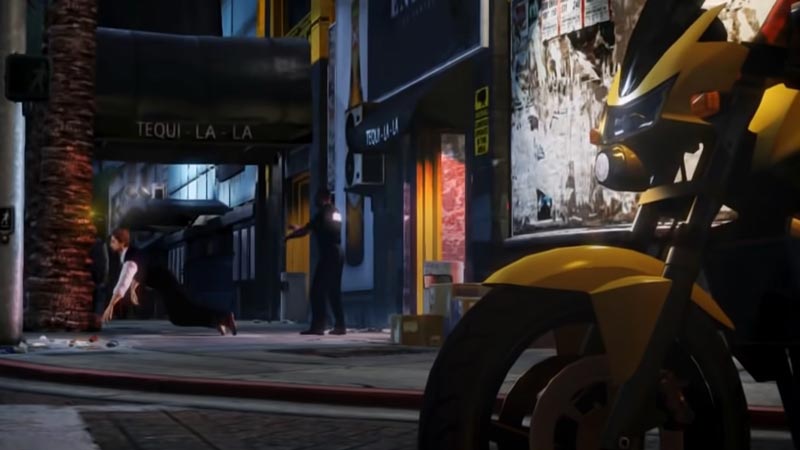
To Crouch and take cover in GTA V, you’ll need to use Q, RB, and R1 on PC, Xbox, and PS respectively. But taking cover in GTA is more than just pressing the button in the middle of nowhere, and there are few points you need to keep in mind. Here’s how you can effectively crouch and take cover:
- Locate a structure or a vehicle around you like a car or a building.
- Basically, anything that is impenetrable or even highly resistant to combat utilities can grant you cover.
- Ensure that while taking cover, your facing the structure.
- Furthermore, you will need to crouch to improve your aim and further shield yourself.
- The key that enables you to crouch for PC is “Q”.
- Xbox users can hold the “RB” button to crouch.
- Additionally, PlayStation users can hold down “R1”.
- In order to get yourself into an advantageous situation, you need to face the area of combat and decide when to peek.
- The best manner in which you can do this is to hold out for a while before pressing the aim button and shooting.
- You can do this on your PC with a right-click.
- For the PS4 and Xbox, it is the left trigger for both cases.
- Once you’ve let go, your character resorts back to the crouch.
- It’s best to take aim and fire while holding a position that reveals the bare minimum of your body.
That’s pretty much all there is to know about how to crouch and take cover in GTA V. We hope you found this guide useful and now know how to crouch and take cover in GTA V. Furthermore, Here’s a guide to help you fix the shop not working error in GTA V.