Your clan is crucial in V Rising because it doesn’t just give you allies that back you up, but they also help you save time and effort. If you are interested in creating alliances with players but you are seeing the “Clan is Full” error message or Clan size is stuck at one number, here’s what you need to know about the fixes.
How to Fix Clan is Full Error in V Rising?
Upon launching V Rising, you will see 3 multiplayer options:
- Online Play (Includes PvE, PvP, Full Loot PvP, Duo PvP)
- Private Game
- Host Dedicated Server
If you are in an official server that follows the Standard Ruleset, then you will be limited to a max cap size of 4 clan members in it. You cannot change it because it’s dictated by the developers. So the clan is full issue in V rising will show up if you try to add more than 4 players to your clan in this case.
V Rising Clan Size Stuck At 1 Person or 4 Fix
Many players are seeing that the clan size if stuck at 1 or 4. If you are hosting a private dedicated server, you should be able to change the clan size by editing the server files.
- First, close the game.
- Access the ServerGameSettings.json file.
- It should be located under: User Profile\appdata\LocalLow\Stunlock Studios\VRising\Saves\.
- Select the save folder you wish to edit.
- Open the json file in notepad and change the clan size number from here.
- Save the notepad and close it.
- After that, launch the game and check if you are able to add more clan members.
For those using GPORTAL server, you can change the clan size from the settings. You can do so via Account > My Servers > V Rising server > Basic Settings.
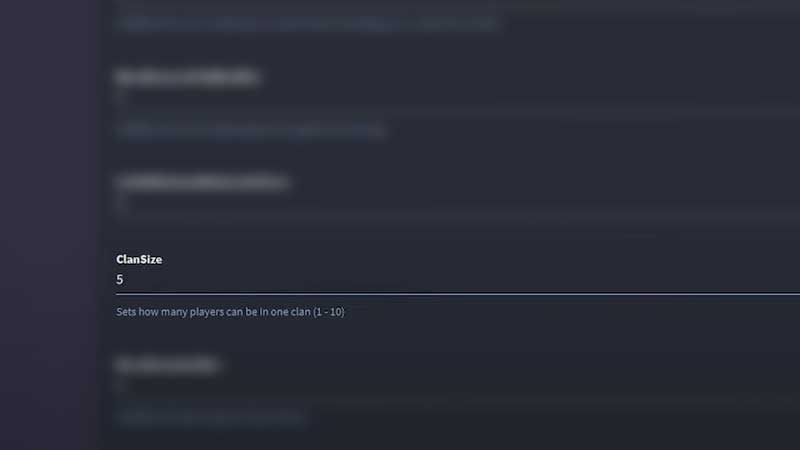
Here, scroll down to ClanSize and change the number. The number of players that you can have in one clan is between 1 to 10 for this, so add a number and hit Save.
Hopefully, this helped you fix the clan is full or clan size stuck issues in V Rising. Here are our other V Rising Wiki guides with hidden tips and tricks that the game doesn’t tell you about.