With the advent of AI in our daily lives, many use ChatGPT for various purposes. Whether you use it to get answers to questions, help write essays, or get explanations of complex topics, ChatGPT, if used wisely, can be of great assistance.
But, if your research comes to a grinding halt due to the message ‘There Was An Error Generating A Response’ in ChatGPT, it can be pretty frustrating. Even more so if you are a ChatGPT Plus user. Here’s what this error means and how to fix it.
More: How to Install Plugins in ChatGPT?
What does the ‘There Was An Error Generating A Response’ Message mean?
If you see a message that says error: Generating a response failed, or a similar variant of it, this means that something went wrong while ChatGPT tried to fetch your answer. There are multiple reasons behind it:
- There was a technical issue.
- There are some problems with your internet connection.
- ChatGPT servers are currently down.
- The input was incorrect or not understood by the software.
- ChatGPT does not have enough data to give you an answer.
- The system has encountered an unknown problem.
How to Fix ChatGPT Error Generating A Response?
Check your internet connection
Reset your router and check again. If your internet connection is unstable or intermittent, it can cause issues and may bring up this error.
Relaunch and Re-login to ChatGPT
Restart ChatGPT to see if there was a technical glitch from their end and if it’s fixed by relaunching.
Check if Servers are Down
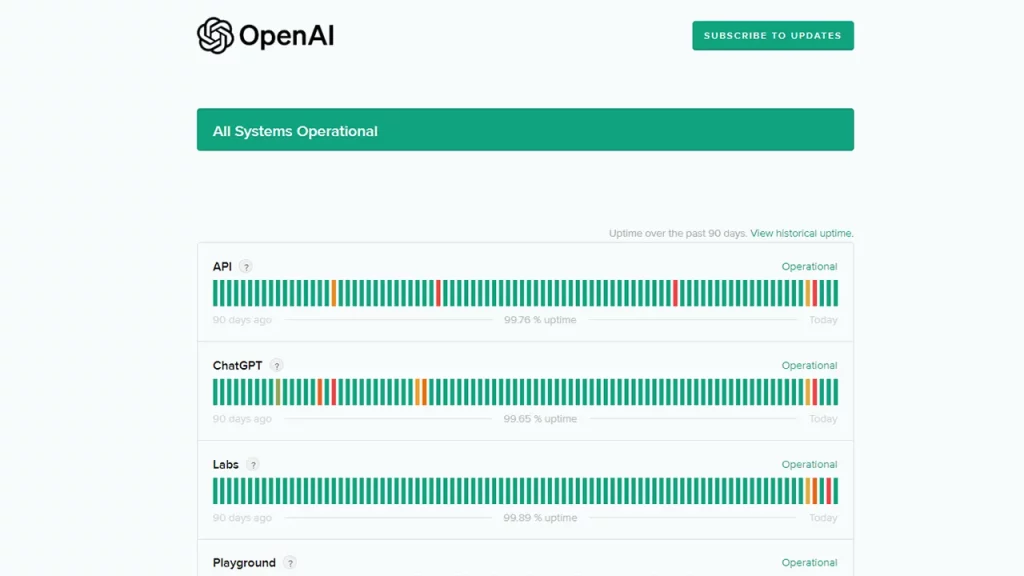
If ChatGPT servers are down right now due to an outage or overload, there’s nothing you can do apart from waiting for the servers to be back up online. It may take an hour, a few hours, or even more.
Turn off your VPN
If you are using a VPN currently, turn it off and check the ChatGPT ‘error generating response’ problem is cleared. This is to test if the VPN service is interfering with OpenAI.
Try a different browser or incognito mode
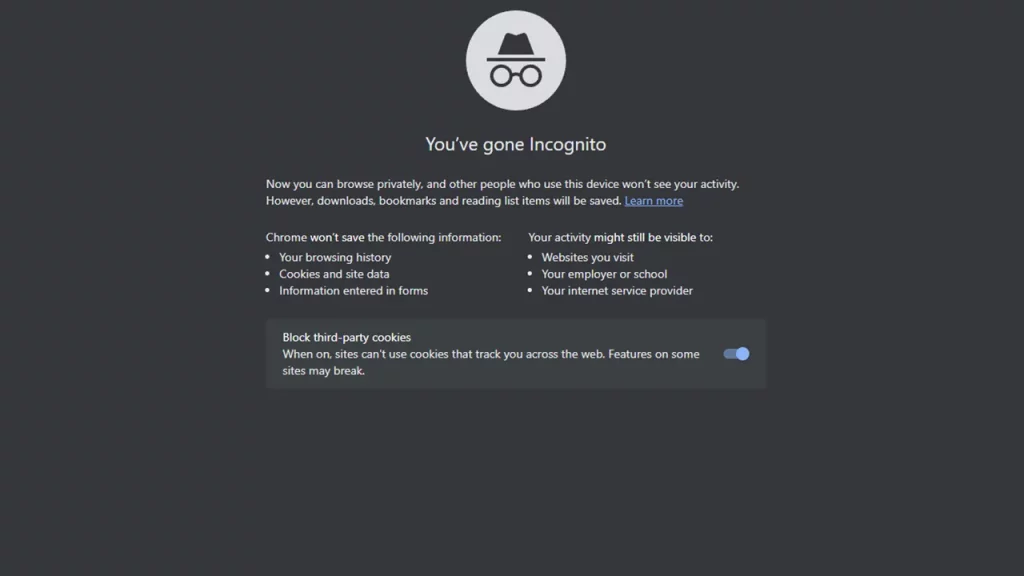
Test if ChatGPT works better and does not show the error on a different browser or the incognito mode. If that’s the case, you can clear the cache in your original browser and check the results.
Try a different input
Reword or rephrase your input in clear and concise language and try again. If you have used complex sentences in your previous input, try simpler and specific terms and see if it makes a difference.
Try a different question altogether
In case what you are searching for has very little data available related to it, ChatGPT will not be able to generate a satisfactory response either. So, depending on the genre/sector of your search, you can try broadening the query and trying another request.
To avoid the ‘There Was An Error Generating A Response’ issue in ChatGPT, make sure that the question isn’t vague, confusing, wrong, or incomplete.
Clear your browser’s cache
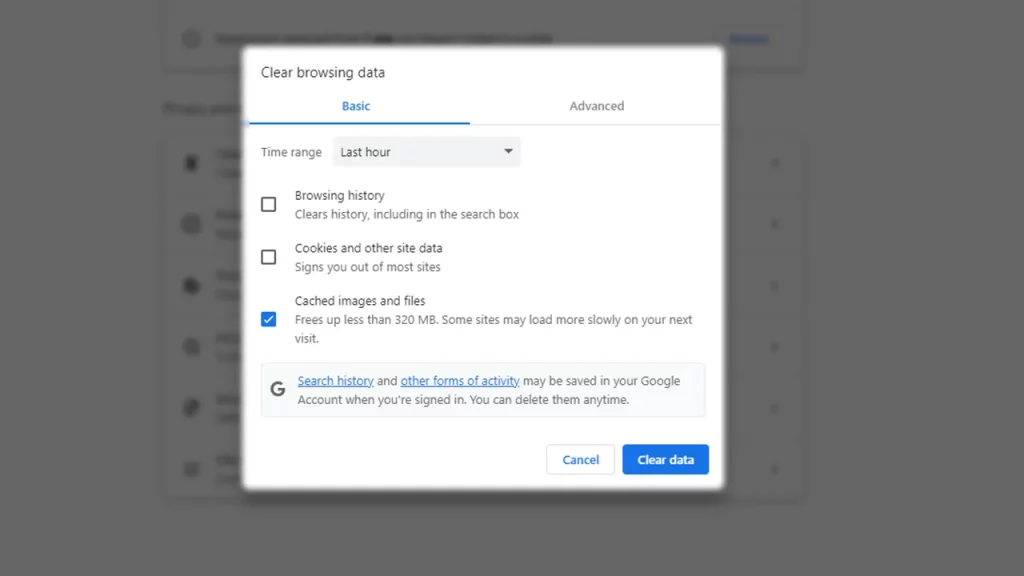
Depending on the browser you are using, the steps will differ. But, here’s how to clear the cache on Google Chrome.
- Click on the three vertical buttons at the top right of the screen on the desktop.
- Then click More Tools and then Clear browsing data.
- Under the Clear Browsing Data cache, select the time range and clear the cached images and files.
- Lastly, click on the blue Clear data button and try to access ChatGPT again.
Contact customer support
Lastly, if the system has encountered a problem and the servers aren’t down, you can contact the support team for additional help.
These were all the different solutions to potentially fix the frustrating ChatGPT ‘error generating a response’ issue. If none of the above fixes work, contacting support is the only last resort and with that, the issue should get resolved soon.