The recent release of MLB the Show 22 is a sweet treat for all the baseball fans around. It has been widely praised for its realistic graphics and new mechanics. As this year of MLB has introduced new gameplay elements, it also made some changes to the old ones. While the previous installment allowed players to change their selected positions, you need to work some methods with the recent MLB. So, here’s our guide on how to change the position in MLB the Show 22.
How to Change Position in MLB The Show 22?
Mentioned below are the methods to change your selected position:
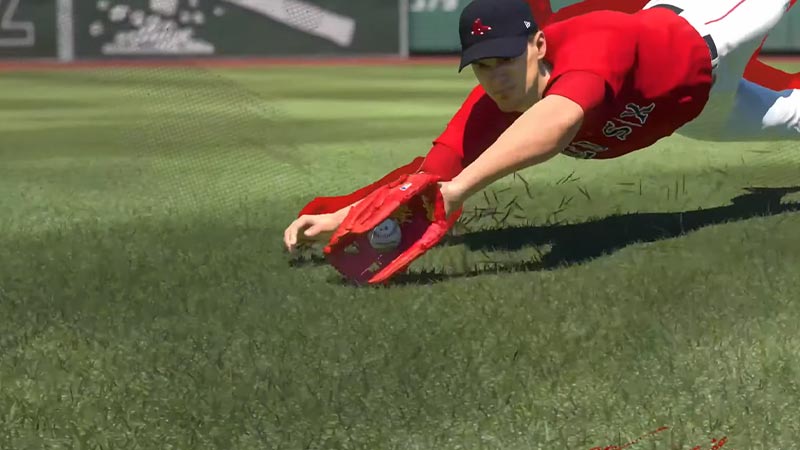
Contact your Agent
This method can help real MLB players to change their positions, too. Your Agent is an official that keeps a check with you once in a while for an update. As they contact you, you can tell them about the situation. But these calls are not necessarily about the positions. So, you need to select the option of changing the position whenever you get a chance. If your OVR stats are high, the management will comply and give you a different position on the roster. This can also create a rift between your teammates (quite realistic). Make sure you maintain a good relationship with all of your teammates.
Take the Manager’s Deal
As you go on with your career, you will get an opportunity to talk to your manager about the positions. The manager will ask you to try out a different position for a while. Accept the deal if the position suits you. You can also reject, change, or suggest a new position to your manager.
Creating a New player
If both of the above methods seem to not work for you, create a new player. We suggest this method even for the players that have grinded long enough into the game. As it is always better to excel at a position you enjoy rather than grinding on an assigned position. Also, it is not always guaranteed for the Agents to cut a suitable deal. Thus, creating a new player can offer a fresh start.
That’s all on how to change the position in MLB the Show 22. If you liked this guide, make sure to check out our other guides on how to edit uniforms, how to edit logos, and what get’s transferred and what doesn’t in MLB the Show 22 right here on Gamer Tweak.