One of the most popular MMORPGs, Lost Ark is a game that is buzzing with a huge community of players. With all of the players in the game, there is a need to have the right name and appearance based on your liking. You may start playing the game with a particular set of likes and dislikes, but that doesn’t mean that this will always be the same. Luckily, Lost Ark understands the need and allows you to do the same at a cost. In this guide, you will learn how to make changes to a character’s name or appearance in Lost Ark.
How to Change The Name and Appearance of Your Character in Lost Ark?
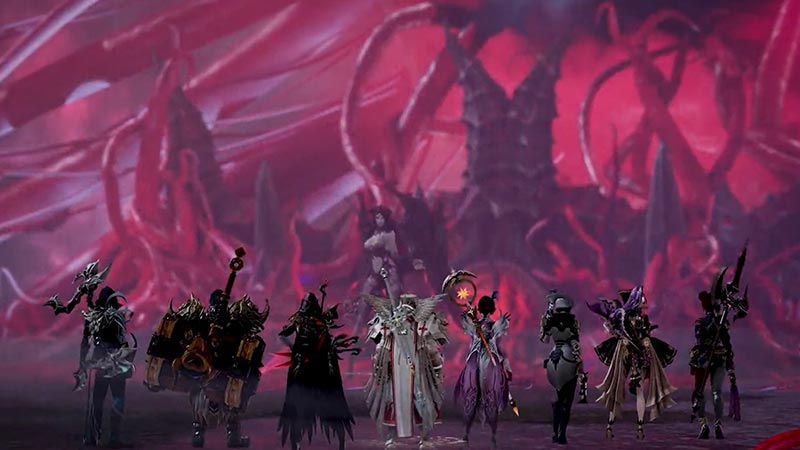
Here is how you can change the name and appearance of your character in Lost Ark.
How to Change the Name of Your Character?
- Go to the Character Selection screen
- Now, select the character whose you want to change the name
- There should be a Change Name button on the bottom-right of your screen
- Click on the button and a dialogue box will now appear
- This dialogue box will ask you for a Name Change Ticket
Use your ticket. Now, enter the name that you want to change your character’s name to. The name will now be changed! Note that you can only buy the Name Change Ticket with the premium currency of 1,500 Royal Crystals. This means that to get a Name Change Ticket, you will need to use real-world cash.
How to Change Your Character’s Appearance?
Here is how you can change your character’s appearance in the game.
- Go to the Character Selection screen
- Now, select the character whose you want to change the appearance
- Go to the Reskin option on the bottom-right of your screen
- Click on the button and a dialogue box will now appear
- This dialogue box will ask you for an Appearance Customization Ticket
Use your ticket. Now, change the appearance of your character easily. The appearance will now be changed! Note that you can only buy the Appearance Customization Ticket with the premium currency of 800 Royal Crystals. This means that to get an Appearance Customization Ticket, you will need to use real-world cash.
This was your guide on how to make changes to a character’s name or appearance in Lost Ark. If you enjoy playing Lost Ark then check out this guide on how to change the guild name and flag in the game.