
Home > Ark: Survival Ascended > How to Change Game Language in Ark Survival Ascended

How to Change Game Language in Ark Survival Ascended

Published Date :

For players looking to change the language while playing Ark Survival Ascended, you might not find the option to do so in-game itself. However, with a few extra steps, you will be able to select the language you want. Since, naturally you would want to survive your way through and be the strongest predator in the food chain with the language you are comfortable with.

While the full audio of Ark Survival Ascended is only available in English, you can change the language of the in-game interface and subtitles with 15 more. So if you want to have a more immersive gameplay experience, then here are the steps you can take to work your way around and switch between languages in the game.

How to Change the Language in Ark Survival Ascended
How To Change Game Language In Ark Survival Ascended
Image Source: Steam

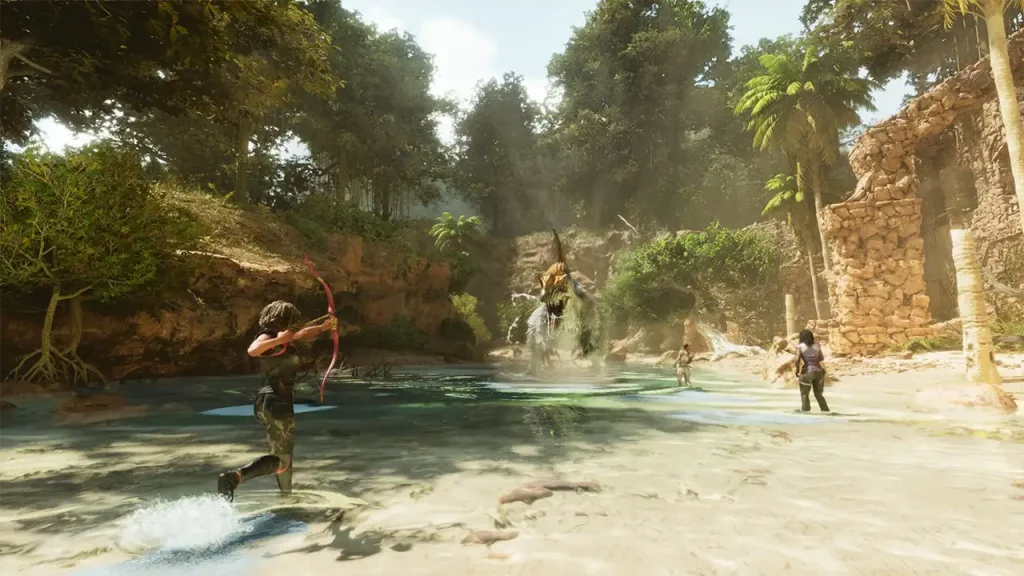
Since Ark Survival Ascended does not have a dedicated in-game option to switch between languages, players will need to work their way around with launch options available on Steam. You will be able to change the language with a simple command in the game. Here are the steps you can follow to do so:

  • Launch Steam and head towards your Steam Library.
  • Here, search for Ark Survival Ascended and right-click on the game.
  • Once done, select the Properties option from the box.
  • In the General Tab, you will see the Launch Options textbox.
  • You will have to then type in ‘-culture=X’.
  • Here, instead of X, you will have to type in the code for the language you want.
  • For example, en for English, ja for Japanese, etc.

You will have to wait for the developers to add a dedicated option to change language in Ark Survival Ascended if you are looking to do it in-game. Till then you will have to make do with the launch options workaround.

That’s everything covered in this guide. If you find this guide helpful, check out our other survival guides for Ark Survival Ascended in its dedicated section, right here on Gamer Tweak.


  • Bridge Battles Codes (July 2026)

    Bridge Battles Codes (July 2026)

    Published Date :

    Bridge Battles is a thrilling game where you and your team try to build your bridge before the other teams – you can slow down their progress by destroying their bridges with RPGs as well as killing their teammates. The first team to reach the end wins – which means you need all the speed… Read More

  • Horse Racing Legends Codes (July 2026)

    Horse Racing Legends Codes (July 2026)

    Published Date :

    Bored of car games? You can try Horse Racing Legends, where you race horses, upgrade to get wins, and customize your horse with unique skins, blinkers, saddles, and more. If you were searching for realistic mechanics, this one’s for you! However, while you’re at it, you may not want to miss out on free Lucky… Read More

  • Idle Balls Codes (July 2026)

    Idle Balls Codes (July 2026)

    Published Date :

    Idle Balls is an incremental game where you expand rings, add balls, upgrade multipliers and work towards climbing the leaderboards. However, a boost here and there never hurts! This is where Idle Balls codes come in handy and by redeeming them, you can unlock temporary luck boosts, events, free cash and much more! Last checked… Read More

  • Throw a Coin Codes (July 2026)

    Throw a Coin Codes (July 2026)

    Published Date :

    Throw a Coin’s gameplay loop is very addictive – you start by throwing a coin into the fountain, and it gives you a random item of a certain value. The fountain can drop anything from a Guitar, a TV, a Trophy, a Magnet, a Wheel, to the rare Treasure Chests. Your goal is to upgrade… Read More







