
The long wait for EA Sports PGA Tour is finally over but there seem to be some issues with the game. Many fans have reported that the game’s Challenges feature has stopped working. This affects players’ progression in the game. Many fans are unable to fully enjoy the PGA Tour experience. Let’s look at how you can fix the EA Sports PGA Tour Challenges error.
How to Fix Challenges Error in EA Sports PGA Tour
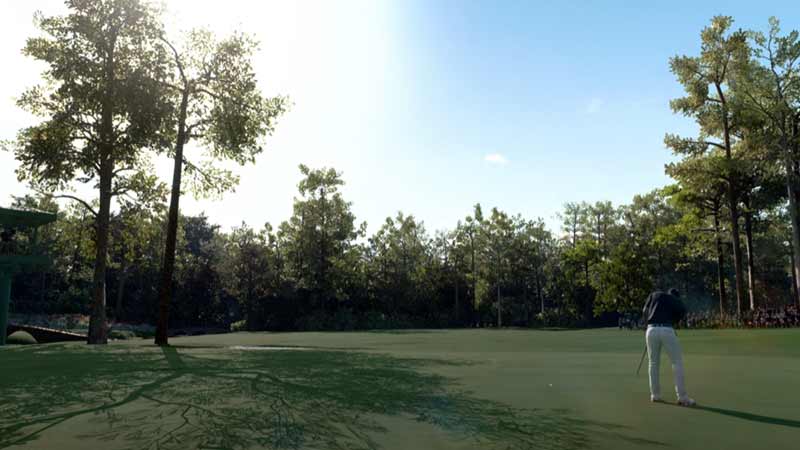
On launch, EA Sports PGA Tour has had issues with its Challenges not registering in-game. This has resulted in issues with player progress and reward completion in the game. The error has made it difficult for fans to enjoy a game they have been eagerly waiting for. A new update from EA has tried to resolve the issue but things seem to be the same if not worst. While we wait for another update, here are a few tricks you can try to fix the error on your end.
Update GPU Drivers
For PC gamers, it is vital for their graphic card drivers to be synced up with the latest available version. An outdated driver can be the cause of low FPS, lag, and other performance issues with EA Sports PGA Tour. You can check if your driver is updated by visiting the official site of your graphics card manufacturer to see if your version is up-to-date.
Check Your Internet Connection
It is possible that your device has not been able to fully download the new update due to a weak internet connection. Check your Wi-Fi or ethernet cable connection and verify the strength of your network. Once you’ve verified your internet connection, start downloading the patch.
Reinstall the Game
This is the last and best solution to try and fix the Challenges error in the EA Sports PGA tour. Starting fresh with a new local file usually gets rid of any corrupted files and excess cache in your system.
That’s all we have on how to fix the EA Sports PGA Tour Challenges error. For more on the game check out our List of Courses in the PGA Tour and other Game Guides here on Gamer Tweak.











