Chained Together has a unique system for saving progress that might seem a little hidden at first. It’s understandable that players might want to know how to save because it’s a challenging title where you don’t want to lose a large amount of progression just because you forgot to save manually. Here’s everything you need to know.
How to Save Progress in Chained Together
The game actually saves your progress automatically at certain points and there is no way to manually save at self-created checkpoints. The automatic save happens whenever you exit the game entirely or enter a new stage (indicated by a stage title appearing on screen).
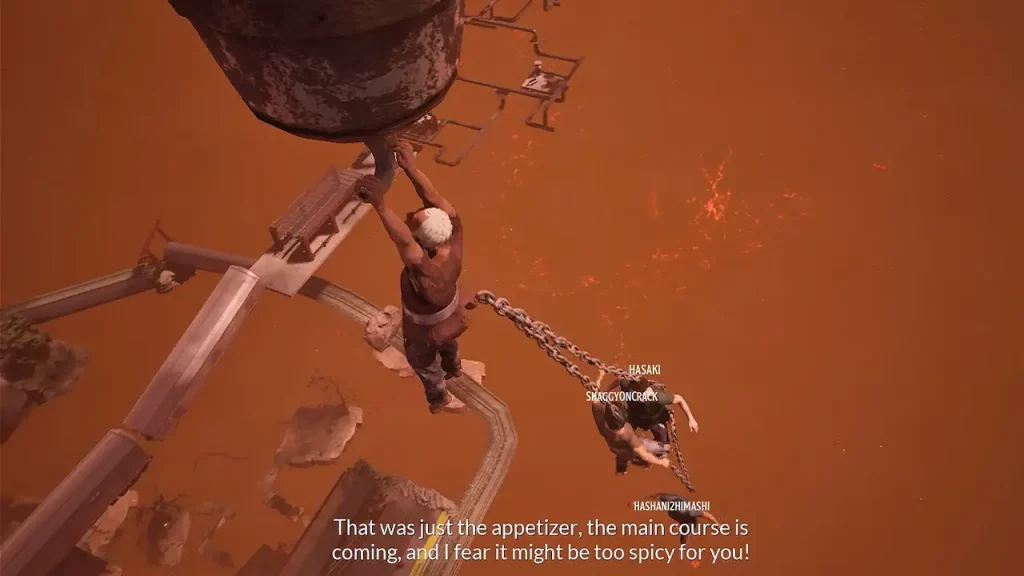
How to Load a Previous Save in Chained Together
When you start a new lobby to play with friends, you can choose the save you want to go forward with. Clicking this will load your progress from the point where you last exited the game, essentially teleporting you back to that location.
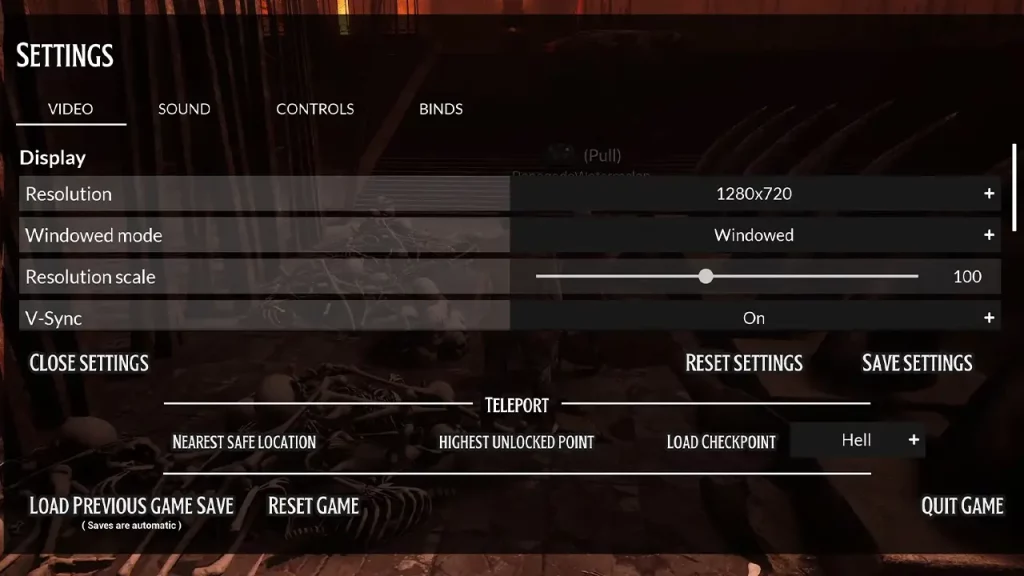
Within a game, you can also go to the Settings and check for the teleport options like nearest safe location, highest unlocked point, and the load checkpoint option.
As shared by itsSancarlo on Steam Community, the checkpoints are at:
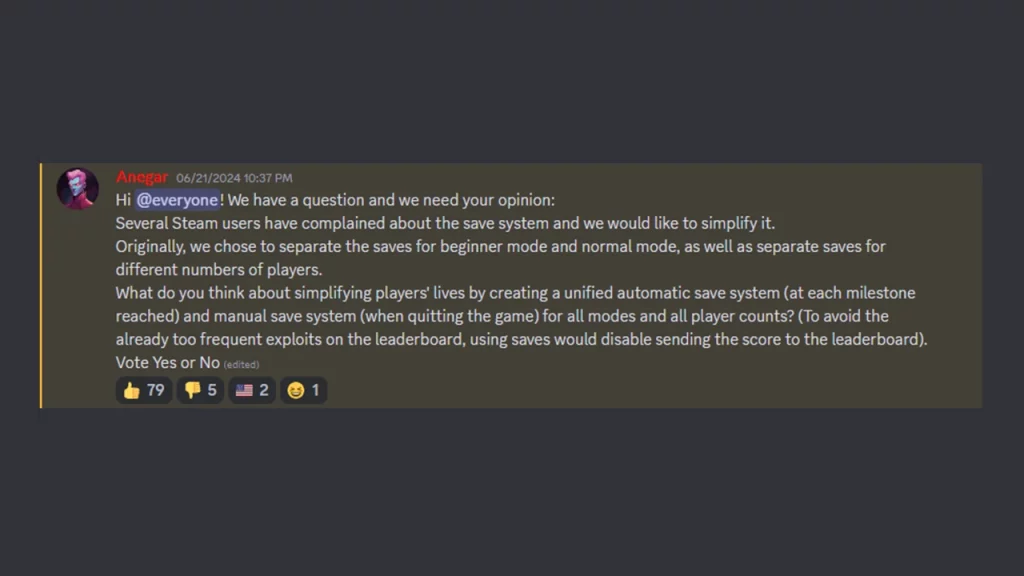
This “Load Previous Save” feature only works if you create a new lobby with the same settings as your previous session. It’s mainly intended to resume progress after exiting the game, not for creating checkpoints within a level. Do note that using saves would disable sending the score to the leaderboard, as mentioned by a developer on Discord.
While teleporting is generally disabled in Normal and Lava modes, Beginner mode offers a teleport function to help recover from falls. This can indirectly act as a soft checkpoint if used strategically.
So, to ensure a smooth experience, make sure you and your friends are on the same page regarding difficulty mode and desired level of challenge. Communicate and strategize your jumps and movements to minimize the need for relying on previous saves.
By understanding Chained Together’s save system, you and your friends can focus on the fun and teamwork required to complete its challenges.