
Chained Together is a blast to play with friends because it creates hilarious moments as well as silly situations where you get tangled, pulled, and even flung! Since it needs impeccable communication and teamwork under pressure, it will test your friendship in a fun way. So, if you’re planning on diving into this popular title’s co-op experience, here’s how to play Chained Together with friends.
How to Join Friends to Play Chained Together (Local co-op Split Screen)
- Load up Chained Together on your PC and click on Play.
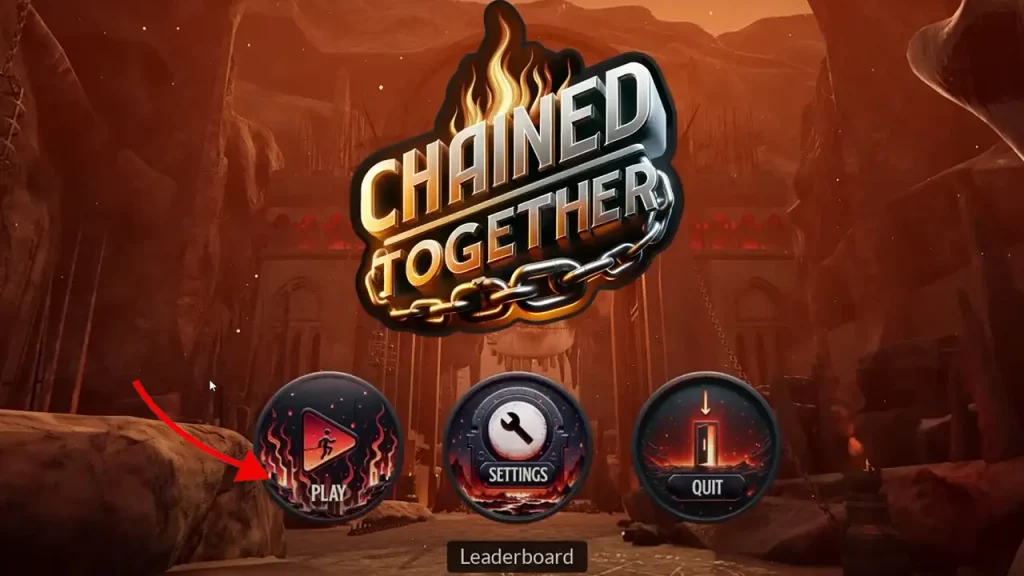
- Navigate to the main menu and look for the “local multiplayer” option.
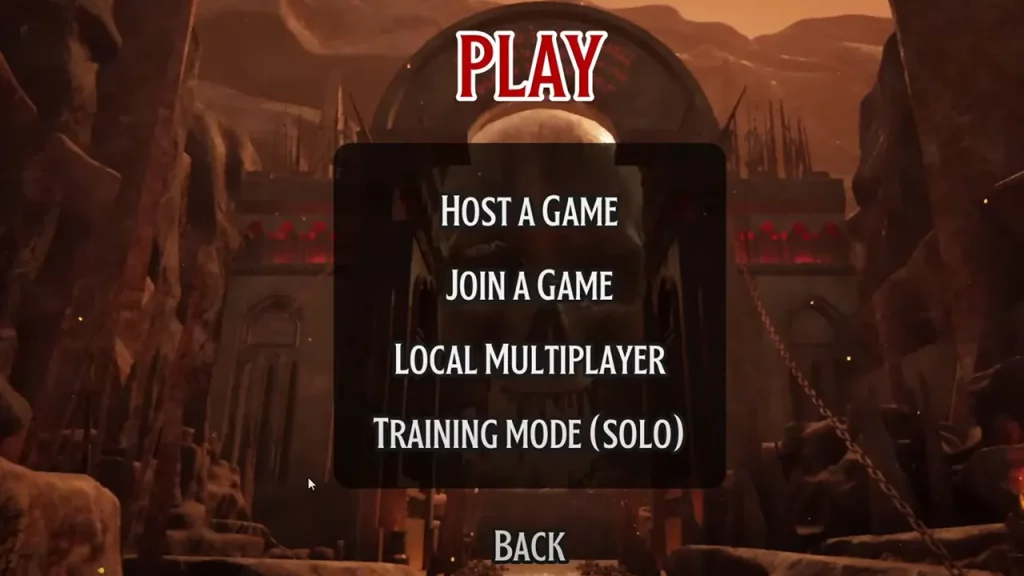
- This will open a lobby where you can select how many players are joining the game and adjust a few more settings.
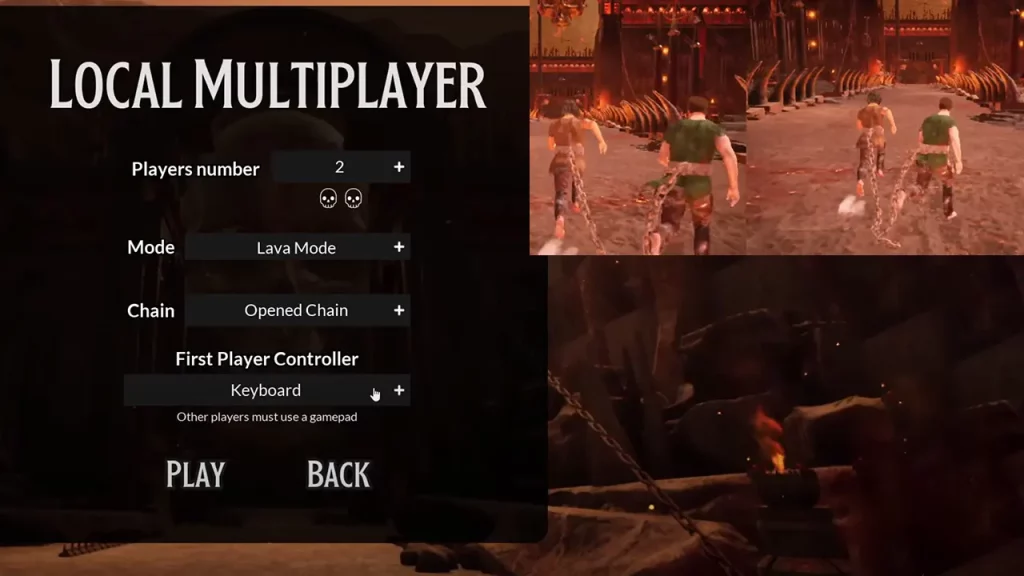
- The game supports up to 4 players locally, and can be played with a keyboard or controller.
- Make sure everyone has the device assigned correctly before starting.
The game will automatically adjust to split the screen for the number of players. Now you’re all set! Remember, communication and coordination are key as you’re chained together. Work together to navigate platforms, avoid obstacles, and progress through the levels.
How to Host a Game for Online Co-op Mode
If you’re not playing on the same screen in split-screen mode, here’s how to host a game or join one with friends in Chained Together. Before starting, ensure you’re running the latest version of the game, as older versions might have issues with invites.
- Click on Play when Chained Together loads up.
- Click on Host a Game.
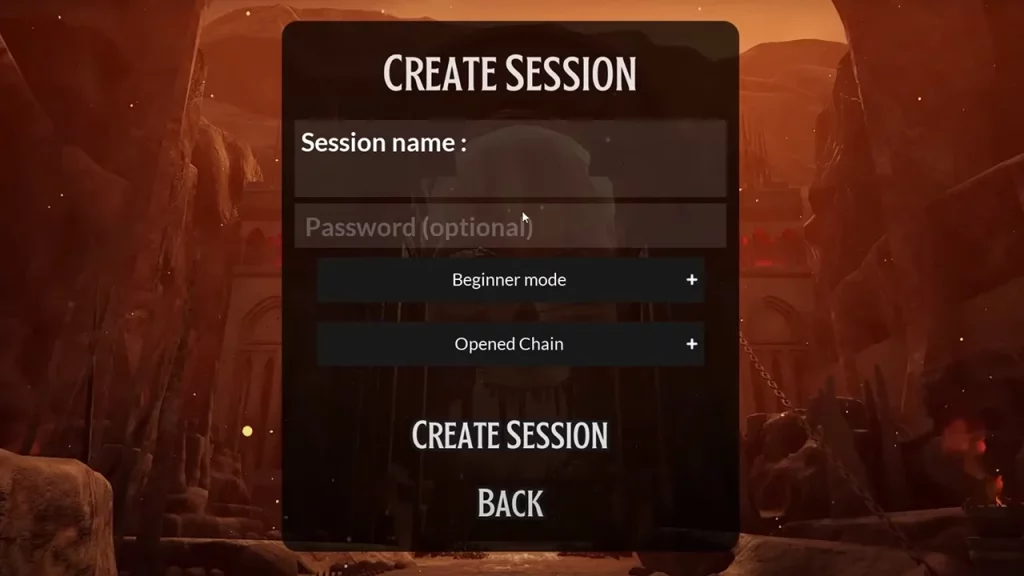
- Add a password.
- Choose the mode, chain type and click on Create Session.
- After a loading screen, you will be asked to select a character.
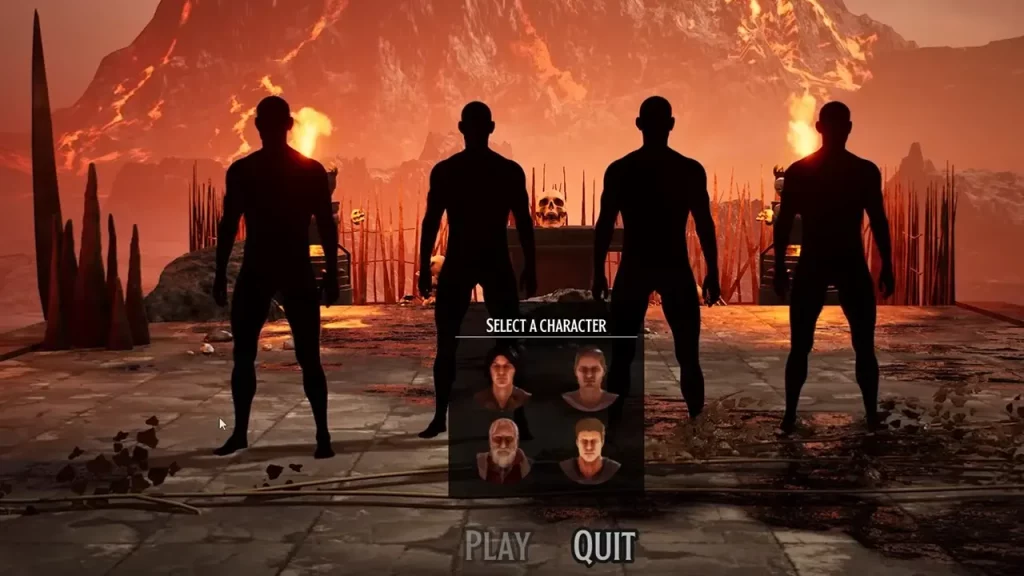
- Share the password with your friends. They have to click on Join a Game, add the password and they will appear in the game with you.
- After they join, click on PLAY.
There are different difficulty modes you can choose from, including Beginner, Normal, and Lava mode.
Beginner mode offers a teleport option to help you recover from falls. Normal and Lava modes are for those who want a pure challenge and are the only ones where leaderboards and achievements are tracked. Have fun and be prepared for some funny and frustrating situation as you work together to escape!











