Getting to the end of the map without dying can be a thrilling experience in Escape Tsunami for Brainrots, however, what if you could carry more than one Brainrot on your way back? Luckily, it’s possible and it costs in-game money. Here’s what you need to know about carry upgrades in this game.
How to Carry More than One Brainrot in Escape Tsunami for Brainrots
To save time and effort, you can bring back multiple Brainrots, and that can be done by purchasing Carry Upgrades. The shop is located to the right of the speed shop and each upgrade will keep costing more money. You can also directly buy it with Robux in case you’re short of in-game cash.
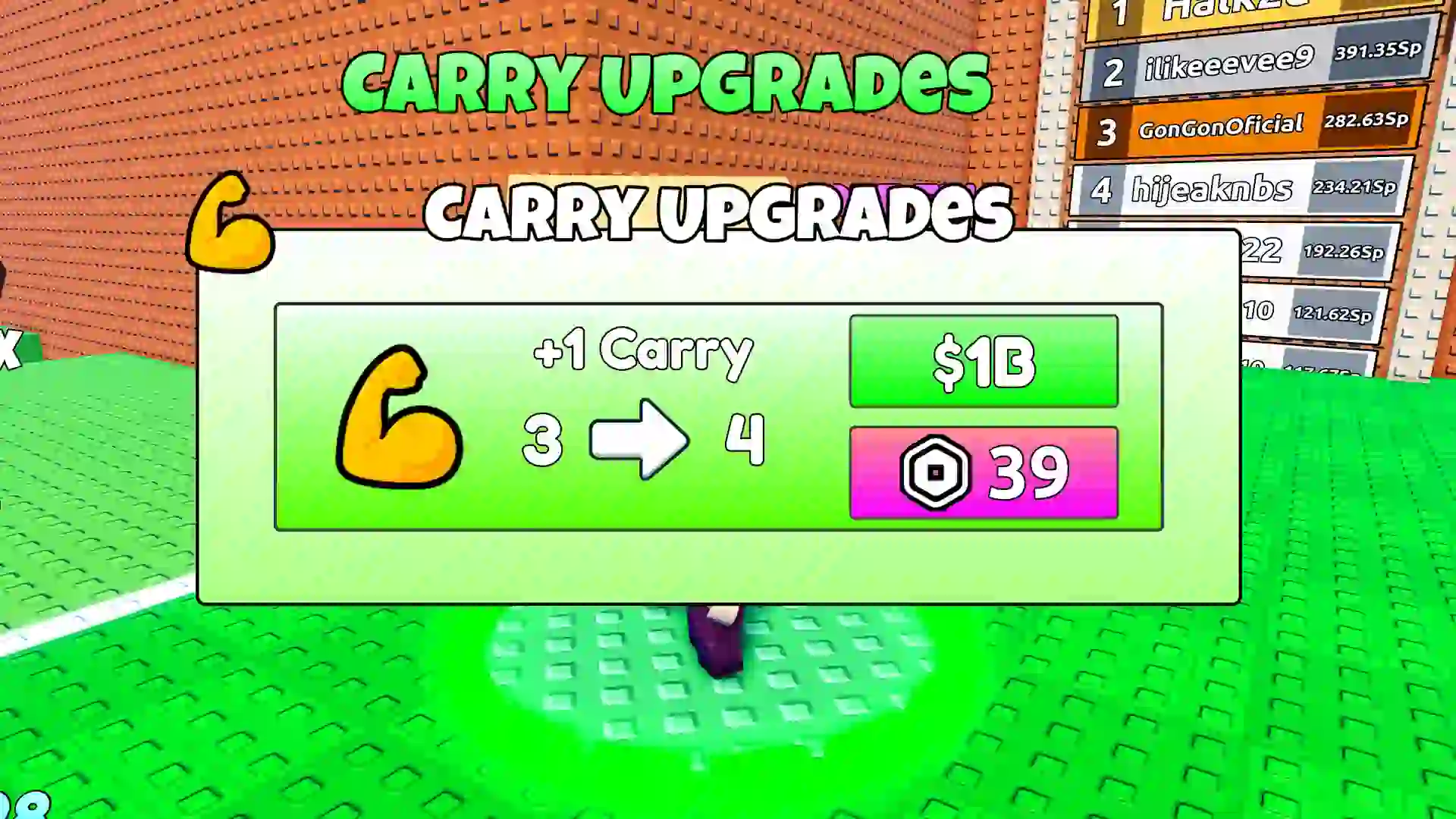
This comes in handy because getting to the Cosmic, Secret, and Celestial areas can be time-consuming since we have to wait between platforms as tsunamis pass by. But if you’ve made it to these sections successfully, you can grab multiple Brainrots and come back safely to put them in your base. If your base is upgraded, even better.
Note that when you come back from your journey with multiple Brainrots, you will see your character holding only one of them. Don’t worry, the others aren’t lost. You need to click on the Bag icon at the top left corner of the screen to see all the Brainrots in your inventory – the rest of them will be displayed there.
In case you’re running short of money, take a look at our guides on Rebirthing (which provides money multipliers) and how to earn money fast. Cash is directly related to speed in this game because you can easily head over to the Speed Upgrade shop and purchase more speed. This will allow you to reach the farther areas of the map without getting hit by the tsunami.