
Home > Baldur’s Gate 3 > How To Cancel Actions In Baldur's Gate 3

How To Cancel Actions (Mistakes) In Baldur’s Gate 3

Published Date :

While there are numerous types of actions in BG3, they exhaust the action bar somewhat. So what if you select the wrong move, can you cancel actions in Baldur’s Gate 3? While there are limitations, there is a way for players to cancel their actions and save their characters from getting tired. Do note that there are a few specific actions that cannot be canceled no matter what and players need to be careful about making mistakes with those. Since the game is not clear on the how-tos, this guide will show you all there is to canceling wrong movements, combat actions, and more.

How to Cancel Actions in Baldur’s Gate 3
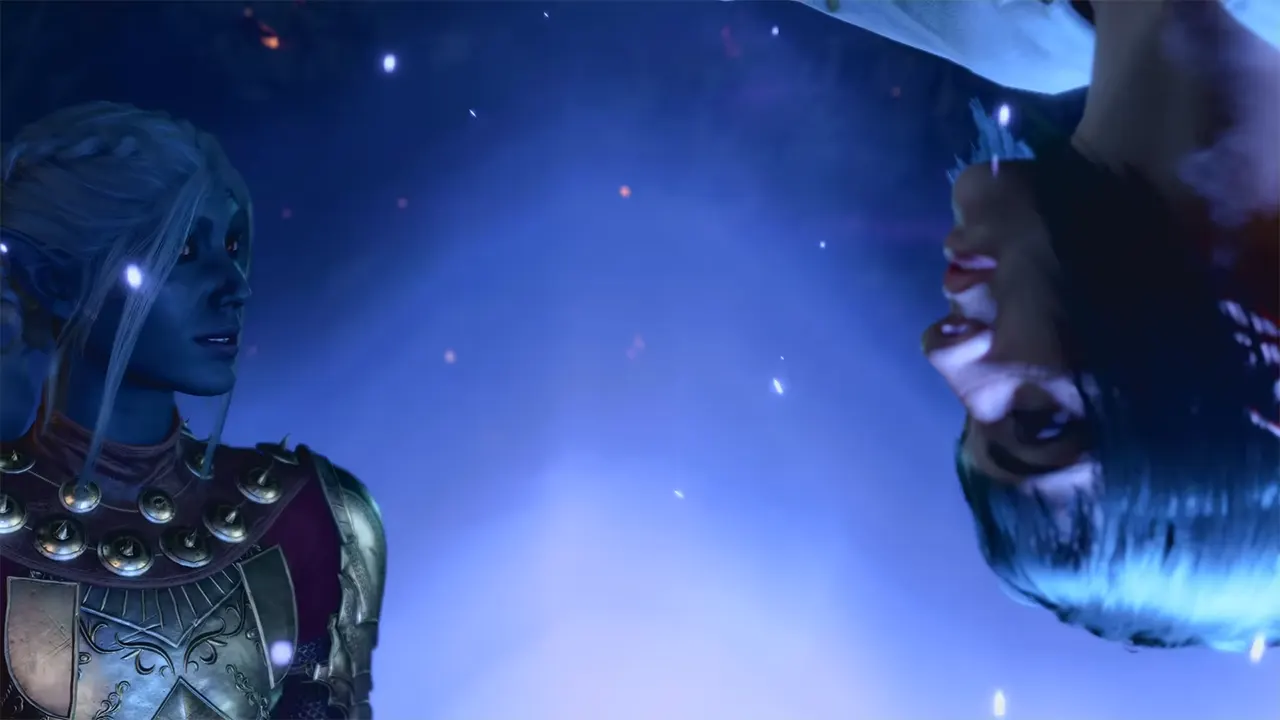
Cancel Actions in BG3

For a turn-based game like BG3, making the wrong move even by mistake can lead to unforeseen consequences. Thankfully, players can cancel most actions in Baldur’s Gate 3 by simply clicking the Right Mouse Button (RMB). Additionally, you can stop certain skills and spells by simply clicking on other members in your party. Although this is certainly easy, it does not help if you have made an accidental action with your movement. In such cases, players can also choose a much closer place to move to so they don’t exhaust the action bar.

Since making an accidental action in tough fights can be fatal in BG3, the right mouse button will help you easily cancel this most of the time. Additionally, channeling spells cannot be canceled once you start. However, you can cancel the cast or change your target so you can make good use of it. Do note that you cannot undo a mistake after it’s completed and you will have to cancel your actions before they take place in BG3.

That’s all there is on how to cancel actions in Baldur’s Gate 3. If you found this guide useful, you might want to check how to respec Class. Also, we have more such guides on our Baldur’s Gate 3 dedicated section that you should check out while you are here at Gamer Tweak.


  • GTA 6 Sprint Control Change: Rockstar Ditches Button Mashing?

    GTA 6 Sprint Control Change: Rockstar Ditches Button Mashing?

    Published Date :

    Rockstar is making a small but important change to how players sprint in GTA 6. The new instalment appears to be moving away from the button-mashing controls used in earlier GTA titles and switching sprinting to the left stick. This means running around Vice City should require fewer repeated button presses when playing as Jason… Read More

  • Dungeon Lootr Codes (September 2026)

    Dungeon Lootr Codes (September 2026)

    Published Date :

    Dungeon Lootr is a Roblox hack-and-slash game built around challenging dungeons, different classes, builds and plenty of loot. You can fight enemies, collect better gear, upgrade your weapons, and use different abilities as you progress and codes can give you useful items such as Luck Potions, Forge Stones, Aspect Gems, and Coins. If you don’t… Read More

  • U7BUY Steal a Brainrot Items Review: Pricing, Delivery Speed, and Service Quality

    U7BUY Steal a Brainrot Items Review: Pricing, Delivery Speed, and Service Quality

    Published Date :

    When playing Roblox Steal a Brainrot, you will be aware of the frustration it causes. You need a unit that actually earns $/sec, but those units have such low probability of appearance that you can only find one of them in 0.1% of cases. Many hours of farming sometimes lead to days, and still, you… Read More

  • MM2 of The Locust Codes (September 2026)

    MM2 of The Locust Codes (September 2026)

    Published Date :

    MM2 of The Locust is a Roblox horror game where you are trapped inside a dangerous nest with a giant creature hunting you. Your goal is to survive, find your way around the map, and escape before the Locust catches you. You can also collect Keys during your runs and use them to get different… Read More







