How fun would it be to play Call of Duty Mobile on a PC? No more fidgeting on the touch screen and a better view and experience of the game. You can actually do that using an emulator. If you do not know how to, in this guide, we give you the steps to use a Call Of Duty Mobile Emulator to play the game on PC.
Call Of Duty Mobile Emulator

Gameloop, formerly known as Tencent gaming buddy is the official emulator for Call of duty Mobile. It is an android emulator created by Tencent itself with the perfect performance and you can expect smooth gameplay.
Here is how you can download and use the Gameloop Emulator:
- Visit the official site of Gameloop.
- Install the Emulator on your PC.
- Open the Emulator and complete the setup that the app will walk you through.
- Once done, search the Call of Duty mobile game.
- Click on download and wait for the game to install.
- Launch the game using the Gameloop
- You can now play Call of Duty mobile on PC.
Other Emulators for Playing COD Mobile on PC
Though not officially backed by the game developers, these emulators are safe to use:
Bluestacks

Bluestack is one of the best emulators in the market that has a wide library of games that you can choose from including Call of Duty mobile. Here is how you can get bluestacks:
- Go on the official Bluestacks site.
- Download it and complete the setup that it will walk you through.
- Once done, search for the Call of Duty mobile game.
- Download the game and launch.
- You will now be able to play the mobile game on PC.
MEmu Emulator
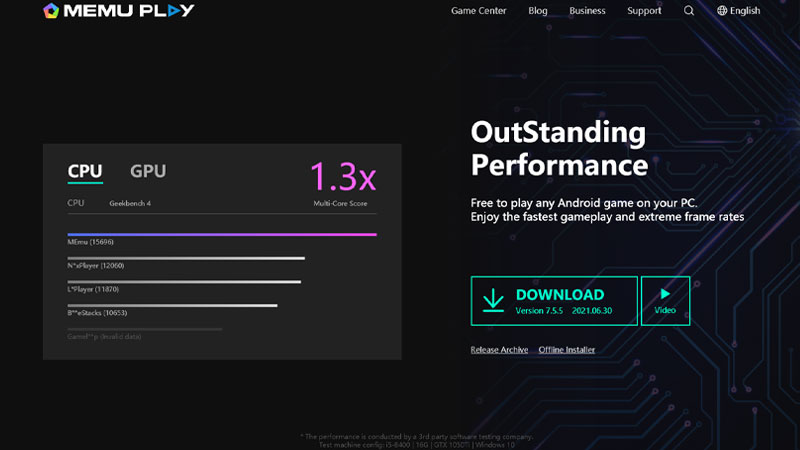
MEmu emulator is also not officially backed by the game itself but is a good alternative to use. Here is how you can use it:
- Visit the Memu site and click on the download button.
- Once downloaded on the PC, complete the initial setup that it will walk you through.
- Open MEmu and search for Call of Duty Mobile.
- Download the game and launch it to play on PC.
So that is all for our guide on how to play Call Of Duty Mobile on PC using an emulator. If you would like to know how to fix Call Of Duty Mobile authorization error 5 1200, we have a guide on that too for you to check out.