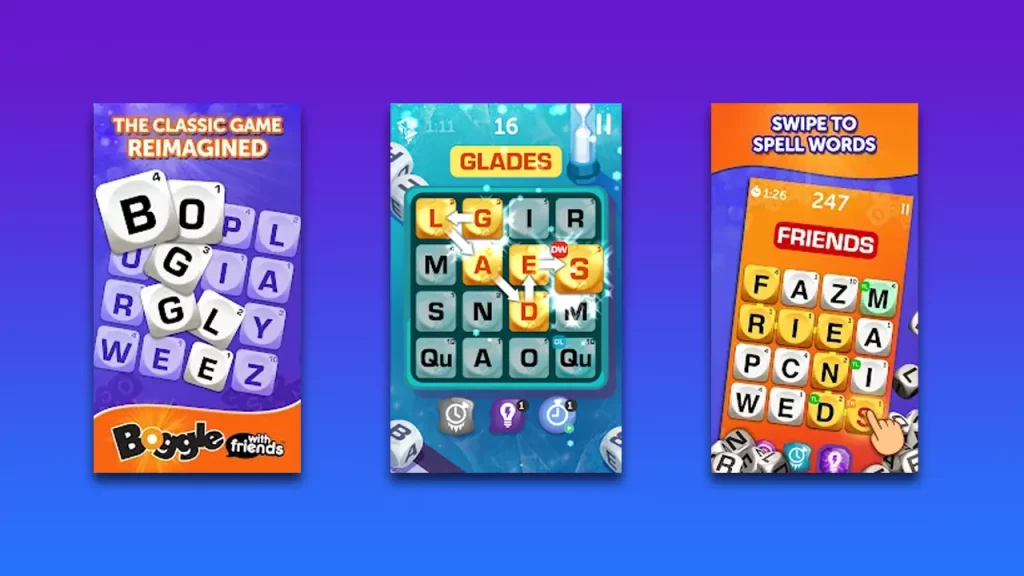
Boggle with Friends is a word puzzle game that you can enjoy with friends and family online. There are different modes and twists contests where you can challenge other players. While the game seems to work fine most of the time, there have been instances where the user is unable to play the game due to different reasons like the game not loading, being stuck on screen, etc. If you are facing any of the same problems, follow along with this guide to find the solutions that you can try to fix Boggle with Friends not working.
How to Fix Boggle with Friends Not Working
If your Boggle with Friends game is unable to load and is stuck on a specific screen, try the below-given fixes that might possibly solve the problem.
Check Internet connection
Make sure that your device is connected through Wi-Fi or the mobile network and that you have access to the internet.
Further, you can check that you have stable connectivity to your device.
Check for Update
You need to make sure you are running the latest version of the game installed from the Google Play Store or iOS:
For Android
- First, open the Google Play Store by tapping the icon from your home screen on your Android device.
- Now, from the top right corner, tap on the profile icon to open the menu.
- Further, click on “Manage apps and devices”.
- Now click on “Updates Available” and then look for the Boggle with Friends game in the list and click on Update.
For iOS
- First, open your App Store by tapping the icon from your home screen.
- Now, tap on your Profile location in the top-right corner.
- Further, scroll down to the Available Updates section.
- If you find the Boggle with Friends Game in the list, click on Update next to the app.
Once the game is updated, you can relaunch the game to see if the game is working now.
Close Other Apps
Moreover, you can try to close all the unnecessary background running apps to prevent interruption and resource consumption and try running the game again.
Reinstall the Game
Further, you can try uninstalling and reinstalling this game on your device to fix minor bugs and glitches that might be causing the game to not work.
If the problem still persists even after trying all of the steps listed above, you can get in touch with Zynga Player Support for further assistance on the problem. That’s everything you need to know how to fix the Boggle with Friends not working. If you find this guide helpful, check out more guides for such word riddles and puzzle games like wordle, or find out more similar games right here on Gamer Tweak.