Overwatch 2 is Blizzard’s new installment in the series and fans are jumping on to check out this game. Like its predecessors, the hero shooter game houses many characters most of which are an upgraded version of the first game. The nature of this first-person shooter is fast-paced action and your mouse and keyboard settings in Overwatch 2 have to be the best and match that. While it does take a lot of practice and grinding, sooner or later you will find the settings that will suit you. However, trying out new ones is not really harmful before you settle in on one particular setting. In this guide, we will show you the best mouse and keyboard settings in the game and they may or may not suit you. So let’s check out this guide and see these settings.
Best Mouse Settings in Overwatch 2
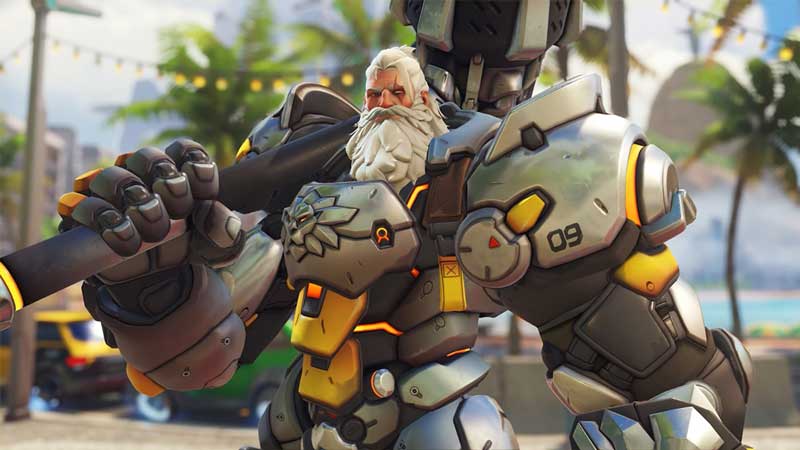
As mentioned earlier, Overwatch 2 is fast-paced action and your settings will have to reflect that. Swift reactions and accuracy will be key as you look to eliminate enemies with your hero character. While personal preference and comfort are necessary, you can also try some settings that work out quite well and might get along with your play style.
While we will look at Keyboard settings too, here are the Best Mouse Settings in Overwatch 2:
- DPI – 800
- Sensitivity – 3.5-6
- eDPI: 4000-6200
- Zoom Sensitivity: 30-40
- Polling Rate: 1000Hz
- Allied Health Bars: Always
- Show Friendly Outlines: Always
Best Keyboard Settings
Now that we know the best mouse settings, let’s check out the best keyboard settings for Overwatch 2:
- Ability 1: Left Shift
- Ability 2: E
- Ultimate/Ability 3: Q
- Primary Fire: Left Mouse
- Secondary Fire: Right Mouse
- Equip Weapon 1: 1
- Equip Weapon 2: 2
- Quick Melee: V
- Reload: R
- Voice Chat Push to Talk: F
While the settings are close to the default ones, there is a minor tweak that might be helpful for you. Check out the video below to get a gist of these settings.
That’s all there is on the best Mouse and Keyboard settings in Overwatch 2. While you are here, make sure you check out our Overwatch 2 guides for more content with Gamer Tweak.