Apple’s iPad is known for being packed with features and versatility, so it’s no wonder that it’s become a popular device for students, professionals, and creatives alike. And what better way to take advantage of the iPad’s capabilities than taking notes? While you’ll find lots of note taking apps for iPad on the Apple Store that promise almost the same things, picking any one of them can be quite overwhelming.
Well, worry not, as in this guide we have picked our best apps for note-taking based on a variety of factors, including features, usability, price, and compatibility with other devices.
Best Note-Taking Apps for iPad
The following are our picks for the best note taking apps you get on your iPad. Make sure to check their website for a full features list and current plan details.
Apple Notes
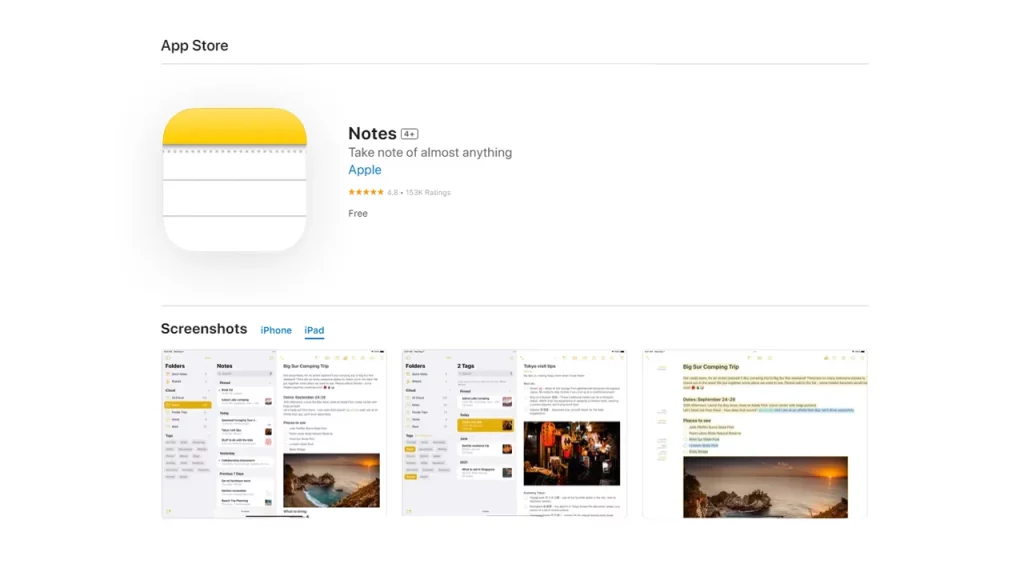
While it’s free, considering you get it with the Apple device, the price you pay for the iPad to use this app doesn’t make it technically free. Nevertheless, Apple’s in-house app is the way to get that advantage of iCloud integration for your cross-device sync. It being part of the Apple ecosystem, you can go from macOS to watchOS with your notes in no time.
Over time, the Apple Notes has come a long way with features and got better with it. The app has all the features a simple user might require in their day-to-day life. Create notes, notebooks, to-do lists and organize them with simple UI.
- Price: free
- Compatibility: iPad, iPhone, Mac, and iCloud
Microsoft OneNote
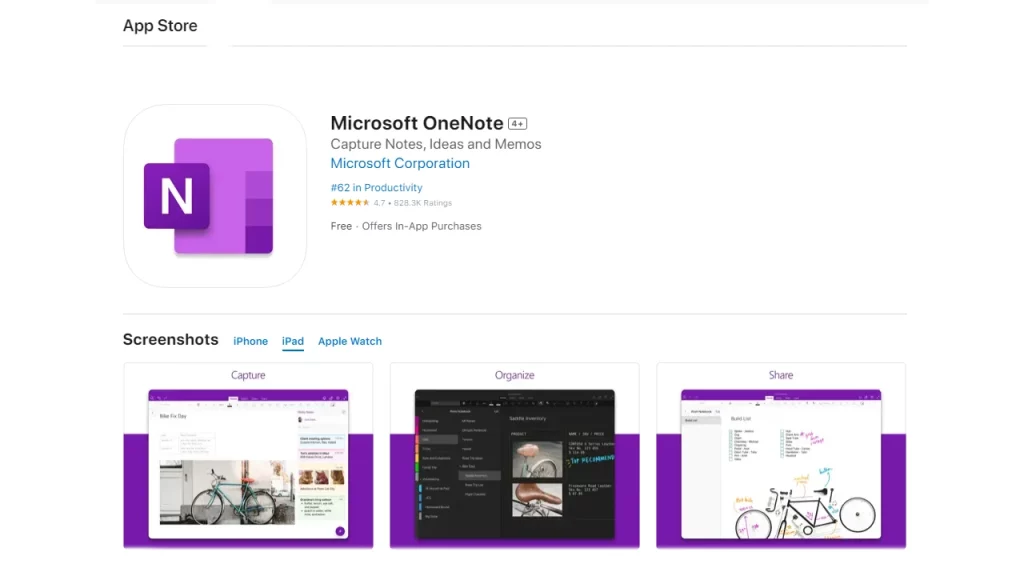
Microsoft OneNote is one of the best note taking apps you can get to work across platforms. Consider, you get almost everything for free until you need to upgrade that free 5 GB storage. Microsoft OneNote offers a versatile and convenient platform for note-taking and organization. You can easily jot down notes, record audio, sketch etc.
You can organize your notes into sections, making it easy to categorize and group related content together. These can then be further organized into one or more notebooks,
Another benefit of OneNote is its cross-device compatibility. Whether you start a note on your laptop, phone, or iPad, be it Apple or another system. You can switch between devices and pick up right where you left off.
- Price: free
- Compatibility: iPad, iPhone, Mac, Android, and Windows
Notability
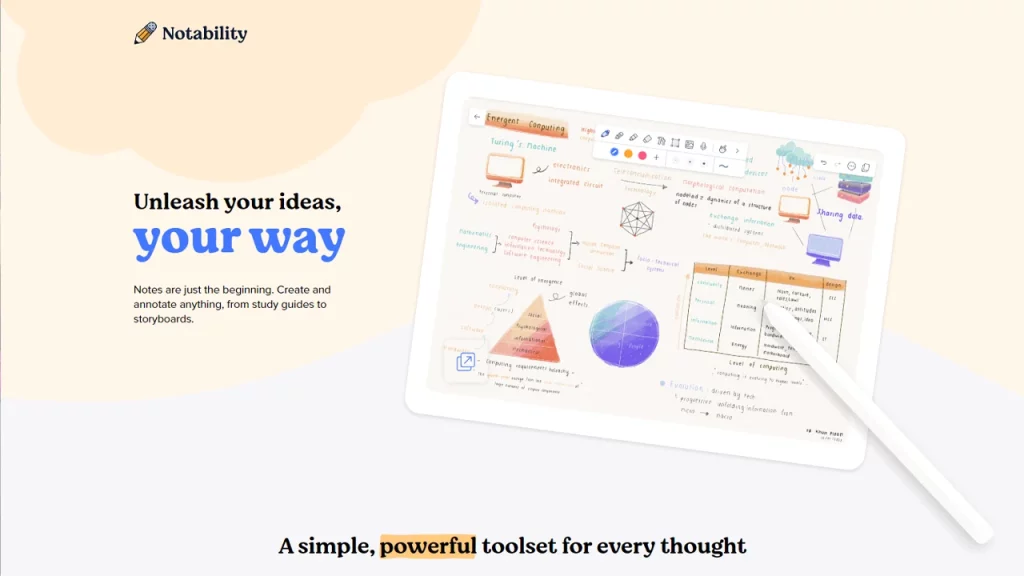
If you can spend a couple of bucks on an app, better it be Notability. It allows users to create anything, from study guides to storyboards with ease. Notability also has powerful organizational features, such as tagging and nested folders.
Accompanied by unique features like; audio sync that replays audio and automatically syncs it to notes and a math conversion tool that lets you convert your handwritten equations to images.
- Price: $14.99 one-time purchase
- Compatibility: iPad, iPhone, and Mac
Goodnotes
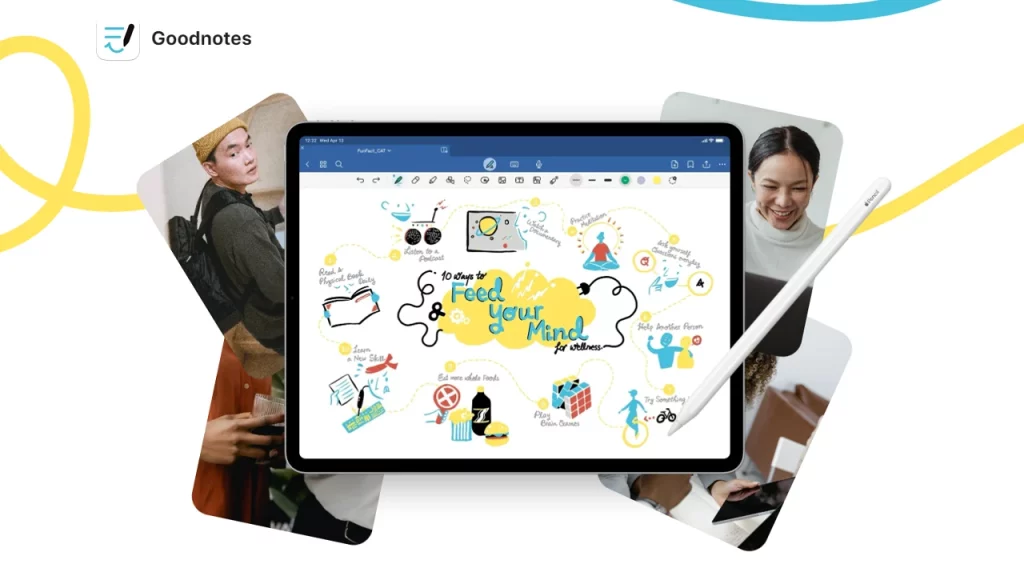
If you have handwritten notes as your priority, Goodnotes is the best option for you. The App is compatible with other services like Dropbox and Google Drive or iCloud to share your files easily. You get the ability to change your handwriting and other unique customizations to your notes.
You can create more than 10 nests for a single folder, giving you unlimited organizing ability.
- Price: $29 one-time purchase
- Compatibility: iPad, iPhone, and Mac
Evernote
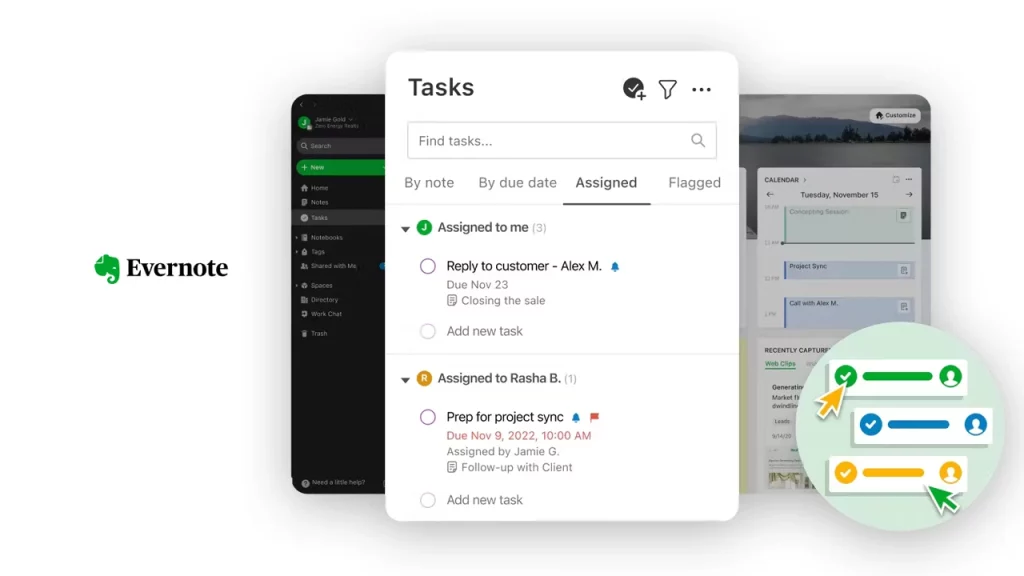
If productivity is your top priority, Evernote is one of the best note taking apps for iPad. With the simple and fast user interface, you can manage and organize your notes with convenience. If you are a student, creating journals and notebooks for each subject and session is easy to do with Evernote.
- Price: Free basic plan, Paid plans
- Compatibility: iPad, iPhone, Mac, Android, and Windows
How to Choose the Best Note Taking App?
While this is more of a personal preference, we do suggest you to consider the requirements.
- For Students: Apple Notes, and Notability, are great options for students, as they offer features such as handwriting support, audio recording, and tagging.
- For Professionals: Evernote and Microsoft OneNote are good choices for professionals, as they enable collaboration and management.
- For Creative: GoodNotes is a good option as it offers features such as PDF annotation and mind mapping.
Those were our picks for the best note taking apps for iPad. If you find this guide useful and informative, head to our Tech dedicated section for more such compilations.