Home > Call of Duty > The Best Settings You Should Use To Play Call Of Duty: Cold War Black Ops

The Best Settings You Should Use To Play Call Of Duty: Cold War Black Ops

Published Date :

This beginner’s guide of Call of Duty: Cold War Black Ops will ensure that you get the best and optimal settings for the game. We’ve compiled a list of the best settings that you can opt for giving you a seamless experience. If you want to know the best settings to use in Call of Duty: Black Ops Cold War, check this guide out.

Call of Duty: Cold War Beginner’s Guide Best Settings

Motion Blur: Turn off motion blur to get an uninhibited experience

FPS: If your PC isn’t decked out with the latest specs, make sure to use lower in-game settings and improve your framerates. Keep it the same as your monitor.

Sensitivity: The sensitivity setting of Call of Duty: Black Ops Cold War is dramatically different than previous games, make sure that you get used to it before jumping into a match.

Sound: A lot of focus has been given to sound in the game, you will need to hear footsteps to understand where the enemy is coming from and determine their location.
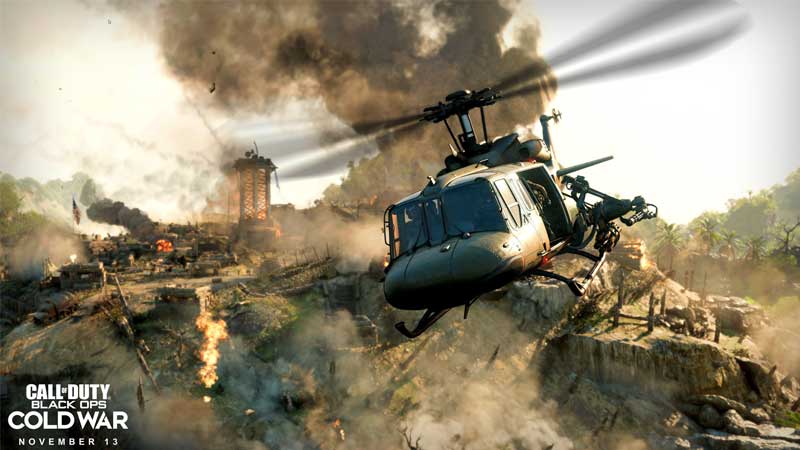
Call of Duty: Cold War Beginner’s Guide Best Settings

V Sync: Make sure to turn it off

Aspect Ratio: It is best if you keep it at Automatic

Field of View: 100

Texture Quality: High

Texture Filtering Quality: High

Model Quality: High

Special Effects Quality: Medium

Screen Space Reflections: Disabled

Also Read: Call of Duty: Black Ops Cold War Trophy List

Object View Distance: Medium

Volumetric Lighting: Medium

Shadow Quality: Low

Dynamic Shadows: Keep this focused your Self Only, you do not need to see dynamic shadows of enemy players.

Special Effect Shadows: Disabling this will help you get better frame rates.

Weapon Shadow: Doesn’t matter if you cannot see weapon shadows. Keep it off.

Anti-Aliasing Quality: High

Weapon Motion Blur: Disabled

Subsurface Scattering: Enabled

Order Independent Transparency: High

With these settings your experience of Call of Duty: Black Ops Should be better and even more enjoyable. Make sure to check out How Much Space you need to play Call of Duty: Black Ops Cold War.

  • Mafia Codes Roblox (July 2026)

    Mafia Codes Roblox (July 2026)

    Published Date :

    Mafia is a social deduction game based on the classic concept; however, to make things more interesting, you might want to unlock new disguises or animations. You’ll need Credits for that, and thankfully, Mafia codes are one of the easiest ways to earn free Credits. Check out the list of all working rewards below. Last… Read More

  • Split or Steal Brainrot Codes (July 2026)

    Split or Steal Brainrot Codes (July 2026)

    Published Date :

    Winning a rare Brainrot (by stealing or splitting) is fun, but you’ll also need Grade Tokens to improve its rarity and make your collection even stronger over time. Thankfully, Split or Steal Brainrot codes give you free Grade Tokens, making it easier to upgrade your favorite Brainrots to make a lot of money. If you… Read More

  • Just Yeet Bro Codes (July 2026)

    Just Yeet Bro Codes (July 2026)

    Published Date :

    As the name of the game suggests, just yeet, bro! All you have to do is grab a player and throw them off the stage. However, you will need Bananas to unlock skins, abilities and more, which is where these Just Yeet Bro codes come in real handy! Here’s the complete list of all the… Read More

  • Roll to Defend Codes (July 2026)

    Roll to Defend Codes (July 2026)

    Published Date :

    Roll to Defend codes can reward you with free Units, cash, and luck boosts to summon better Units to fight against zombies. Since upgrading your Backpack and unlocking new zones can take time, codes provide much-needed boosts, which is why we have a list of all the currently available rewards. Redeem them before they expire!… Read More