Home > God Of War Ragnarok > How To Use Auto Equip Best Gear In God Of War Ragnarok

How To Auto-Equip Best Gear In God Of War Ragnarok

Published Date :

God of War Ragnarok is meant for all the players whether you like engaging in the main story or difficult combats. As the game is pretty long, there are many things to do for every kind of player. However many fans simply want to head into the story and have no time to focus on which weapon perk & ability they should equip. In this case, the developers have brought some new features that’ll help you solely focus on the story. So without any further ado let’s take a look at the controls to Auto-Equip the best gear in God of War Ragnarok.

Controls to Auto-Equip High Level Gear in God of War Ragnarok
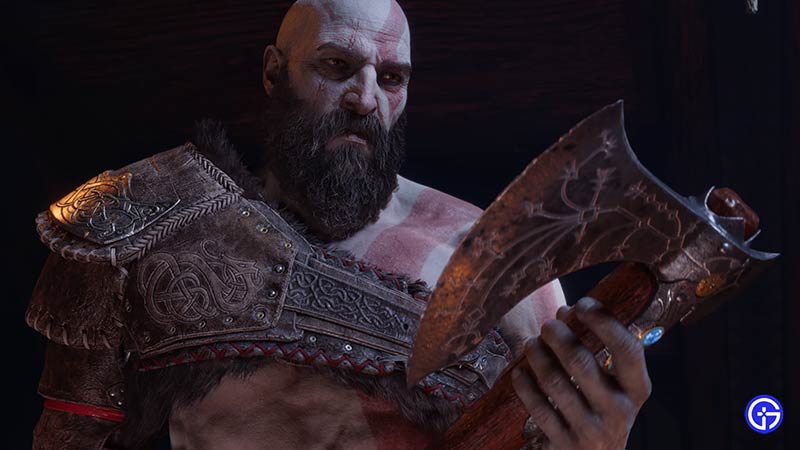
How To Auto-Equip Feature in God of War Ragnarok

Here are the steps & controls to Auto-Equip the best weapons attachments, & equipment in God of War Ragnarok.

  • First, launch the GoW Ragnarok game.
  • Next, go to Menu by clicking on Character & Map button on your console.
  • After that, use L2 & R2 to switch between Weapons & Armor tab.
  • Then, choose one of Kratos’s weapons and click L3.
  • Doing show will bring up a pop-up window with the option to select the Stat you want to prioritize. You’ll get to choose stats options such as.
    • Strength
    • Defense
    • Runic
    • Vitality
    • Luck

Also Read | God Of War Ragnarok Wiki & Walkthrough Guide

Once you choose one of these options, your attachments, equipment, and other gear will be Auto-Equip on that basis. For example, if you choose Luck, then all gears with the highest luck will be automatically selected for you. So now you can simply focus on your Main Story gameplay without worrying about which perks you should use. However as this feature only helps you choose the best gear, so you’ll still be required to collect resources to upgrade the Weapons & Armours. That sums up everything about how to use Auto-Equip feature in God of War (GoW) Ragnarok. While you are here check out a guide about All Nine Realms in the game.
  • +1 Speed Evolve Codes (July 2026)

    +1 Speed Evolve Codes (July 2026)

    Published Date :

    Speed-based games on Roblox will always stay popular, and this particular experience is quite addictive! Here, you play as an animal and your goal is to evolve into stronger animals, unlock new worlds, and be the fastest player on the server! +1 Speed Evolve codes offer free Speed and Win Boosts that can make your… Read More

  • Yeet a Brainrot Codes (July 2026)

    Yeet a Brainrot Codes (July 2026)

    Published Date :

    If you’re annoyed at the Brainrot trend, this is your opportunity to “yeet” them into the distance! To launch Brainrots farther, you need better pets, potions, and more rewards, and thankfully, these Yeet a Brainrot codes will come to the rescue. You can easily unlock various Divine Relic Chests, Primeval Relic Chests, Coin/Luck/Power potions, exclusive… Read More

  • Build A Soccer Squad Codes (July 2026)

    Build A Soccer Squad Codes (July 2026)

    Published Date :

    To build your dream team, you’ll need plenty of rerolls and shop refreshes, which is how you can get better cards and complete your collection. Build A Soccer Squad codes can help with exactly that, giving you various freebies so you get more chances to improve your lineup without waiting. Here’s the complete list of… Read More

  • Aura Monster Simulator Codes (July 2026)

    Aura Monster Simulator Codes (July 2026)

    Published Date :

    Climbing an endless staircase might sound simple at first, but the higher you go, the more Aura you’ll need to keep progressing and unlock stronger upgrades. Thankfully, Aura Monster Simulator codes provide free Gems and Aura Boosts, helping you strengthen your character and reach new heights. More specifically, you can use these Gems to unlock… Read More