
Home > Gaming Guides > Zelda Skyward Sword: How To Save

How To Save In Legend of Zelda: Skyward Sword HD?

Published Date :

Are you wondering how to manually save your progress in Zelda Skyward Sword? Well, it is a pretty easy process overall and not one that will leave your head scratching, unlike some other games. So, scroll down and find out how to save your in-game progress manually.

How to manually save your game in Zelda Skyward Sword?
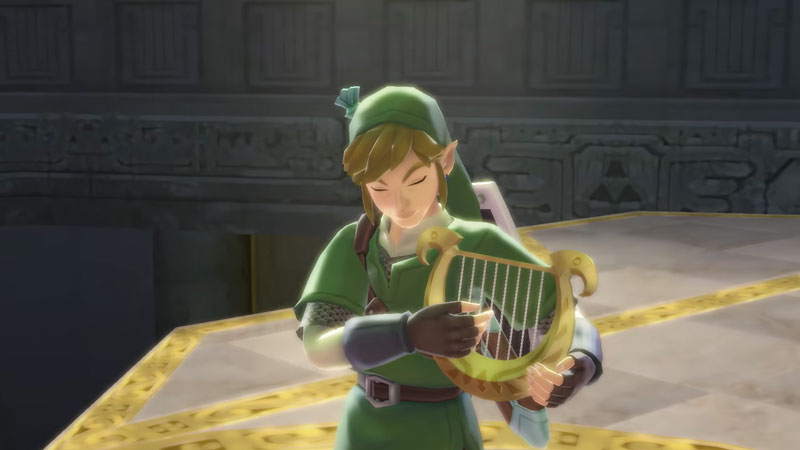
Legend of Zelda Skyward Sword HD: How To Save Game

  • To save your game progress you will first have to find a Bird Statue in the game.
  • Now, just go very close to this statue and stand.
  • You will be able to see an interactive button pop up on your screen.
  • Click on the button prompt, which is the ‘A’ button on Nintendo Switch consoles.
  • Now, you will find an option to Save the game.
  • Click on the Save button and you will be able to find a list of in-game save slots.
  • Choose which slot you want to save the game in and confirm your choice by clicking on the save button once again.
  • You can even choose to overwrite any of your previous progress by selecting a prior save file in Zelda Skyward Sword.
  • This will bring up a prompt that will ask you if you want to overwrite progress on your previous file.
  • Click on yes and save your new progress.
  • You can also pause the game midway and choose the ‘Save and Quit’ option.
  • This will save your game progress automatically.
  • When you return to the game, you will start from the last checkpoint that you interacted with.
  • The game also does have an autosave feature that will save the game without you resorting to all these measures.

This is everything you need to know about how to save game in Zelda Skyward Sword. Now that you are here make sure to have a look at how to get the Slingshot in Zelda.


  • Lurking Giants Codes (July 2026)

    Lurking Giants Codes (July 2026)

    Published Date :

    The name of this game says it all – lurking giants are hunting you down, and surviving isn’t going to be easy. As you continue playing, you’ll earn Coins that can be spent on unlocking new Giants, perks, emotes, and other shop items. Fortunately, you don’t have to rely entirely on gameplay to build up… Read More

  • Shinobi Way Codes (July 2026)

    Shinobi Way Codes (July 2026)

    Published Date :

    Every shinobi starts as a rookie, but mastering powerful jutsu and defeating dangerous enemies is what separates legendary ninjas from everyone else. In this adventure game, you’ll complete quests, battle opponents, strengthen your character, and unlock new abilities. Redeeming Shinobi Way codes is one of the best ways to level up your character because you… Read More

  • Digimon Up Codes (July 2026)

    Digimon Up Codes (July 2026)

    Published Date :

    Digimon Up codes provide various freebies, including DigiEmeralds, that you can redeem right away! Once you’ve picked the right partner, fed and trained them, as well as Digivolved them, you will be ready for battle and victory. The steps to redeem these goodies can be slightly confusing if it’s your first time, so we have… Read More

  • Build an Ore Crusher Codes (July 2026)

    Build an Ore Crusher Codes (July 2026)

    Published Date :

    Building an efficient mining empire takes effort and in Build an Ore Crusher, your goal is to create a processing line that goes from Crushing ores to earning cash for profit. As your operation grows, you’ll unlock better equipment, automate production, and earn enough money to expand your factory even further. To add to it,… Read More








