Home > XDefiant > XDefiant Unable To Find Match Error? Check Server Status

XDefiant Unable To Find Match Error? Check Server Status

Published Date :

Hopping onto XDefiant just to see that you are unable to find a match can be frustrating. As with most online games, the servers are almost always wonky when the game releases. During this time, the developers work on boosting the server capacity until it’s a smooth experience for everyone.

However, if you’re reading this much after the release and getting kicked from matchmaking, here’s everything you need to check if you can’t find a match in XDefiant.

Also Read | Best XDefiant Controller Settings

Can’t Find a Match in XDefiant
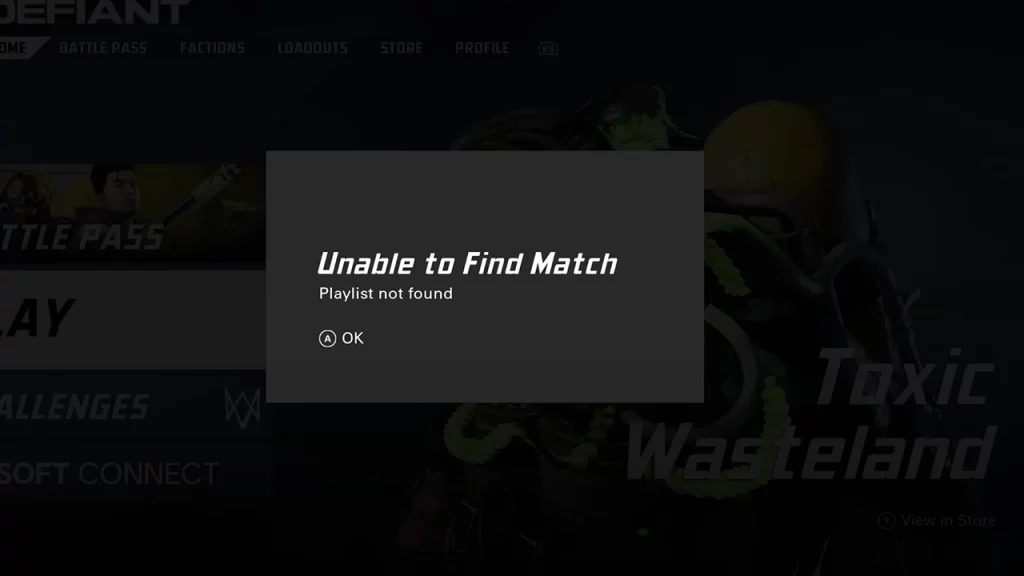
unable to find match error xdefiant

First and foremost, make sure to check the XDefiant server status. If servers are down or having an outage at the moment, there’s nothing players can do, other than wait (or jump to another multiplayer game while you’re waiting).

The best way to know the server status for PC, PS5, and Xbox Series X|S is to head to ubisoft.com’s dedicated page for the game.
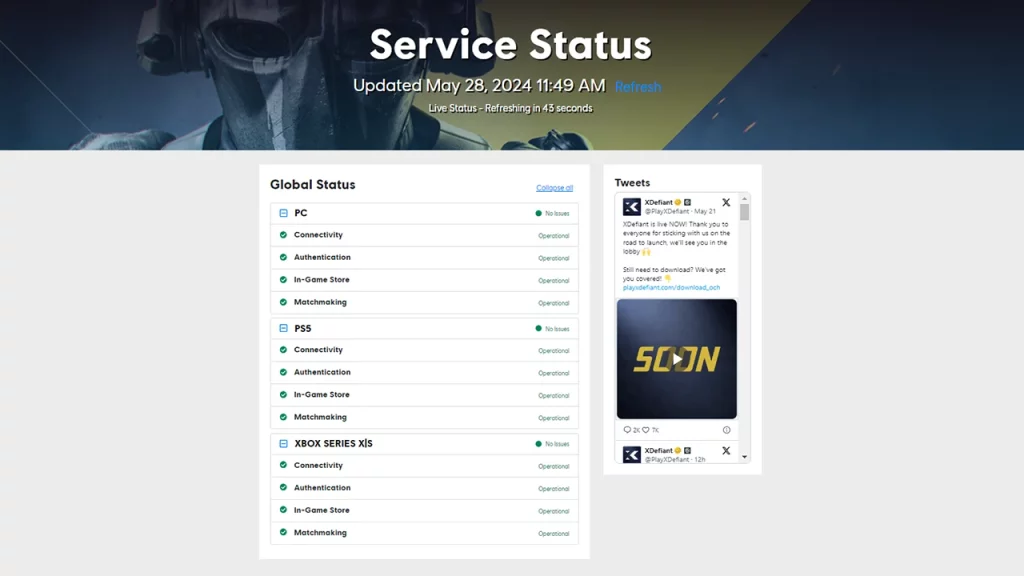
xdefiant server status ubisoft official page

If there’s a specific outage that players need to be informed about, the devs will share the info on the official Twitter account @playXDefiant, so follow them and turn on notifications for the latest updates. You will also know about upcoming patches, downtime durations for maintenance, and more fun stuff from here.
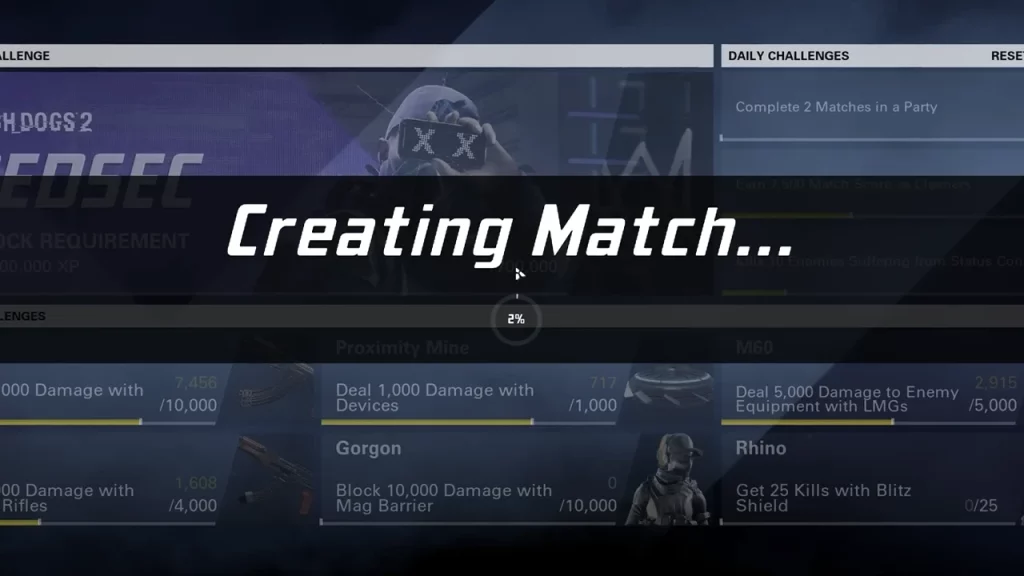
creating match page xdefiant

In case the servers are working, but you’re still unable to find match in XDefiant, you can restart your PC, your Ubisoft Connect client, and even your router to rule out problems on your end.

Lastly, you can verify game files via the Ubisoft Connect launcher to fix corrupted files, if any.

To verify your game files:

  • Open Ubisoft Connect PC.
  • Go to the “Library” tab.
  • Choose XDefiant.
  • Next to the “Play” button, select the button with the three dots.
  • Choose “Verify files”.

After this, Ubisoft Connect will start downloading and fixing any missing or corrupted files. This should fix the issue where you can’t find a match in XDefiant and you can dive into games right away.

If XDefiant crossplay is not working when you’re trying to play with friends, here’s everything you can do.
  • Crunch My Butter Codes (August 2026)

    Crunch My Butter Codes (August 2026)

    Published Date :

    Looking for the latest Crunch My Butter codes? This satisfying Roblox simulator lets you crunch different types of butter, earn cash, unlock better butter, and keep your buttery empire growing. While the game continues to receive updates, many players are also hoping for redeemable codes that offer free Cash or other rewards. Here’s the complete… Read More

  • Trench Decay Codes (August 2026)

    Trench Decay Codes (August 2026)

    Published Date :

    Trench Decay is a WW1 squad PvE shooter, and like most games like this, you can redeem codes to unlock cosmetic crates, medals and more. If you don’t wish to miss out, claim the freebies right away. Trench Decay Codes (August 2026) Expired Codes How to Redeem Trench Decay Codes These are the steps you… Read More

  • Capybaras VS Plants Codes (August 2026)

    Capybaras VS Plants Codes (August 2026)

    Published Date :

    Lots of Cash per second, better eggs and Capybaras are what will make you rich in Capybaras VS Plants, and to get a boost during your grind, you need to redeem these new codes. These goodies are regularly dropped by the developers, and with them, you can unlock Hatch Hammers, Totems, exclusive Eggs, and more!… Read More

  • Heal your Injuries Codes (August 2026)

    Heal your Injuries Codes (August 2026)

    Published Date :

    Heal your Injuries is a JJK-inspired game, where you need math to heal yourself as you get hit by bombs, weapons and more. While playing, you will need EXP and Energy to progress, and thankfully, Heal your Injuries codes drop exactly that! Here’s a complete guide with all the latest rewards and how to claim… Read More